News

News

How Is Thermal Receipt Printer Technology Improving Daily Business Operations?

2026-10-10 0 Leave me a message

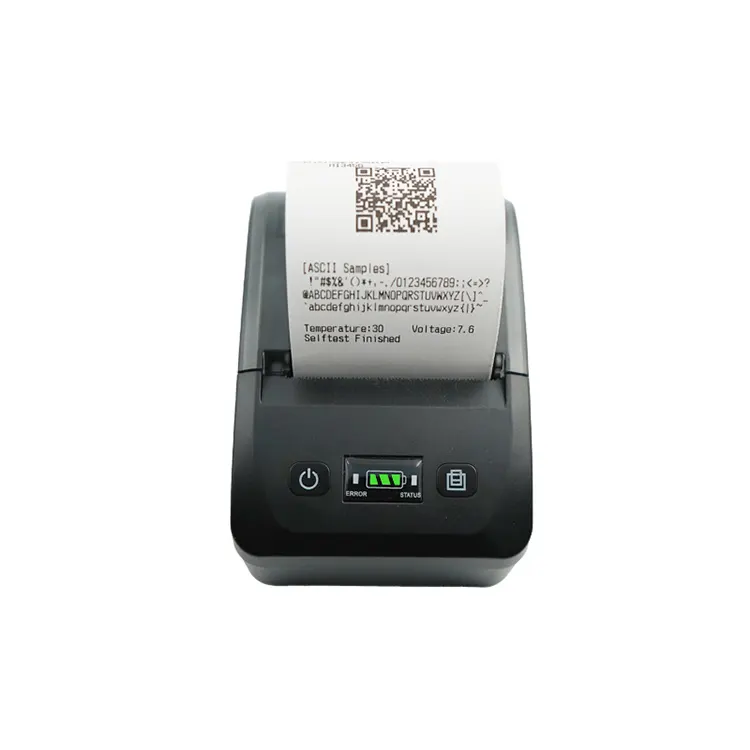
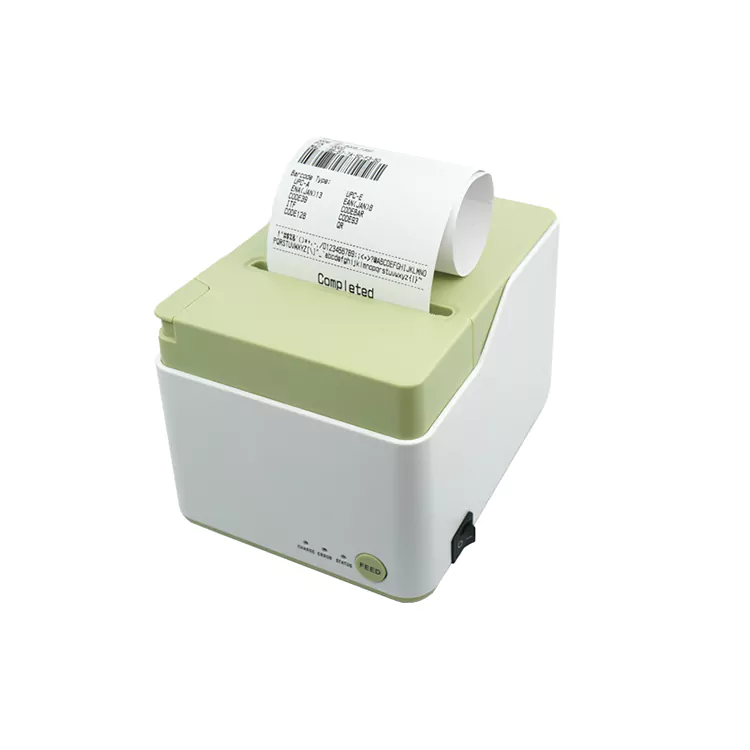
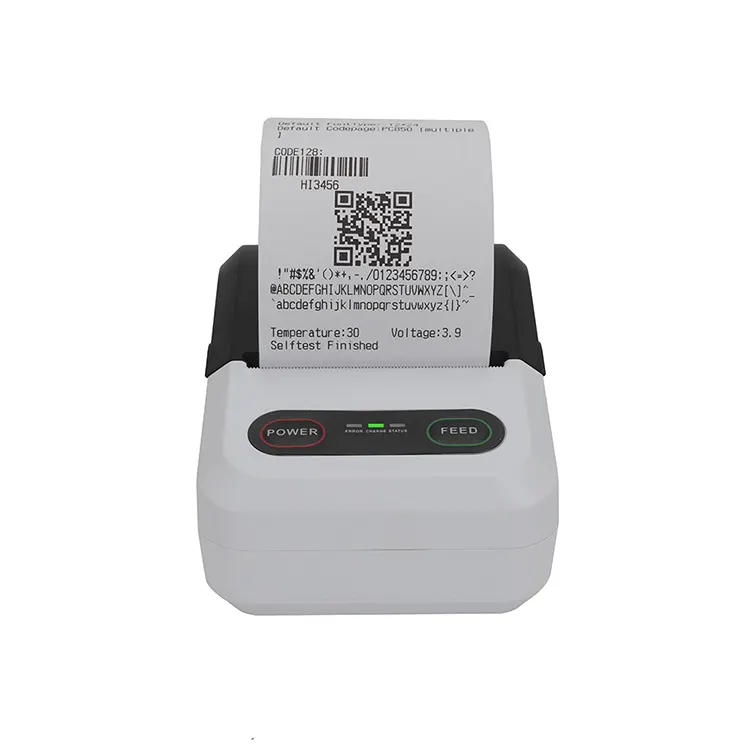
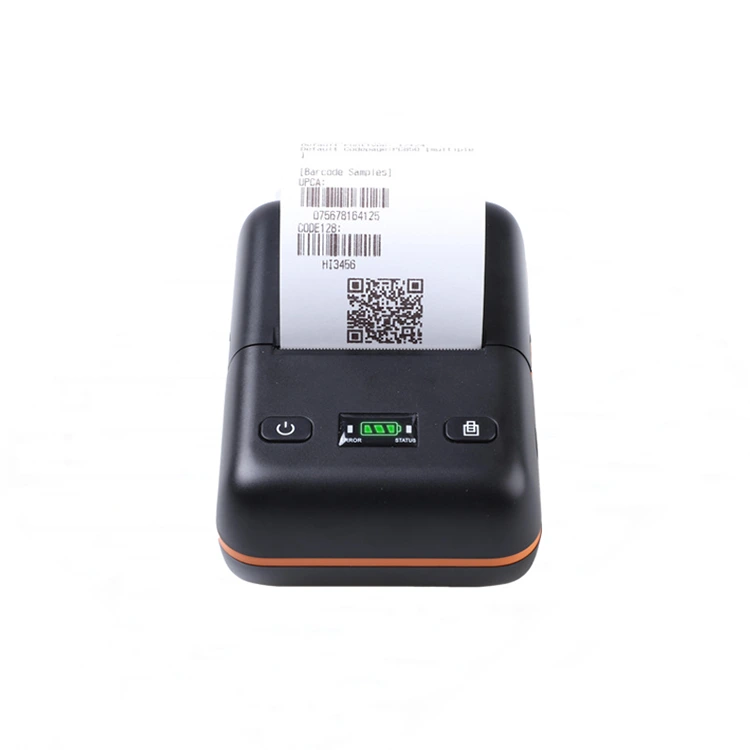
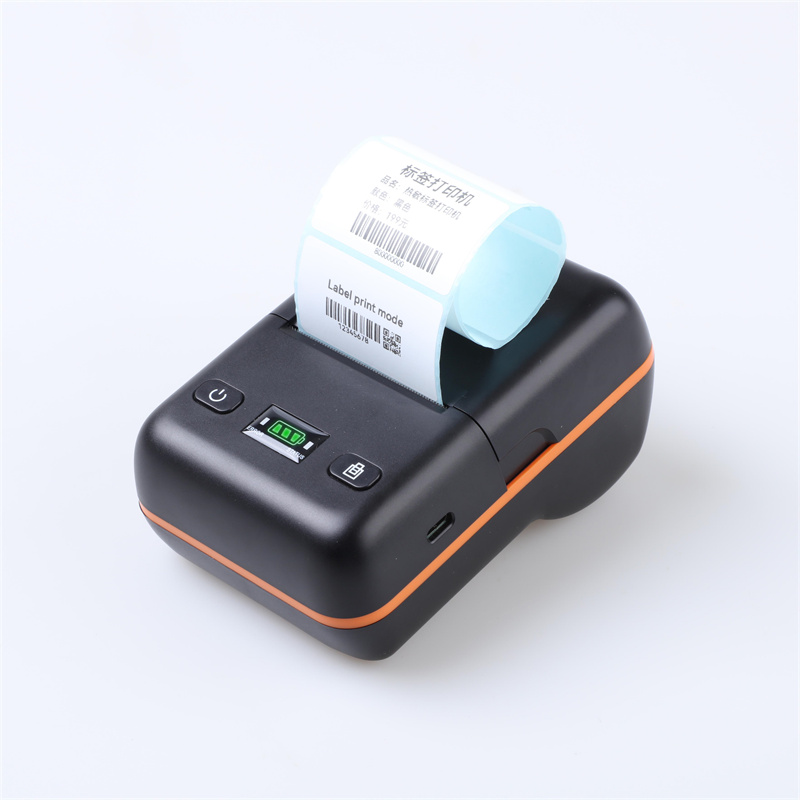
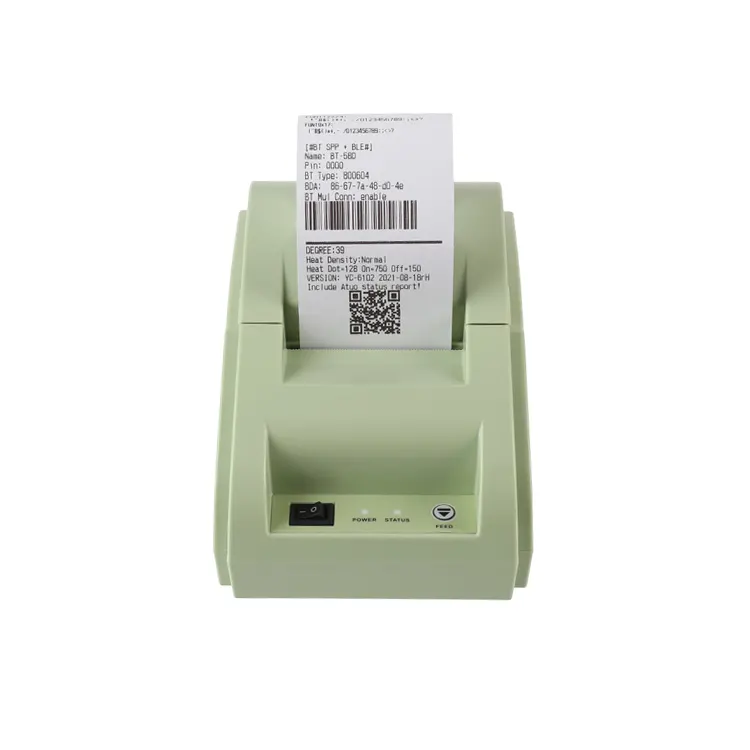
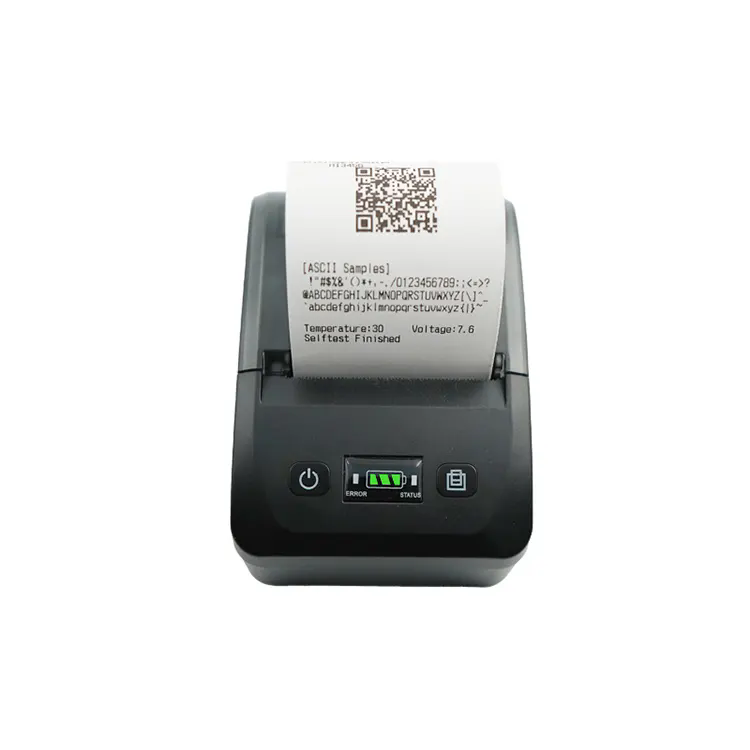
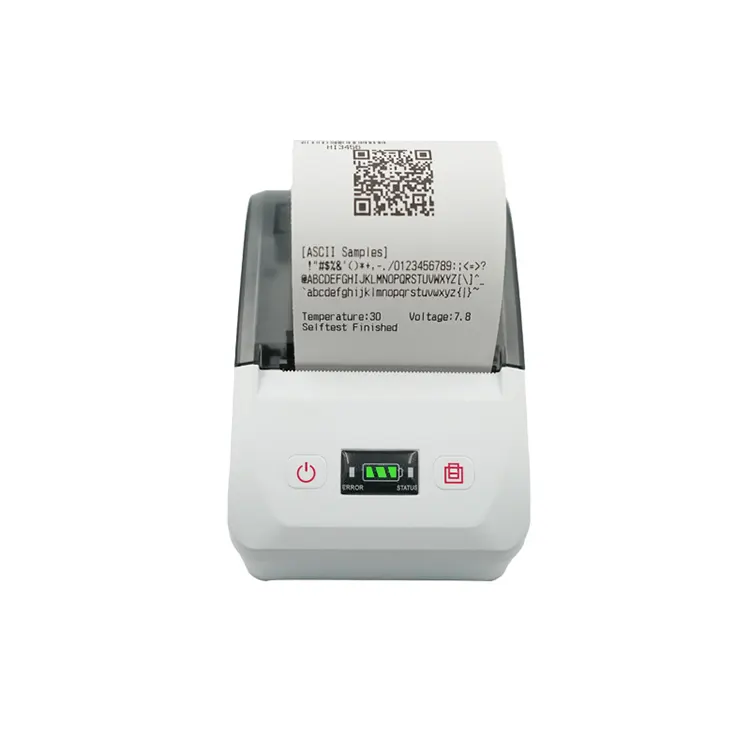
As businesses continue to modernize payment processing, order management, and customer service, printing equipment remains an important part of daily operations. From retail checkout counters to restaurant service stations, a Thermal Receipt Printer helps businesses produce transaction records and order tickets quickly without relying on conventional ink or toner cartridges. Its compact structure, straightforward operation, and compatibility with various commercial systems make it a practical option for many transaction-based applications.

The role of receipt printing is also changing as businesses introduce mobile POS terminals, digital ordering platforms, and integrated management software. Printing equipment must now fit different operating environments while maintaining consistent output and reliable communication with connected devices. Understanding how thermal printing works, what affects its performance, and how to select the right configuration can help businesses make better equipment decisions.

Thermal receipt printer

How Does a Thermal Receipt Printer Work?

A thermal receipt printer uses heat to create text, graphics, and other information on specially coated thermal paper. In direct thermal printing, a thermal print head applies controlled heat to selected areas of the paper, producing the required image without liquid ink or toner.

This printing method simplifies the equipment structure because it does not require conventional ink cartridges. It can also reduce routine supply replacement tasks, making it suitable for applications that involve frequent receipt printing.

A typical printing process includes three main stages. First, a POS terminal, computer, or compatible mobile device sends the print data. Next, the printer processes the information and controls the thermal print head. Finally, the paper advances through the printing mechanism, producing a receipt or ticket.

Although the process is relatively straightforward, output quality depends on several factors, including print-head condition, paper quality, printing settings, and the accuracy of the incoming data. Selecting compatible paper and following the manufacturer's maintenance instructions are therefore important for consistent operation.

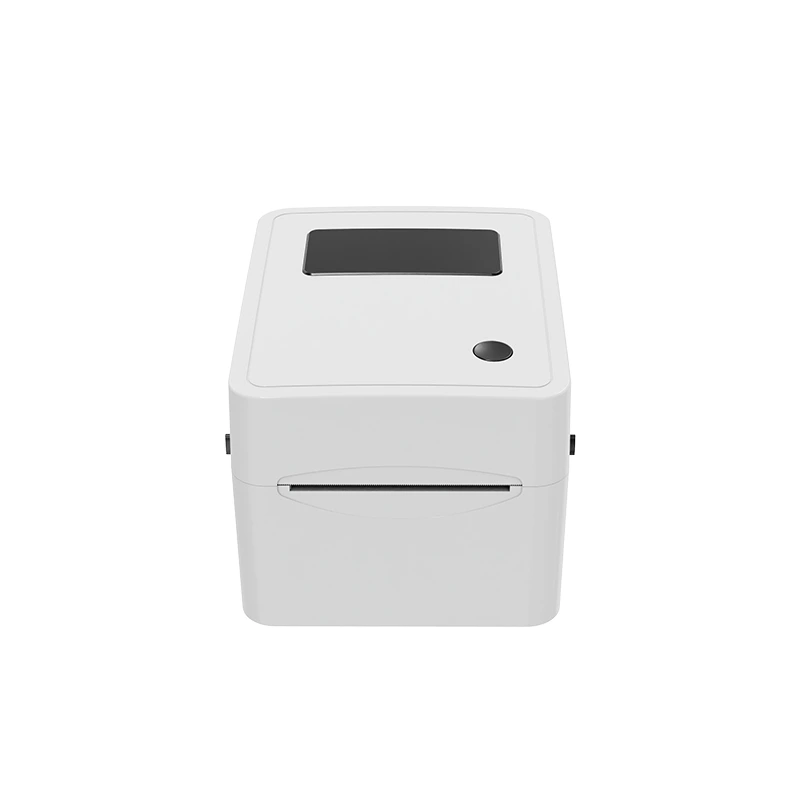
It is also useful to distinguish direct thermal printing from thermal transfer printing. Direct thermal printers create images directly on heat-sensitive media, while thermal transfer printers use a heated ribbon to transfer material onto the printing surface. Most conventional receipt printers use direct thermal technology, whereas thermal transfer technology is more commonly associated with certain label-printing applications.

Key Applications Across Different Industries

The practical value of receipt printing varies by industry. Different businesses have different requirements for printing frequency, receipt content, equipment size, and system integration.

Retail and Point-of-Sale Transactions

Retail stores use receipt printers to generate transaction records containing information such as purchased items, prices, taxes, payment details, and return policies. Depending on the POS software, receipts may also include store information, promotional messages, barcodes, or QR codes.

For small shops and convenience stores, compact equipment can help preserve counter space. Larger retail environments may prioritize printing speed, compatibility with existing checkout systems, and consistent performance during busy periods.

When selecting a printer for retail use, businesses should check the supported paper width, print speed, interface options, and software compatibility. These specifications influence how easily the equipment can be integrated into the checkout workflow.

Restaurants, Cafés, and Food Service

Food service businesses may use receipt printers for customer bills, kitchen order tickets, takeaway orders, and other operational records. A front-counter printer may handle payment receipts, while a printer connected to an ordering system may produce tickets for kitchen staff.

The printing requirements depend on the service model. A small café may need a compact device for occasional transactions, whereas a busy restaurant may require equipment capable of handling repeated print jobs throughout the day.

Paper-loading convenience, connection stability, and clear text output can all affect daily operation. Businesses should also confirm whether their POS or restaurant management software supports the selected printer and whether the required printing workflow can be configured correctly.

Hotels and Hospitality Services

Hotels and other hospitality businesses process a variety of transactions, including restaurant bills, service charges, and payment records. Receipt printing equipment can help staff produce physical documents at reception desks, service counters, and other transaction points.

In these environments, compatibility with the existing property management or POS system is an important consideration. Businesses should confirm the required communication interfaces and software support before purchasing equipment.

A suitable printer configuration can help simplify routine transaction processing without requiring major changes to the existing service workflow.

Transportation and Service Counters

Transportation services, ticket counters, repair shops, and other service businesses may use thermal printers to issue receipts, tickets, or short transaction records. Their requirements can differ considerably depending on the document format and operating conditions.

Some applications prioritize compact dimensions, while others require a wider printing area or compatibility with specialized software. Before selecting a model, businesses should identify the information that needs to appear on each printout and verify that the printer can support the required format.

Choosing Between 58mm and 80mm Receipt Printers

Paper width is one of the most visible differences between common receipt printer configurations. Both 58mm and 80mm models can support commercial transactions, but they are suited to different printing requirements.

Selection Factor 58mm Thermal Receipt Printer 80mm Thermal Receipt Printer
Printing area Narrower paper format Wider paper format
Typical use Compact POS systems, small retail counters, and simple transaction receipts Retail checkout stations, restaurants, hotels, and receipts with more information
Workspace Often suitable for space-constrained locations May require more installation space, depending on the model
Receipt layout Suitable for relatively short and narrow content Provides more room for item descriptions, transaction details, and formatted content
Main consideration Compact design and compatibility with the existing system Wider receipt layout and the amount of information to be printed

These differences are general guidelines rather than fixed rules. The actual printable width, device dimensions, paper roll capacity, and supported receipt formats depend on the specific model.

A 58mm configuration may be sufficient for a small retail store that prints straightforward transaction records. An 80mm model may be more appropriate when receipts contain longer product descriptions, additional transaction details, or more complex formatting.

Businesses should also consider the paper roll diameter, availability of compatible thermal paper, and the layout requirements of their POS software. Choosing a wider printer does not necessarily improve the workflow if the existing system is designed for a narrower paper format.

Connectivity and Compatibility in Modern Receipt Printing

Modern commercial printing environments may involve computers, POS terminals, tablets, and other connected devices. The communication interface determines how a printer receives data and how it fits into the wider business system.

USB Connectivity for Direct Connections

USB is commonly used to connect receipt printers directly to compatible computers and POS terminals. It can be a practical choice for fixed checkout stations where the printer and host device remain in the same location.

Before selecting a USB model, businesses should verify the supported interface, operating system, driver availability, and POS software requirements. Physical compatibility alone does not guarantee that the printer will work with every application.

Bluetooth for Mobile POS Applications

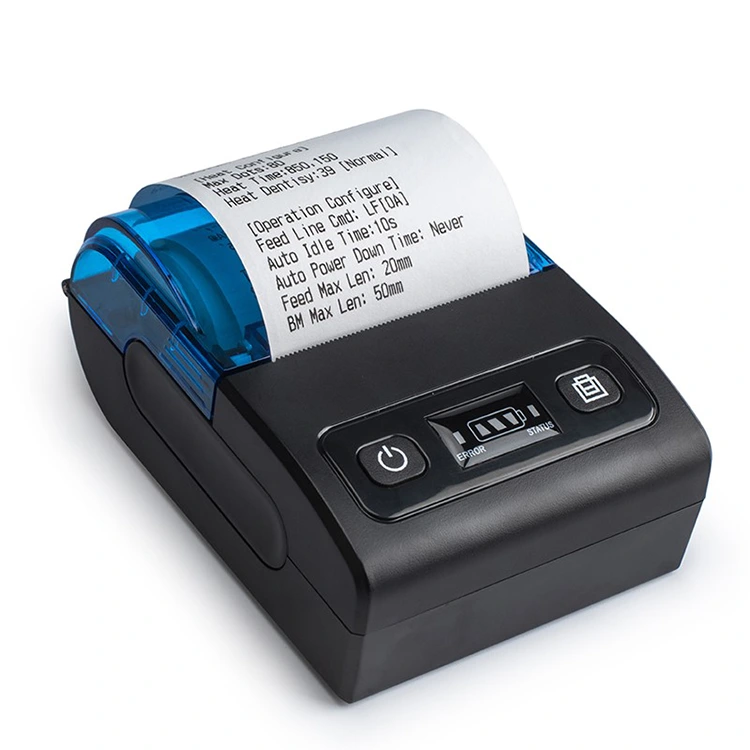
Bluetooth can support printing from compatible mobile devices within the connection range. This makes it useful for businesses that process transactions at different locations or use tablets and smartphones as part of their service workflow.

However, the connection must be supported by both the printer and the application. Businesses should confirm device compatibility, pairing procedures, and printing support before deploying equipment across multiple terminals.

Wi-Fi for Networked Environments

Wi-Fi connectivity may allow compatible printers to communicate with devices over a local wireless network. This can provide flexibility in environments where direct USB connections are inconvenient or where printing equipment needs to be positioned separately from the host device.

Network configuration, security settings, software support, and the intended printing architecture should be reviewed before installation. Not every wireless printer supports the same connection modes or network functions.

The most suitable interface depends on the intended workflow rather than the number of connection options alone. A straightforward wired connection may be sufficient for a fixed counter, while mobile or networked operations may benefit from a supported wireless configuration.

Factors That Affect Printing Quality and Reliability

Consistent print quality is important because receipts must remain readable during transactions, returns, and routine record checks. Several factors can influence the performance of a thermal receipt printer.

Thermal Paper Quality

Thermal paper is a key consumable in direct thermal printing. Paper with unsuitable specifications may result in faint output, uneven image formation, or feeding problems. Businesses should use media that meets the printer manufacturer's requirements.

Storage conditions also matter. Excessive heat, direct sunlight, humidity, friction, and contact with certain chemicals can affect thermal paper and cause printed information to fade. Businesses that need to retain transaction records should follow the paper manufacturer's storage recommendations and evaluate whether digital records are also required.

Print Head Condition

The thermal print head transfers heat to the paper to create the image. Dust, paper residue, or other contamination can contribute to uneven printing. Regular inspection and cleaning, following the manufacturer's instructions, can help maintain output quality.

The print head is also a component subject to wear. Businesses with high printing volumes should review the model's published specifications and maintenance guidance rather than assuming that all printers have the same service life.

Printing Settings and Data Quality

The final output depends not only on the printer hardware but also on the print data and configuration. Incorrect paper-width settings, unsuitable density settings, unsupported characters, or poorly formatted content can affect readability.

For applications that print barcodes, QR codes, or logos, businesses should verify that the selected model and software support the required content. Testing actual receipts before full deployment can help identify layout and readability issues early.

Operating Environment and Workload

Commercial printers may operate for extended periods in retail, hospitality, and service environments. Heat, dust, handling frequency, and repeated printing can affect maintenance requirements.

Businesses should review the manufacturer's operating conditions and any specified duty-cycle guidance. A model intended for occasional printing may not be the best choice for a location that generates a large number of receipts throughout the day.

How Businesses Can Reduce Receipt Printing Costs

The cost of operating a printer extends beyond its initial purchase price. Businesses should evaluate consumables, maintenance, downtime, and compatibility when comparing different models.

First, selecting the correct paper width helps avoid unnecessary paper consumption and ensures that receipts match the intended layout. The paper roll should also meet the printer's specifications to reduce feeding issues.

Second, businesses should assess printing frequency and document design. Removing unnecessary blank space or redundant information from receipt layouts may help reduce paper use, provided that required transaction information remains clear and complete.

Third, routine maintenance can help prevent avoidable printing problems. Following cleaning instructions, using compatible paper, and addressing recurring feed or connection issues can reduce interruptions to daily operations.

Finally, software compatibility should be checked before purchasing equipment. A printer that requires extensive workarounds or does not support the existing POS application may create additional setup and maintenance costs. Testing the intended configuration before placing a larger order can help identify potential problems.

The best purchasing decision therefore considers the total operating requirements rather than focusing exclusively on the lowest unit price.

What Should Businesses Check Before Purchasing a Thermal Receipt Printer?

A structured evaluation process can make it easier to compare available models and confirm whether a printer fits the intended application.

  1. Printing requirements: Identify the documents to be printed, including receipts, tickets, and any required barcodes or QR codes.
  2. Paper specifications: Confirm the required paper width, roll diameter, and media compatibility.
  3. Connection interface: Determine whether USB, Bluetooth, Wi-Fi, or another supported interface is appropriate for the installation.
  4. Software compatibility: Verify operating system support, drivers, SDKs, and compatibility with the intended POS or business application.
  5. Expected workload: Review printing speed, recommended duty cycle where available, and maintenance requirements.
  6. Physical installation: Check printer dimensions, paper-loading access, power requirements, and available workspace.
  7. Supply and service arrangements: Confirm compatible paper availability, warranty terms, technical support, and replacement-part arrangements.
  8. Order requirements: For commercial orders, clarify model configuration, order quantity, packaging, quality checks, and the expected delivery schedule.

For businesses purchasing multiple units, it can be useful to test a sample under actual operating conditions. This allows the team to check receipt formatting, connection stability, paper handling, and integration with existing software before standardizing the equipment across different locations.

Looking Ahead: Practical Improvements in Commercial Receipt Printing

The development of receipt printing equipment continues to respond to changing business workflows. Mobile POS systems, digital ordering, and connected management software have increased the importance of convenient integration, while businesses still need printed records for many routine transactions.

Future purchasing decisions will continue to depend on practical requirements such as printing speed, paper compatibility, connectivity, equipment dimensions, and ease of maintenance. Wireless interfaces can offer greater flexibility where supported, but stable software integration and consistent output remain equally important.

Businesses can benefit from evaluating printing equipment as part of their wider transaction-processing system. Matching the paper format, connection method, and printing capacity to the intended application helps avoid unnecessary complexity and supports more efficient daily operations.

For companies seeking a manufacturing partner, clearly documented specifications, suitable model options, consistent production processes, and responsive communication are important factors to review during supplier evaluation.

Xiamen Peite specializes in the development and manufacturing of thermal receipt printers, offering 58mm and 80mm models for different commercial applications. Businesses can explore the company's Thermal Receipt Printer range and learn more about Xiamen Peite to discuss product specifications, application requirements, and potential cooperation.

Related News
Leave me a message
X
We use cookies to offer you a better browsing experience, analyze site traffic and personalize content. By using this site, you agree to our use of cookies. Privacy Policy
RejectAccept