Products

Products

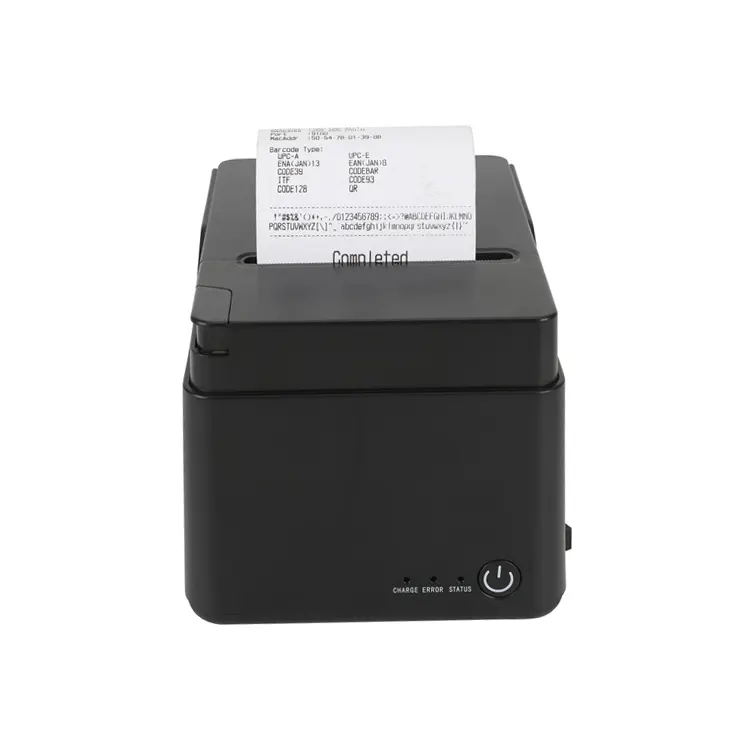
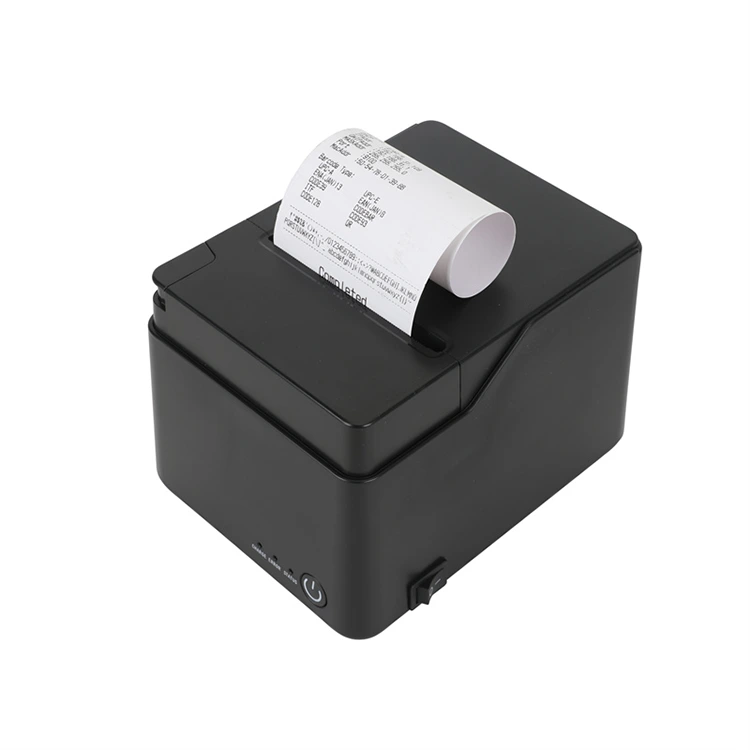
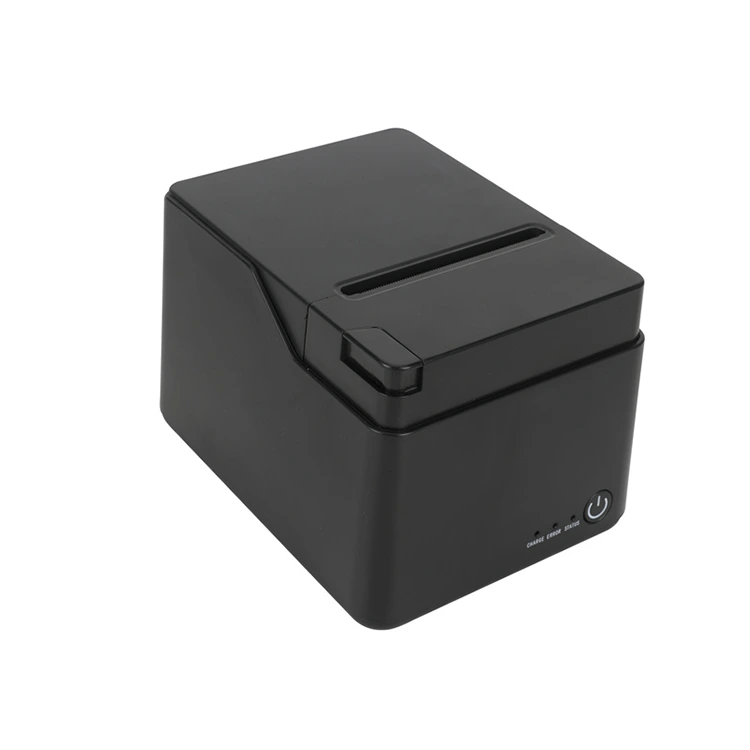
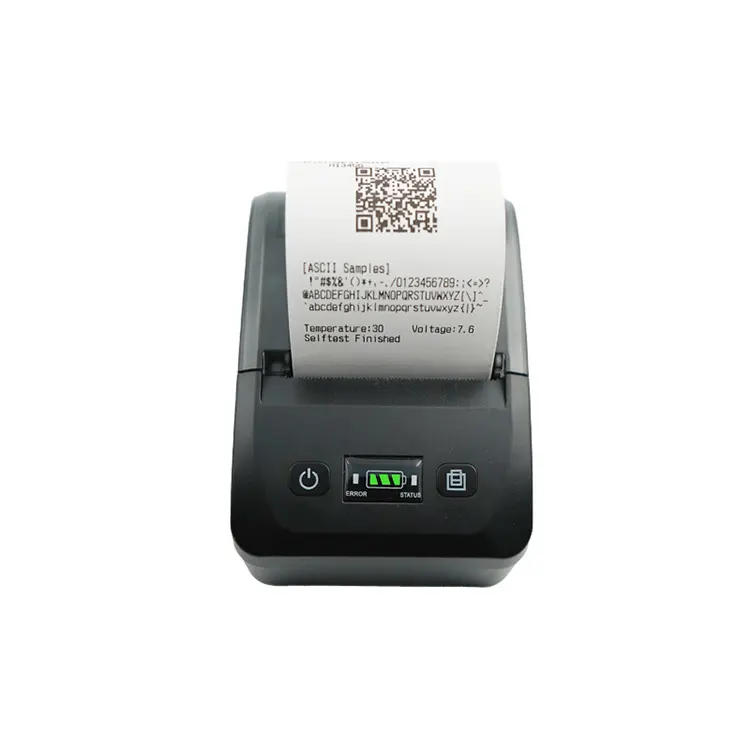
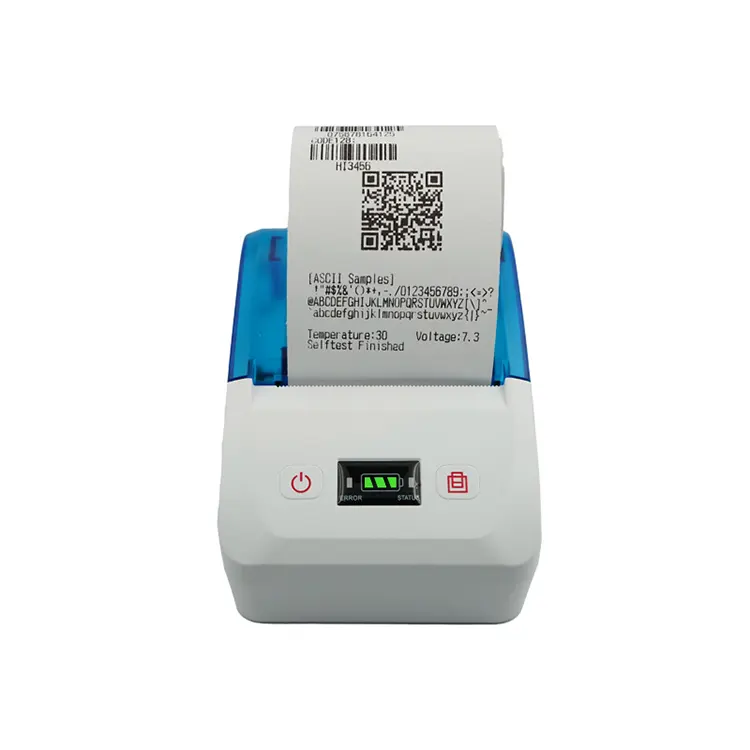
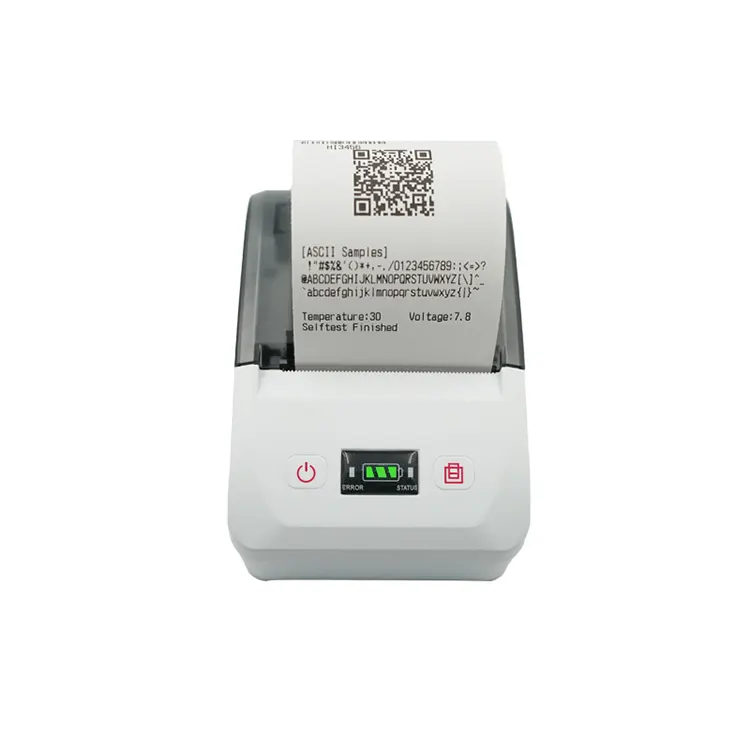
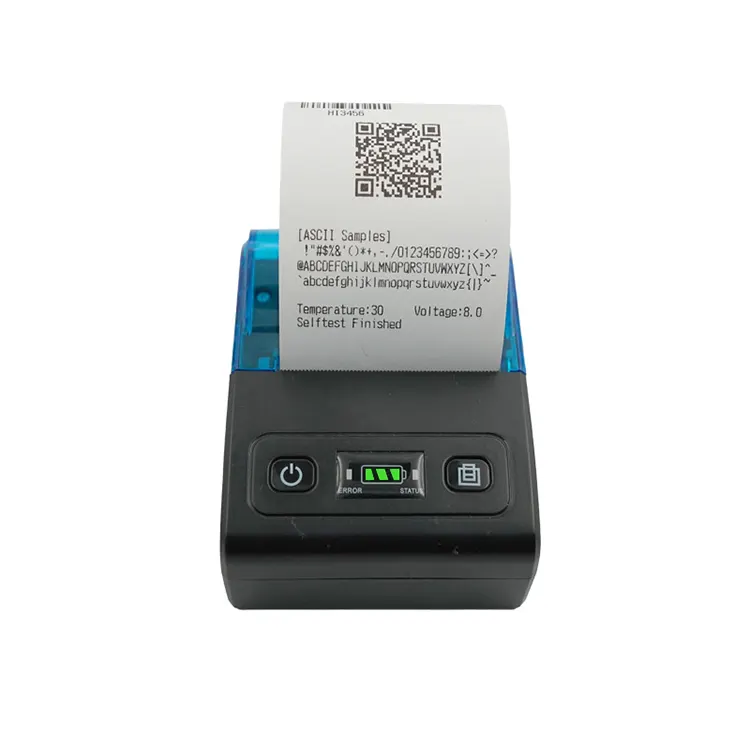
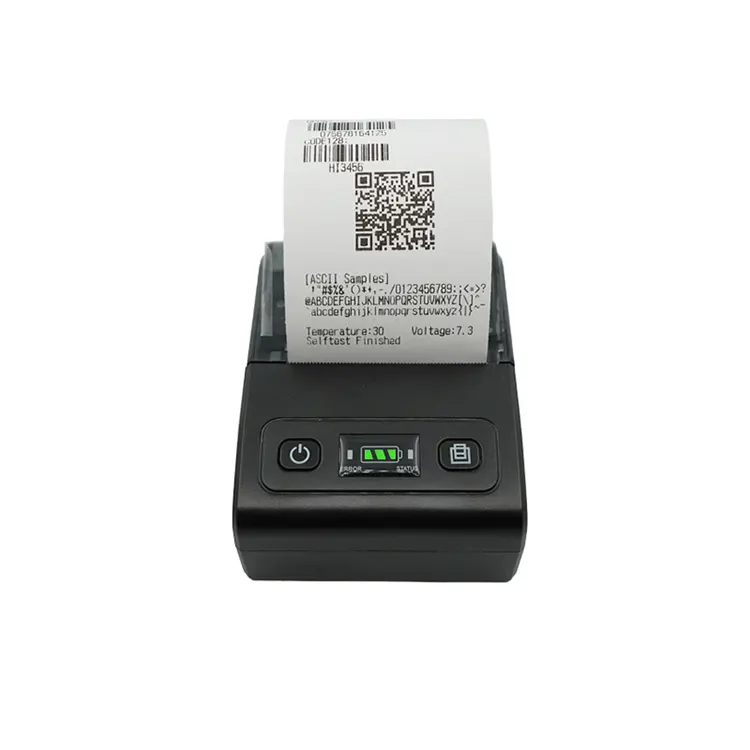
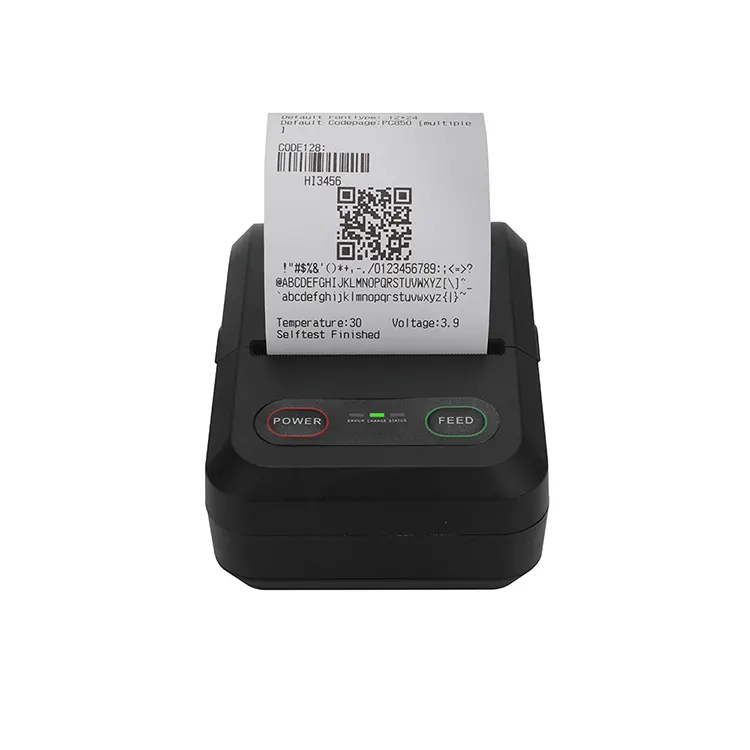
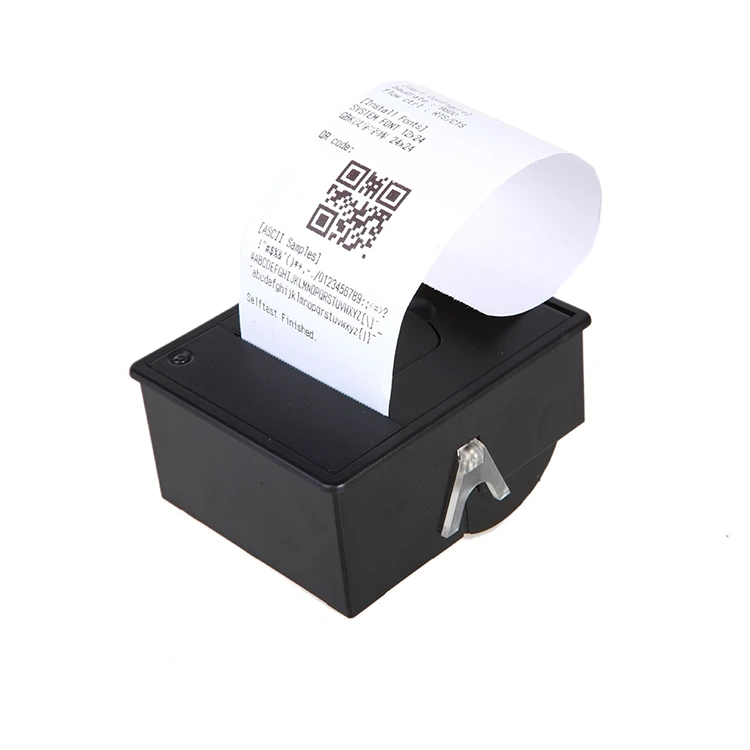
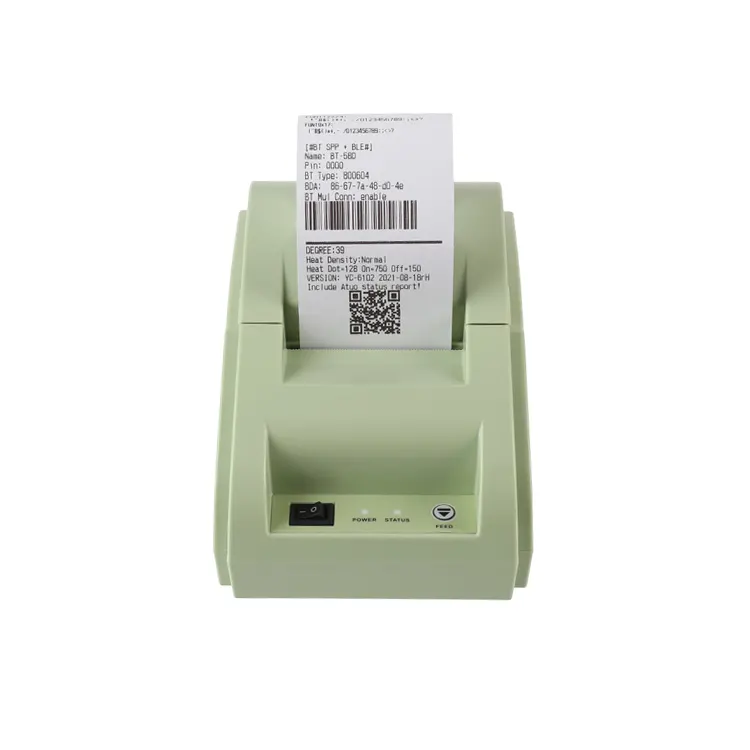
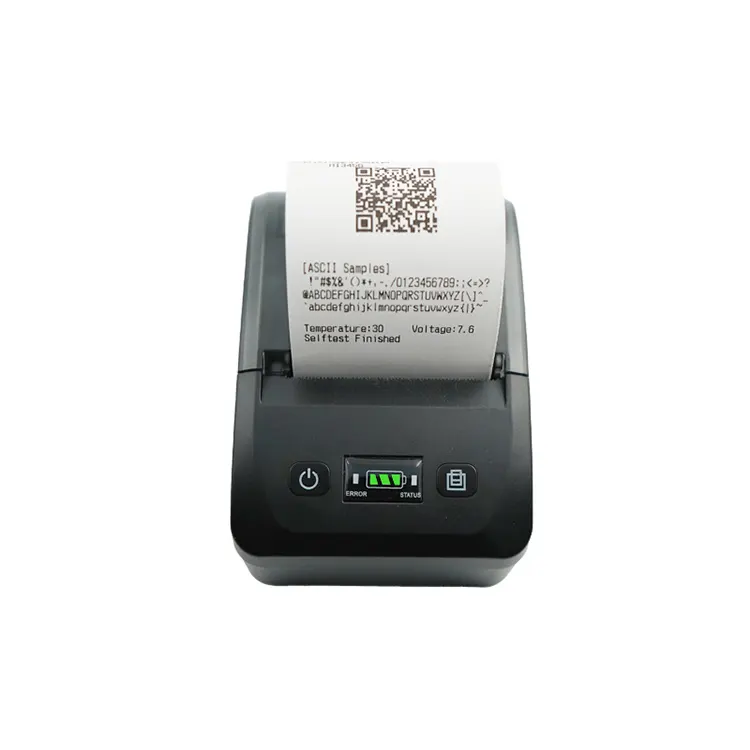
Printer Thermal 80mm Auto Cutter
  • Printer Thermal 80mm Auto CutterPrinter Thermal 80mm Auto Cutter
  • Printer Thermal 80mm Auto CutterPrinter Thermal 80mm Auto Cutter
  • Printer Thermal 80mm Auto CutterPrinter Thermal 80mm Auto Cutter
  • Printer Thermal 80mm Auto CutterPrinter Thermal 80mm Auto Cutter

Printer Thermal 80mm Auto Cutter

Model:BT-80UE Black
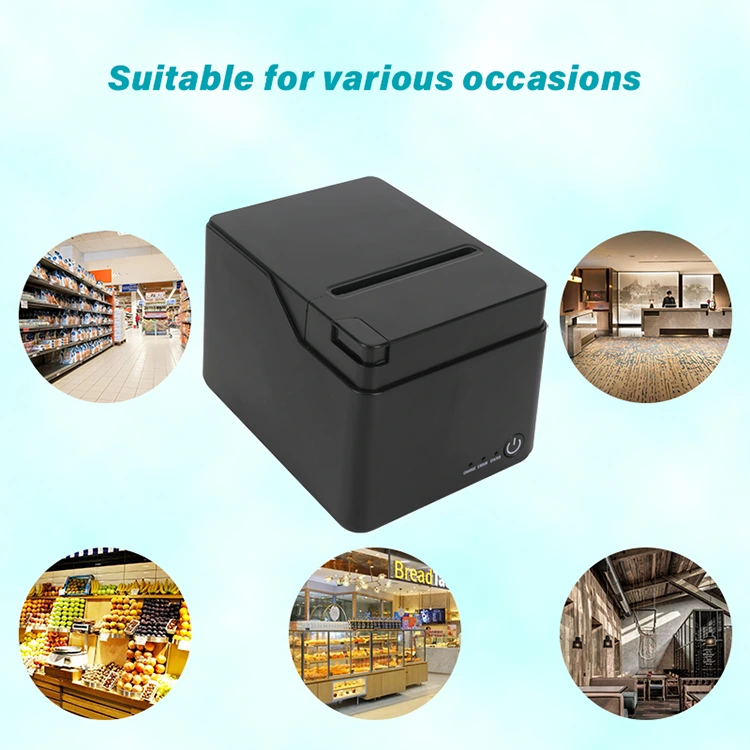
Peite is a professional manufacturer of Printer Thermal 80mm Auto Cutter. Our factory has a complete production line, ample inventory, and fast delivery. This product features a wide 80mm printing width, easily handling various sizes of tickets and labels to meet diverse printing needs. The automatic cutting function accurately trims printed tickets, improving efficiency while ensuring a neater and more professional look. Recommended for use in store checkouts, restaurant ordering systems, and logistics delivery scenarios.


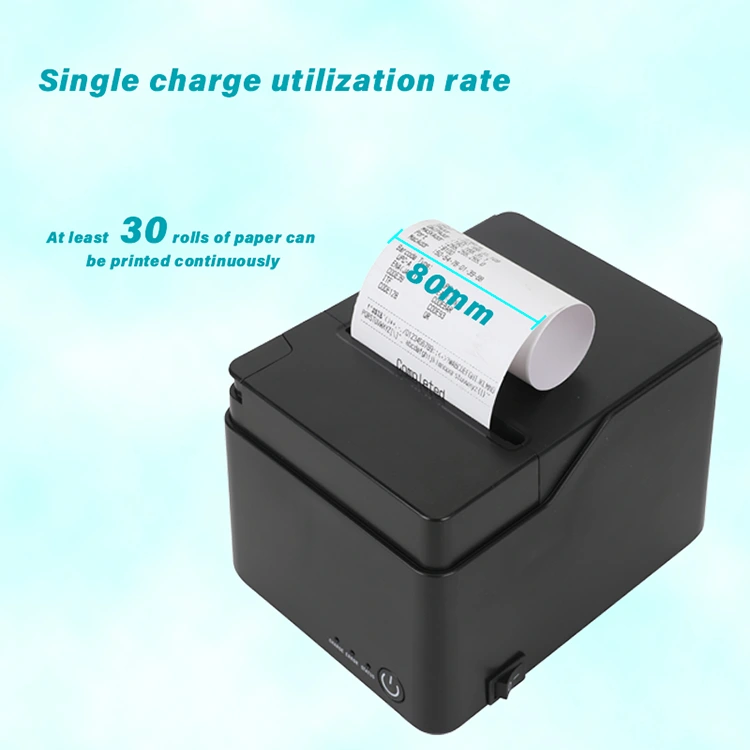
Choosing Peite as your thermal printer manufacturer and supplier is a good choice, as we offer OEM/ODM services. The Printer Thermal 80mm Auto Cutter boasts printing speeds up to 250mm/sec and supports both 58mm and 80mm width receipt paper.

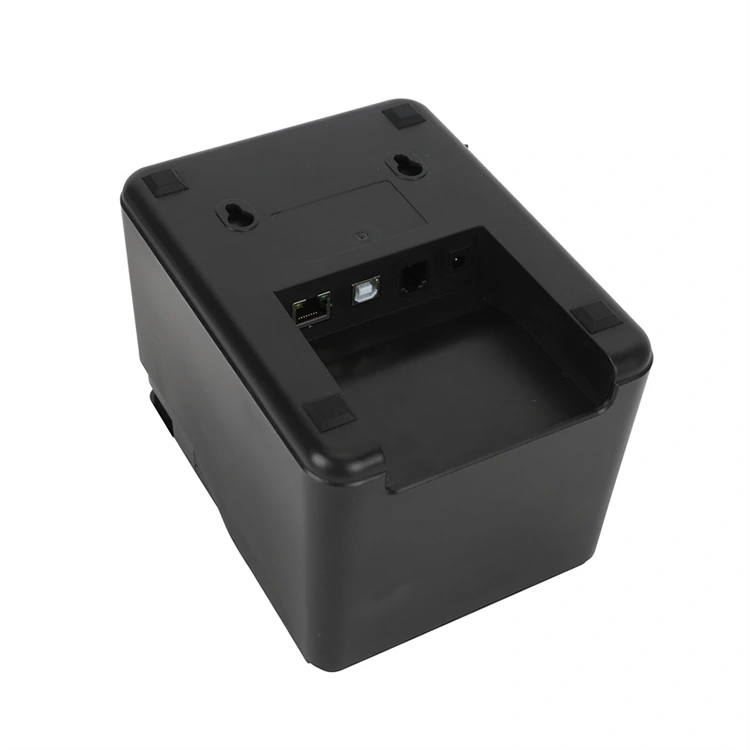
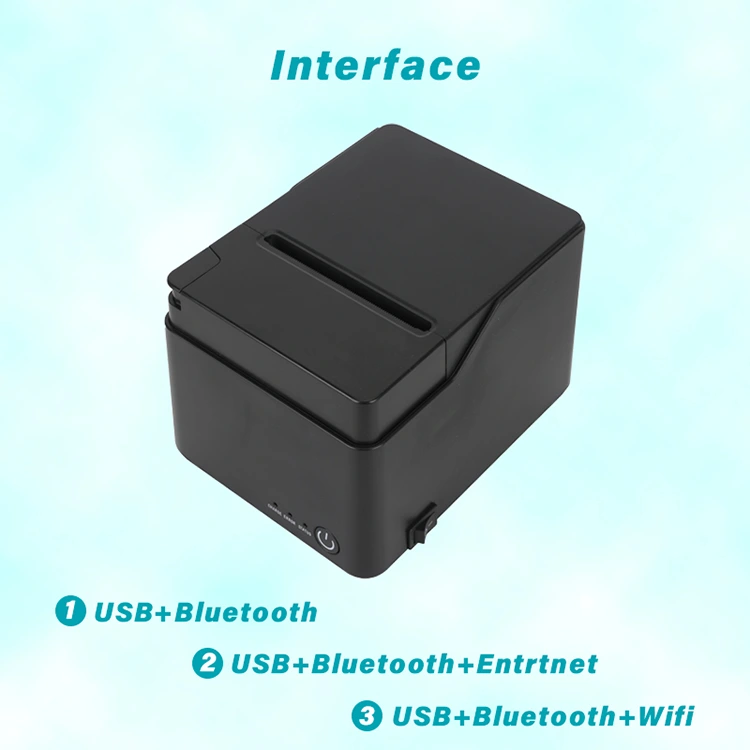
It offers two interface options: one is USB + Bluetooth + cash drawer, and the other is USB + Bluetooth + Ethernet + cash drawer. After printing, it automatically cuts the paper, keeping it clean and tidy, and improving work efficiency.


Product Description


Product Specifications


Model

BT-80UE

Printing Method

thermal line printing 

Printing Speed

250mm/s 

Print columns

384dots/lines 

Character Set

ANK character    

Font A:12*24dots; 

Font B:9*17dots; 

Jan/traditional form:24*24dots 

Barcode type

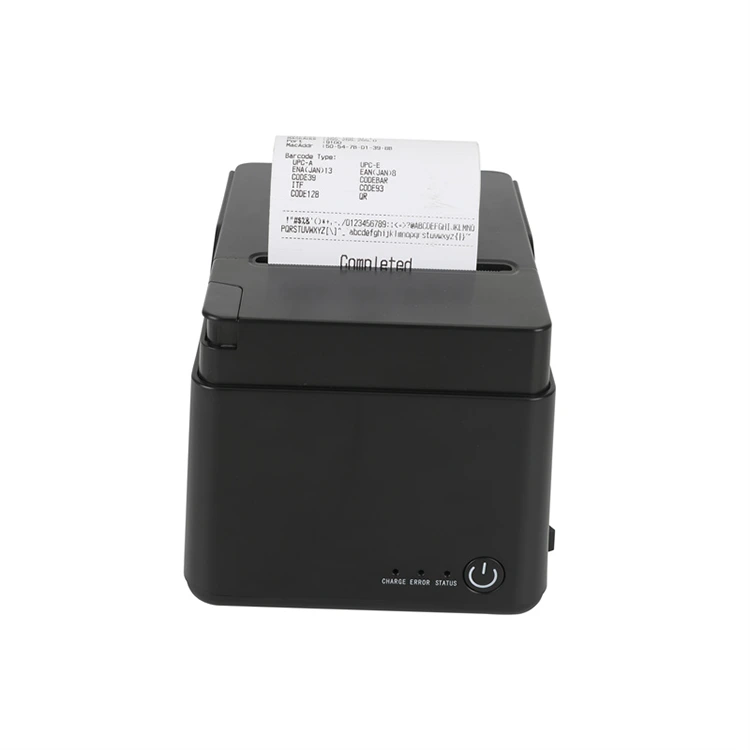
UPC-A/UPC-E/JAN13(EAN13)/JAN8(EAN8)/CODE39/ITF/

CODABAR/CODE93/CODE128

Auto-cutter

NO

Interface

USB+cashbox+Mullti-Bluetooth+Ethernet

Power

DC 24V/2A

Cashbox control

DC 9V/12V -1A

Printing command

Compatible with POS/ESC command set

Paper Width

80mm  

Temperature:

0~45ºC

Dampness:

10~80%

Paper thickness

0.06~0.08mm

Max diameter of paper roll

50mm

Weight

1.1kg

Dimension

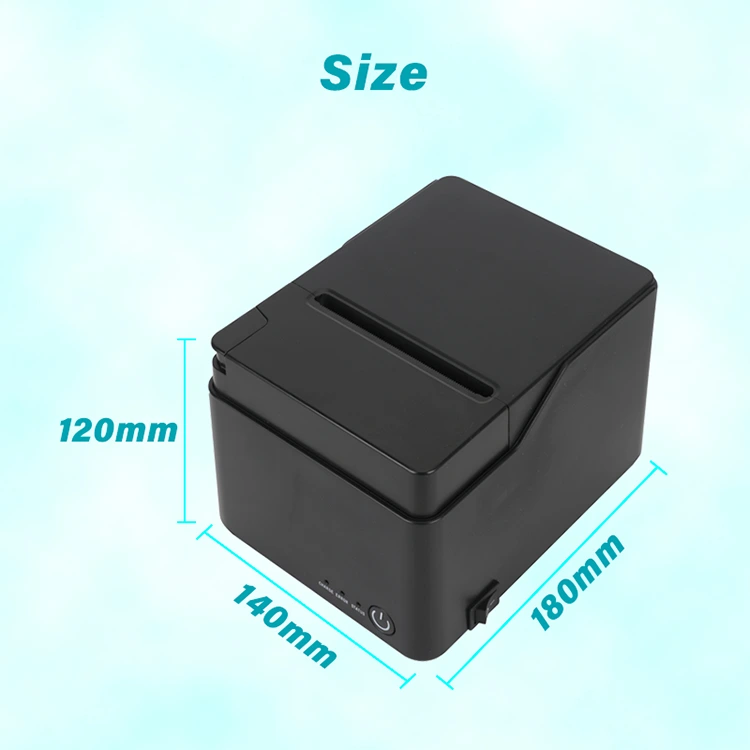
145*195*144mm (W*D*H)

Drivers:

Win9X/WinME/Win2000/WinNT/WinXP/Vista,compatible with EPSON,SAMSUNG

Line space

3.75mm(Can adjust the command)

RIBUF

no

NV flash memory

no

(MCBF)

50KM


Printer Thermal 80mm Auto CutterPrinter Thermal 80mm Auto Cutter


Thermal Paper


The paper used in inkless thermal printer is different from that of ordinary printing paper. It uses a type of paper called thermal paper. The characteristic of thermal paper lies in the fact that its surface is coated with a special heat-sensitive material. When heated by the print head, the heat-sensitive material undergoes a chemical reaction and changes color, thereby forming the required images or text. Thermal paper does not require ink or carbon ribbons because the heating of the print head is sufficient to complete the printing process.


Thermal Paper


Package and Shipping


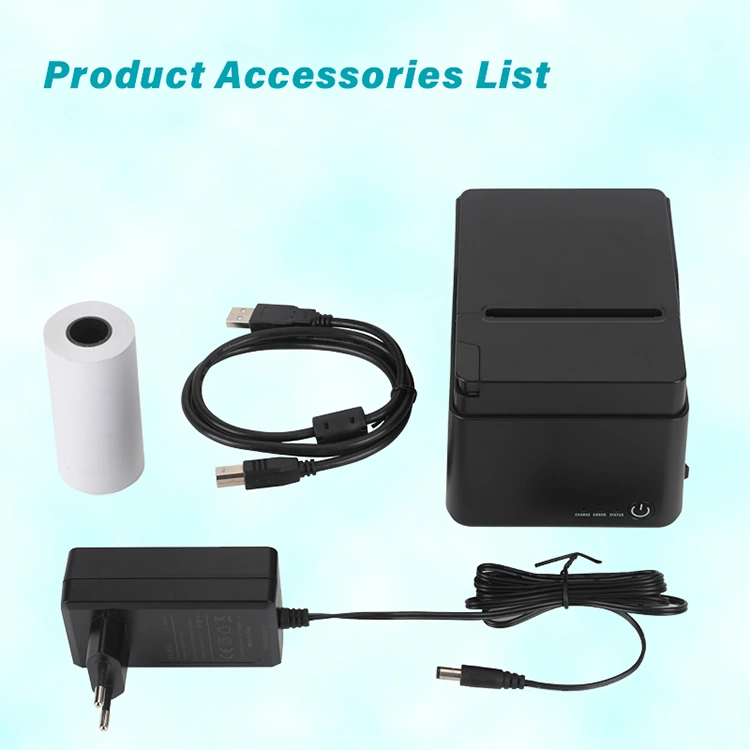
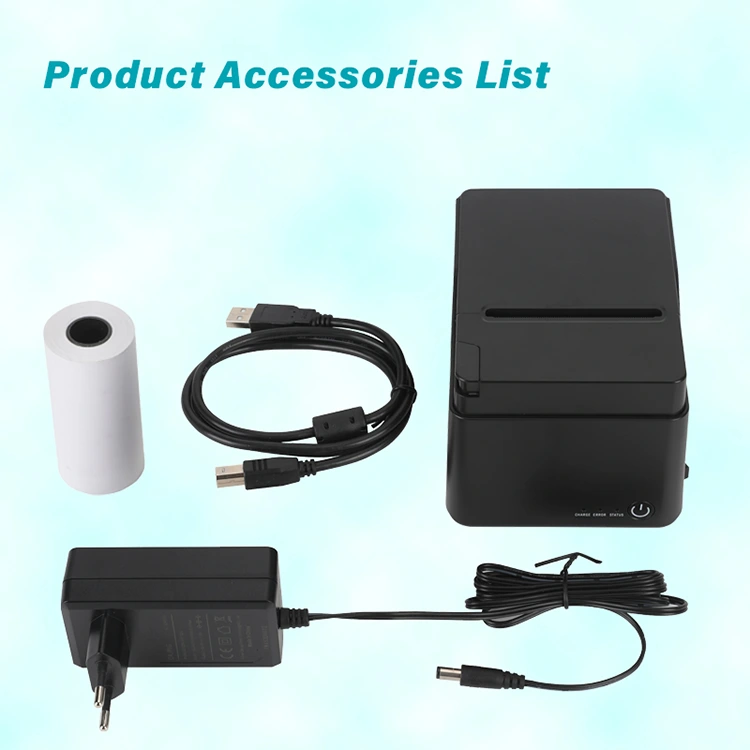
1.Package include:80mm receipt printer,paper roll,usb cable,manuals,adapter.

2.Size of the package box:18.9*17.9*12.3cm, 1.18kg.

3.Size of one carton:12pcs one carton,55.7*39.5*26cm, 15.2kg.

4.We can ship out via DHL,FEDEX,UPS or other air shipping,sea shipping,DDP and so on.


Printer Thermal 80mm Auto Cutter


Why Choose US


1. Peite is a professional manufacturer of thermal receipt and label printers.

2. Peite is one of the top 50 brands in China's thermal printer industry, with a factory area of over 18,000 square meters

3. Monthly production capacity: More than 50,000 thermal printers each month..

4. With 11 years of 3 inch bluetooth thermal printer professional production experience, we hold authoritative certifications such as CE, MSDS, RHos, and certificates of origin, ensuring stable quality.


Why Choose US


User Guide


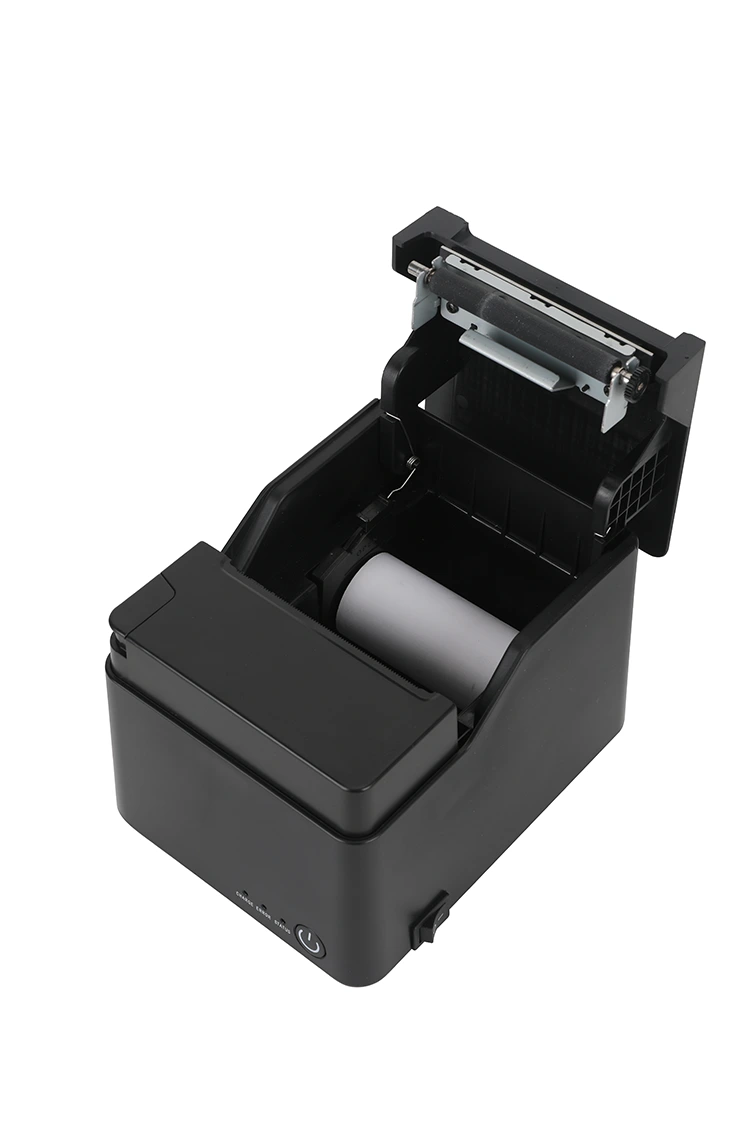
The printing position of the pos thermal printer bluetooth is adjusted through the "vertical offset" setting driven by the computer, without the need to disassemble the device. If adjustments are required for paper gaps, black marks, or concentration, they can be made by using the self-check mode through the panel buttons. Based on the actual application requirements, choose Gap (label/ perforated paper), Mark (black mark), or Continuous (continuous paper), and set automatic paper cutting.

The printer thermal auto cutter has a jump switch key inside or at the bottom, which is a hardware-level setting to avoid software conflicts. When the device freezes or displays garbled characters, it can be switched to ON, and then switch it back to OFF after powering on to restore the factory settings.


Printer Thermal 80mm Auto CutterPrinter Thermal 80mm Auto Cutter


Quality Assurance and Workshop Manufacturing Standards

Modern lean production line: From motherboard welding, movement assembly to the embedding of cutter modules, all are completed through refined division of labor in standardized workshops to ensure the accuracy of core components.


Durability test: Cutter life: High-quality cutter components undergo continuous paper-cutting life tests of over a million times (typically 1 million to 1.5 million times).


Print head (TPH) loss control: high wear resistance thermal components are selected to support long distance stable printing.


Screening for factory aging: All finished products must undergo high-intensity continuous order printing tests, communication (USB/ network port/Bluetooth) stability tests, and high-temperature and high-humidity environmental tests before leaving the factory.


FAQ


Do you support providing certification reports or overseas customs clearance certificates on demand?

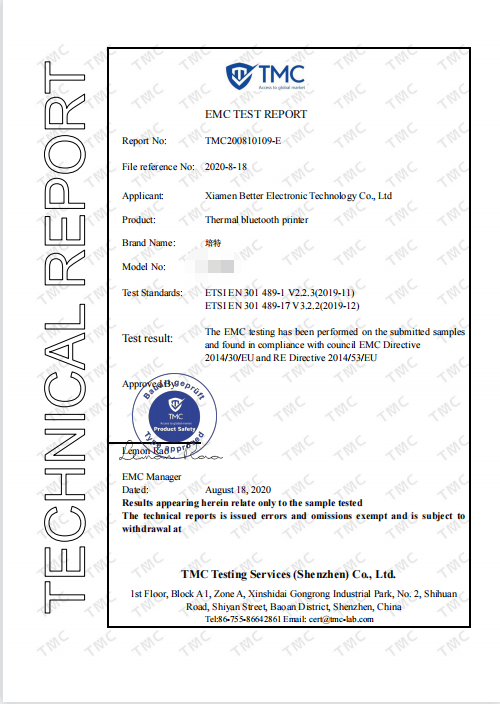
We can offer our partners complete third-party testing institutions. All our products have passed CCC (China Compulsory Product Certification), CE certification (compliant with LVD Low Voltage Safety Directive and EMC Electromagnetic Compatibility Directive), and RoHS environmental protection certification.

What should be done when the cutting knife suddenly gets stuck during printing, the red light flashes (Err) or an alarm sounds?

Turn off the printer power. Most 80mm desktop printers have a manual reset knob for the cutting knife on the bottom or side of the machine. Gently turn the knob with your hand to move the cutting knife back to its original position. Then open the paper compartment to clean the remaining paper scraps, and finally restart the printer to restore normal operation.


Send Inquiry
Contact Info
  • Address

    No. 90, Siming Garden, Huandong Haiyu, Xike Town, Tong'an District, Xiamen City, Fujian Province, China

Your Custom Printer Project Starts Here – OEM/ODM Experts Since 2014

Why Global Buyers Choose Peite:

✅ Zero-Risk Customization

MOQ 100 units | Free logo printing | 3D prototypes in 72hrs

✅ Factory-Direct Advantages

20% cost savings vs. traders | ISO-certified 1,800㎡ facility

✅ Plug-and-Play Integration

Drivers/SDK for 70+ languages & OS (Android/iOS/Windows/Linux)

✅ Accelerated Delivery

15-day bulk production | Global shipping (DDP/DAP/FOB)

Project Success Blueprint:

1. [Share Requirements] → 2. [Get Technical Proposal] → 3. [Receive Test Unit] → 4. [Mass Production]

X
We use cookies to offer you a better browsing experience, analyze site traffic and personalize content. By using this site, you agree to our use of cookies. Privacy Policy
RejectAccept