News

News

What Regular Maintenance is Required for an Embedded Thermal Printer?

2025-09-18 0 Leave me a message

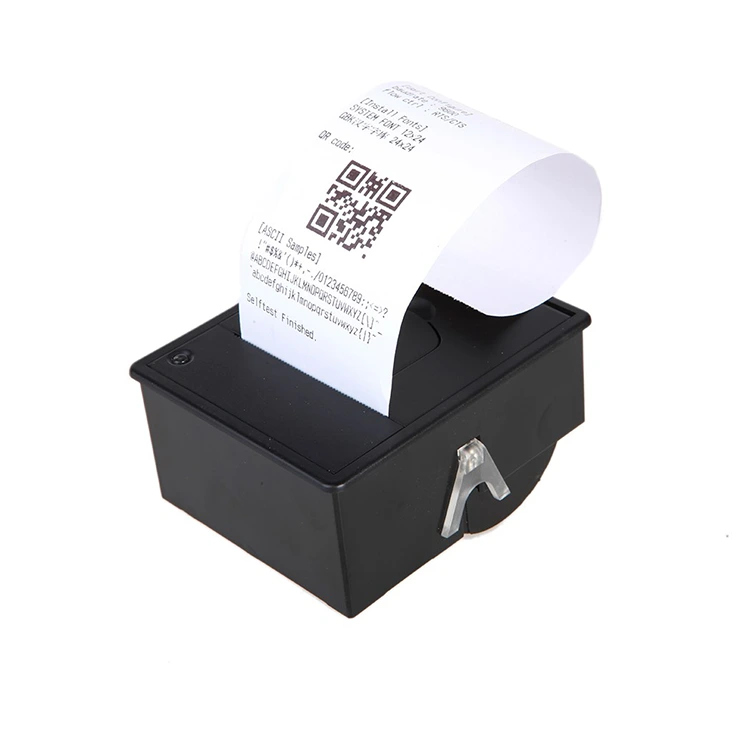
Embedded thermal printers are widely used across industries such as kiosks, vending machines, ticketing systems, and medical devices. Their reliability, compact size, and ability to deliver high-quality printing without the need for ink cartridges make them essential. To maximize the lifespan and ensure stable performance of an embedded thermal printer, regular maintenance is a must. In this article, we will explore the maintenance requirements, highlight our factory’s product parameters, and provide clear answers to common questions users often have.


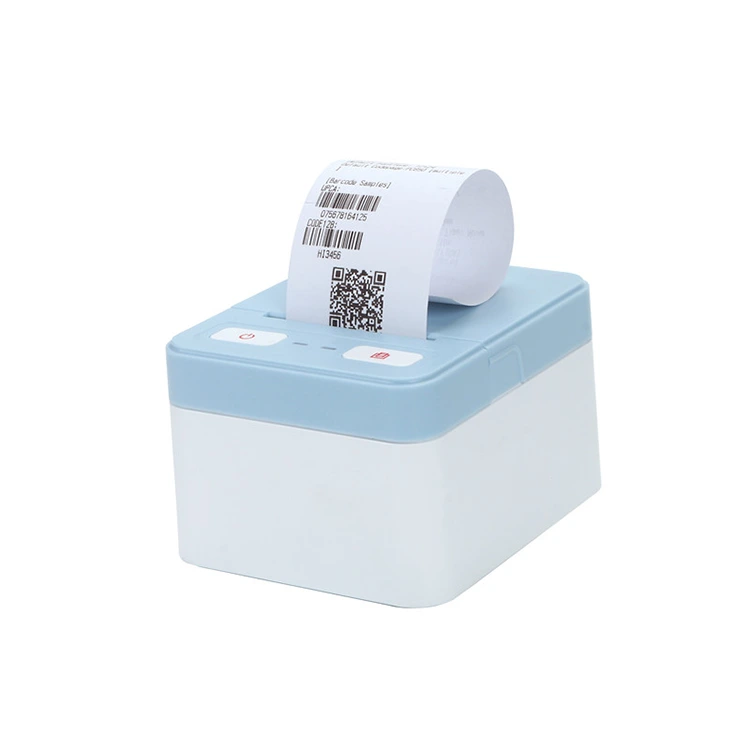
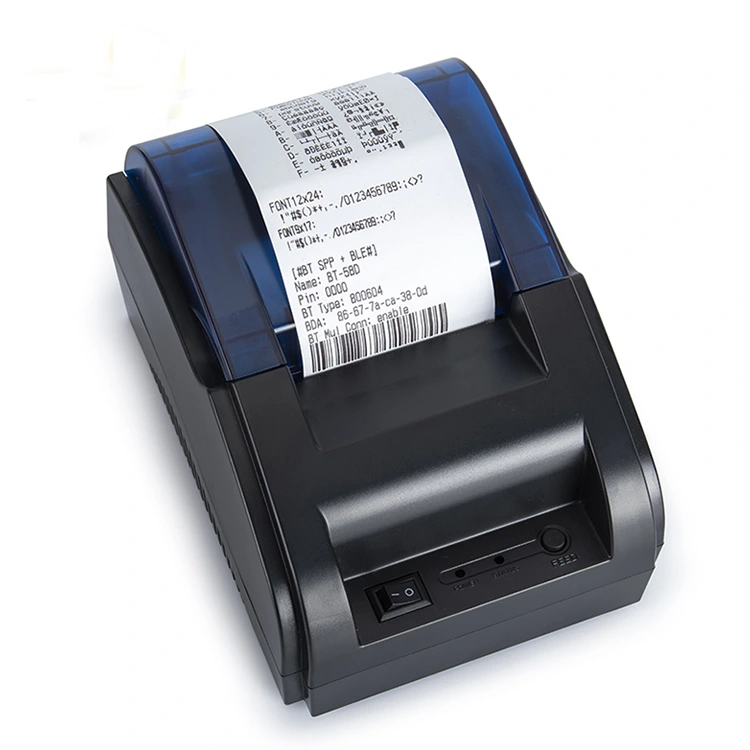
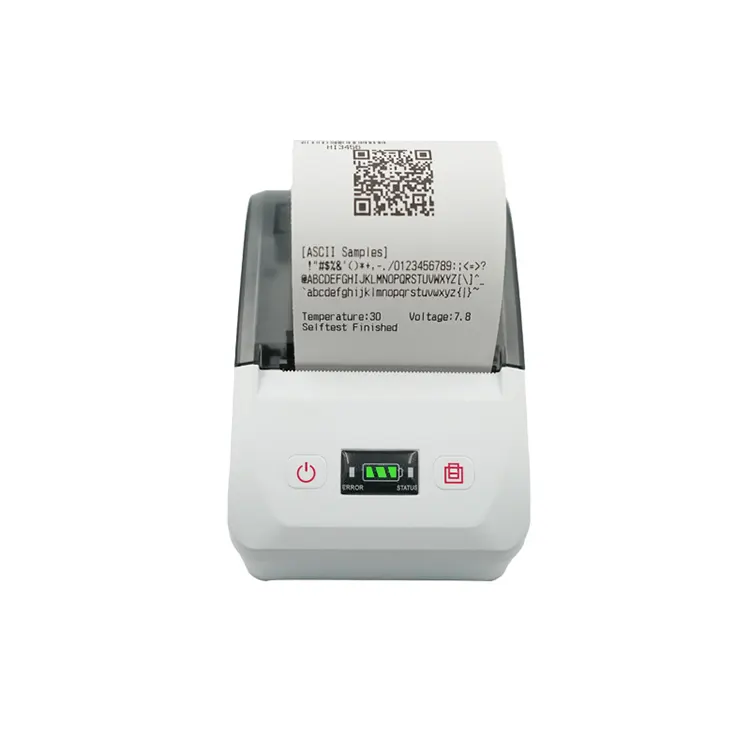
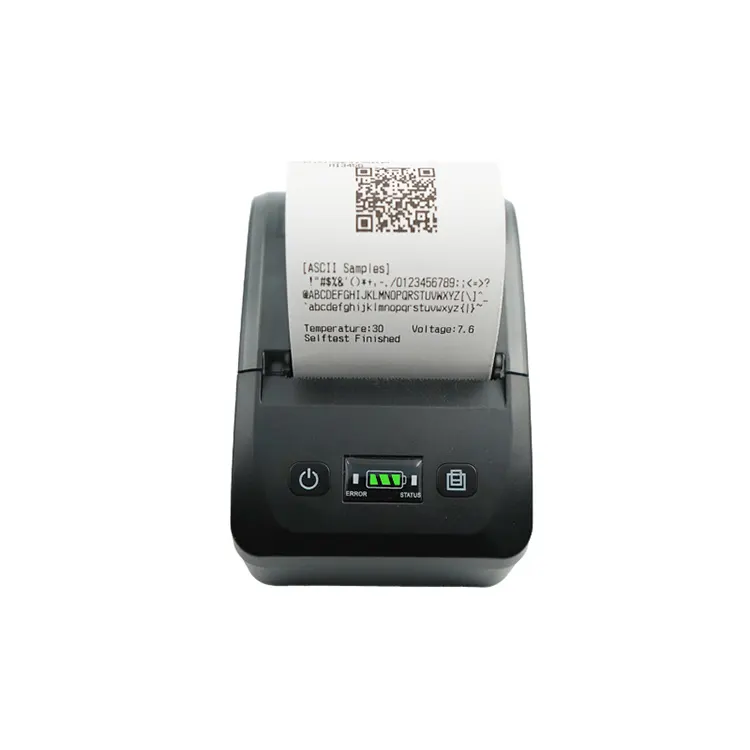
58mm Embedded Thermal Printer


Why regular maintenance matters

Over time, dust, debris, and continuous usage can affect the performance of an embedded thermal printer. Proper care not only ensures consistent print quality but also reduces downtime and saves costs on unexpected repairs. At Peite, we believe that well-maintained devices extend operational efficiency and deliver long-term value for our customers.


Technical specifications of our Embedded Thermal Printer

Below are the detailed specifications of the Embedded Thermal Printer designed and manufactured by our factory:


Parameter Specification
Print Method Direct Thermal Printing
Resolution 203 dpi (8 dots/mm)
Print Width Up to 72 mm
Print Speed Max 250 mm/s
Paper Width 58 mm, 80 mm
Interface USB, RS232, Ethernet, optional Bluetooth/Wi-Fi
Operating Voltage DC 24V
Durability Print head life of 150 km
Environment Operating temperature: 0-50°C; Humidity: 10-80%

Regular maintenance tasks for an Embedded Thermal Printer

Based on years of experience and customer feedback, our factory recommends the following routine maintenance to keep an Embedded Thermal Printer in excellent working condition:

1. Clean the print head: Use a soft cotton swab with isopropyl alcohol to remove dust and residue after every roll of paper.

2. Check and clean the platen roller: Dirt or adhesive build-up can cause paper jams. Rotate the roller manually and clean it with a lint-free cloth.

3. Remove debris from the paper path: Small particles or paper dust can accumulate and affect printing. Regular inspection prevents clogging.

4. Use high-quality thermal paper: Low-grade paper produces excess dust and reduces print head lifespan. Our recommendation is to select tested paper rolls for optimal results.

5. Inspect connections and cables: Ensure stable power supply and communication ports remain dust-free and securely connected.

6. Update firmware: Periodically check for firmware updates from Peite to improve performance and add functions.


Maintenance schedule recommendations

Our team suggests following a structured maintenance schedule. This ensures that the Embedded Thermal Printer remains efficient for daily use:


Task Frequency
Clean print head After every paper roll replacement
Check platen roller Weekly
Inspect paper path Weekly
Verify connections Monthly
Update firmware Quarterly

What regular maintenance is required for an embedded thermal printer? FAQ

Q1: What regular maintenance is required for an embedded thermal printer to avoid paper jams?
A1: The key to preventing paper jams lies in cleaning the platen roller and ensuring the paper path is clear of dust. Using quality paper also reduces residue that causes feeding problems. Our customers often report improved reliability after adopting these steps consistently.

Q2: What regular maintenance is required for an embedded thermal printer to extend print head life?
A2: The print head is the most critical component. Cleaning it with alcohol after every roll replacement removes residue and prevents overheating. Additionally, selecting recommended thermal paper significantly reduces friction and helps our factory’s printers achieve their designed print head lifespan of up to 150 km.

Q3: What regular maintenance is required for an embedded thermal printer to maintain stable connectivity?
A3: Stability in printing relies on secure connections. Periodically check the USB, RS232, or Ethernet ports, clean them to avoid dust build-up, and confirm that cables are properly secured. In some cases, updating firmware from Peite can also solve communication issues and ensure smooth operation.


Why choose Peite for your Embedded Thermal Printer

Our factory has built a reputation for delivering durable and high-performance printing solutions. Peite not only supplies products but also provides after-sales support and professional advice on maintenance. Customers around the world rely on our experience to ensure smooth and efficient business operations.


Regular maintenance of an embedded thermal printer is not complicated, but it requires attention to detail. Cleaning, checking, and updating are the core actions that guarantee long-term performance. At Peite, we design printers that are user-friendly and reliable, while our support ensures you know exactly how to maintain them. If you are looking for a dependable supplier who can provide not only products but also guidance, contact Xiamen Peite Electronic Technology Co., Ltd. today and let us help your business grow with confidence.

Related News
Leave me a message
X
We use cookies to offer you a better browsing experience, analyze site traffic and personalize content. By using this site, you agree to our use of cookies. Privacy Policy
Reject Accept