Products

Products

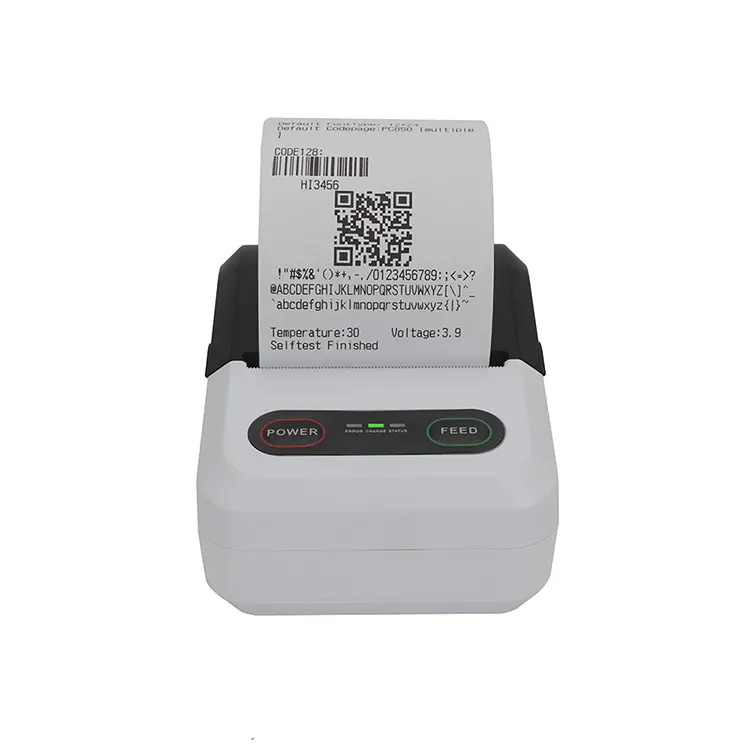
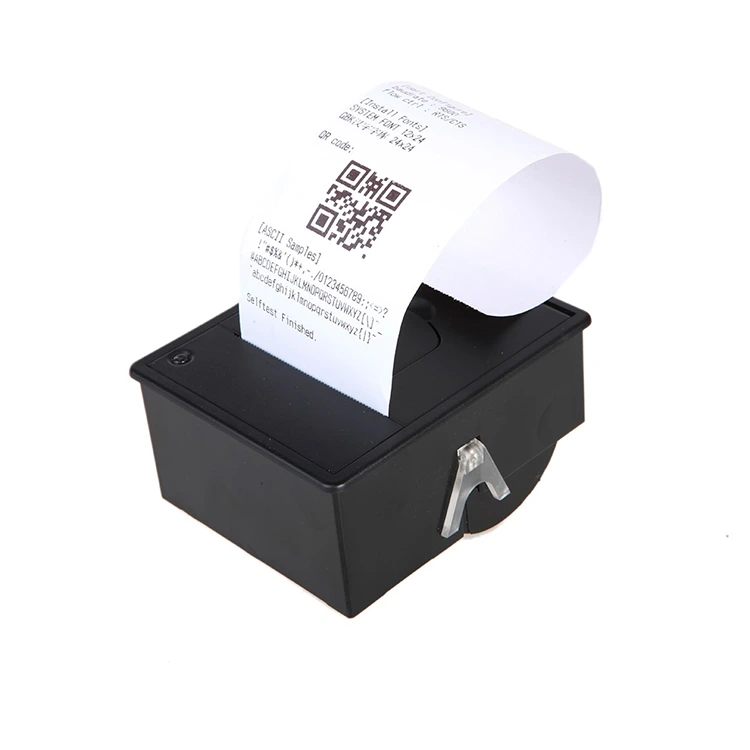
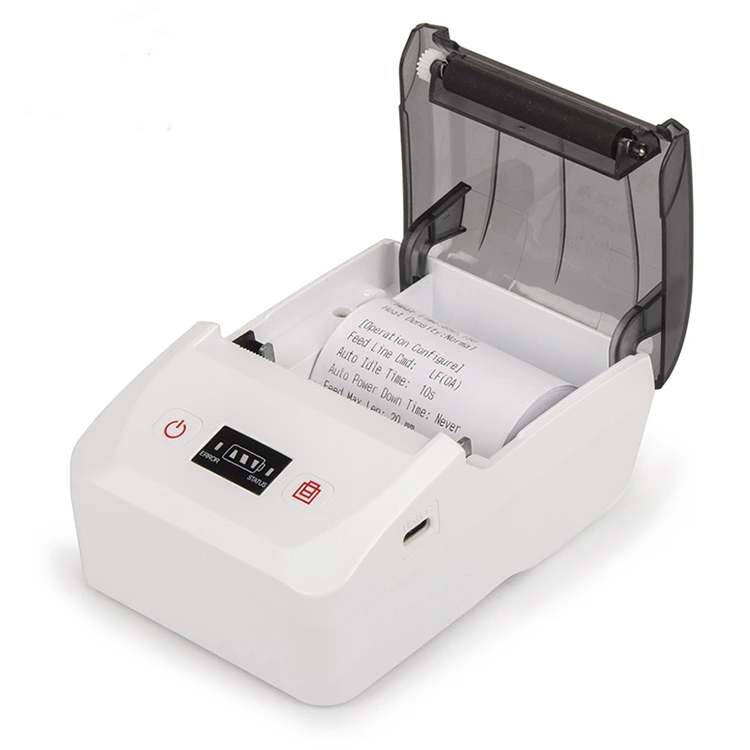
80mm Thermal Inkless Label Maker
  • 80mm Thermal Inkless Label Maker80mm Thermal Inkless Label Maker
  • 80mm Thermal Inkless Label Maker80mm Thermal Inkless Label Maker
  • 80mm Thermal Inkless Label Maker80mm Thermal Inkless Label Maker

80mm Thermal Inkless Label Maker

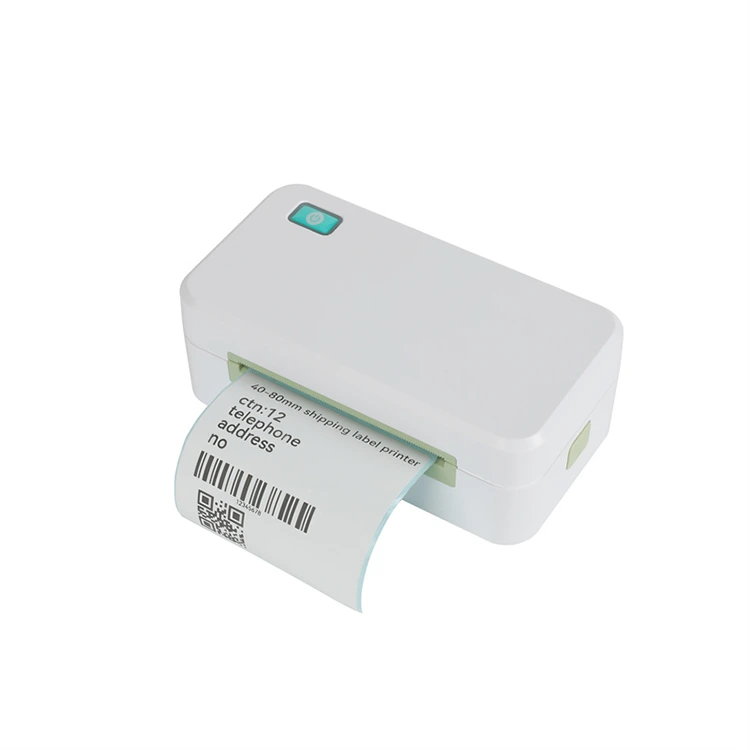
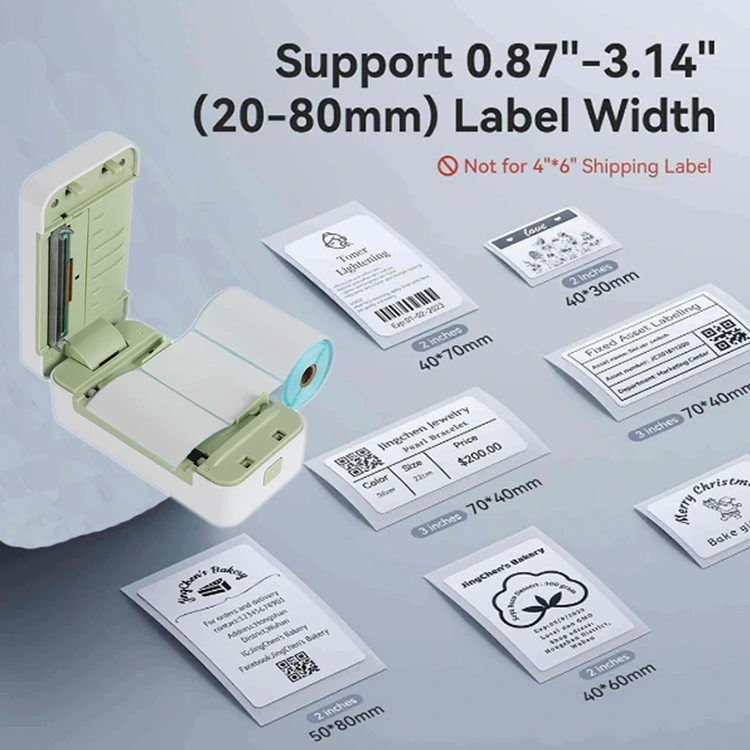
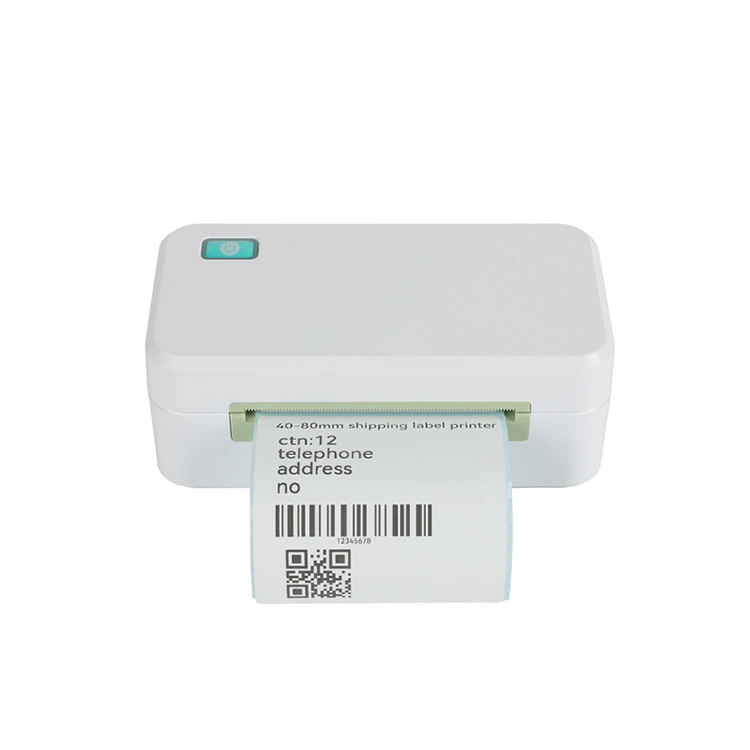
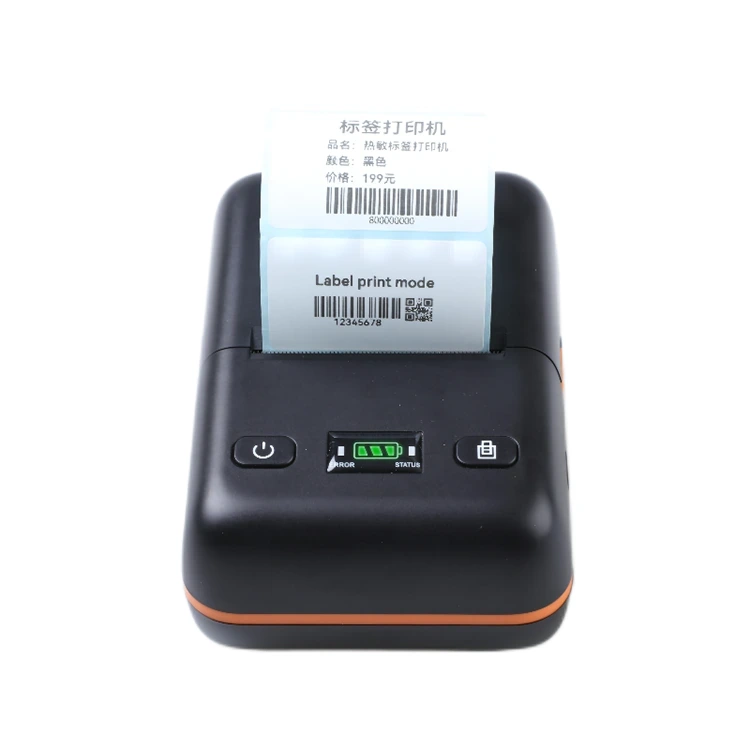
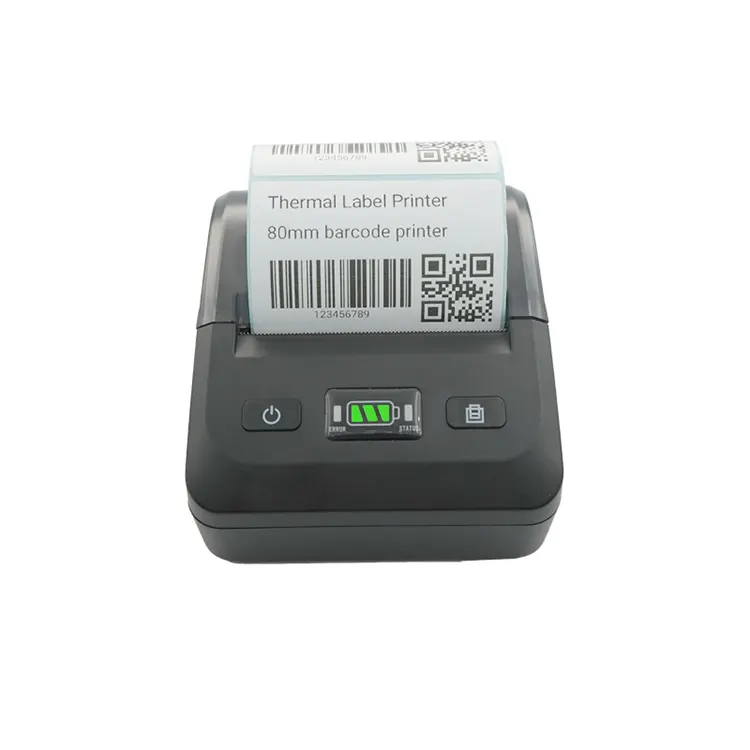
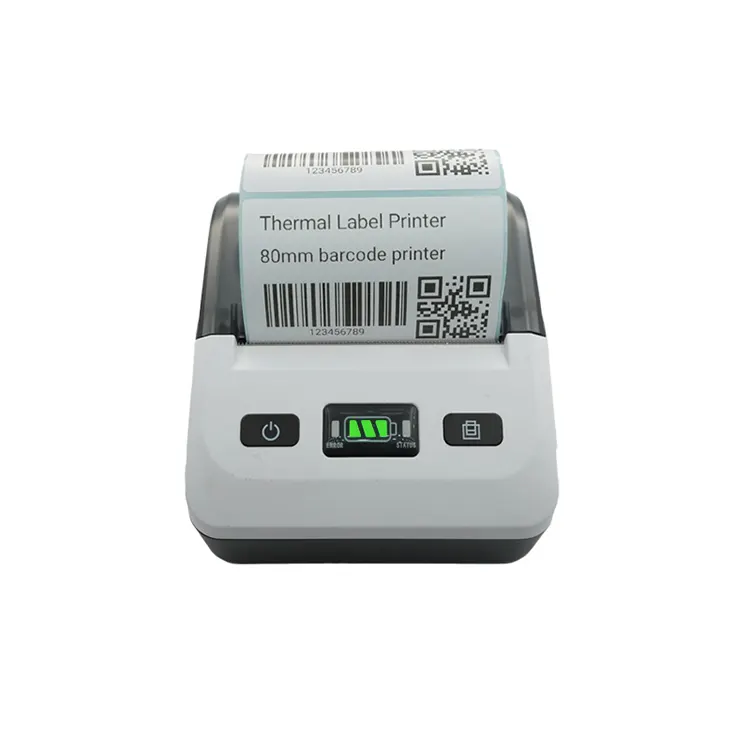
As one of the leading 80mm Thermal Inkless Label Maker manufacturers in China, Peite offers cost-effective thermal label printers, including 2-inch, 3-inch and 4-inch models. Our best-selling 80mm shipping label printer, 80DL, features high-speed printing and paper suction capabilities, and is widely used in the e-commerce and logistics industries. Our 3-inch Bluetooth label printer offers wireless connectivity and wide compatibility with various label sizes, making mobile label printing seamless for small businesses and offices.


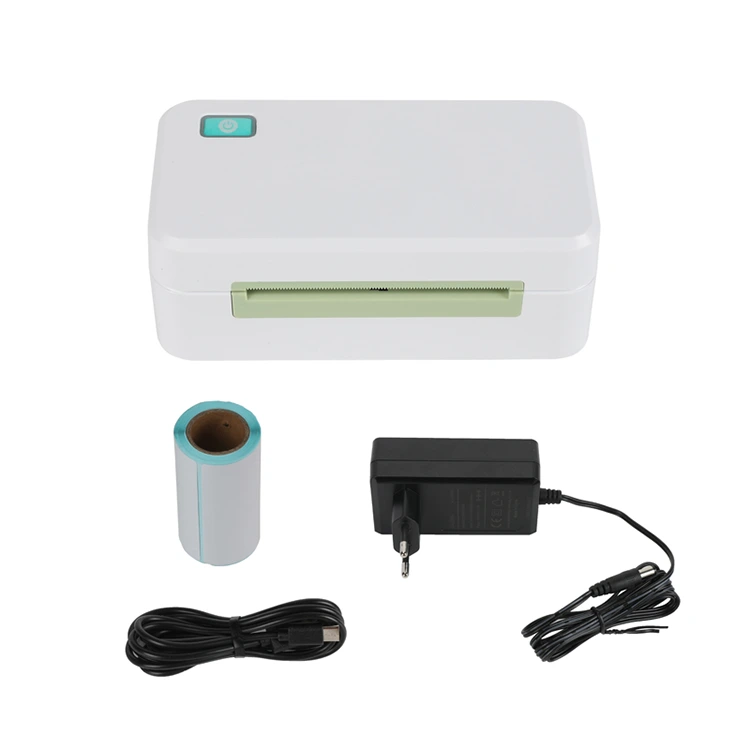
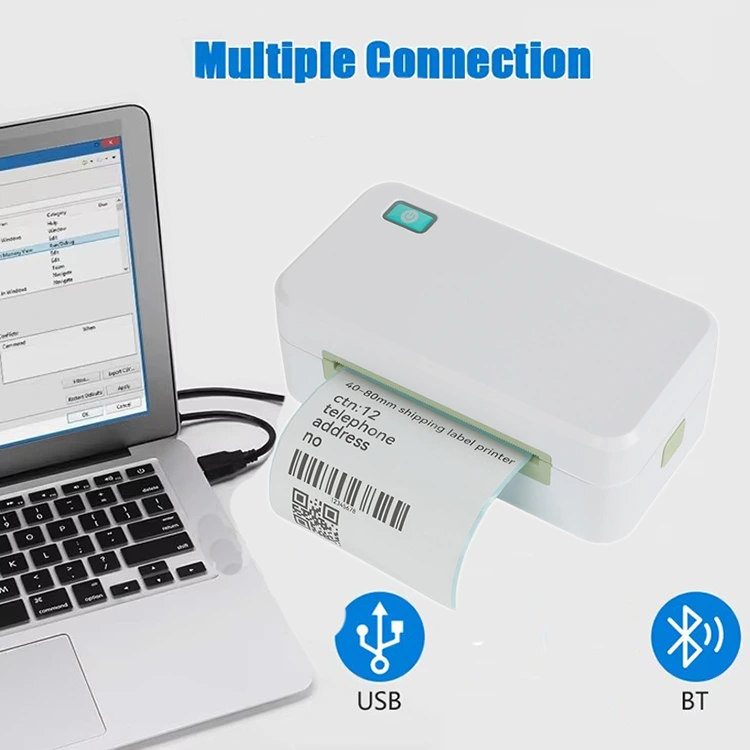
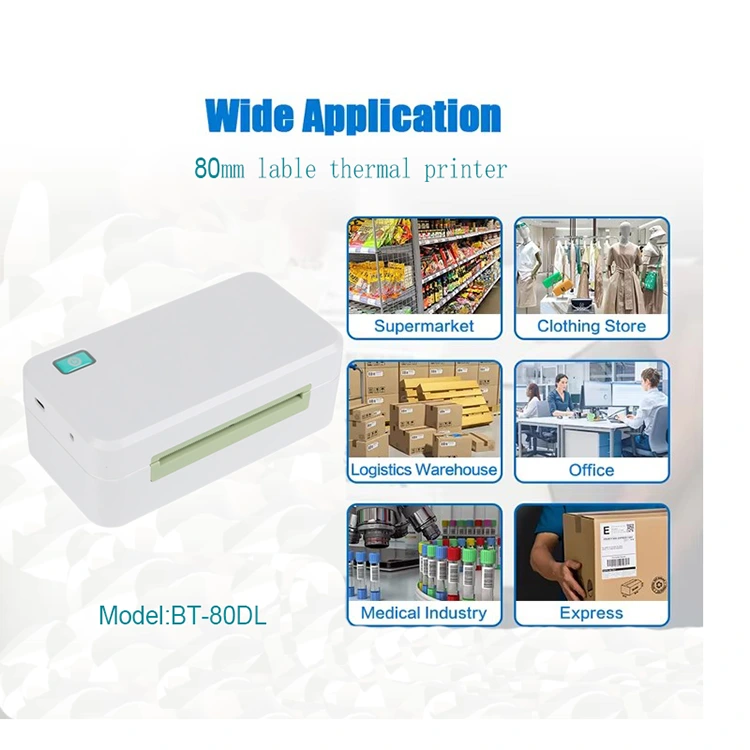
Peite is a professional manufacturer of 80mm Thermal Inkless Label Makers, based in Xiamen, China. Our products are equipped with USB and Bluetooth interfaces, supporting the printing of shipping labels, warehouse labels, market labels, or waybills.

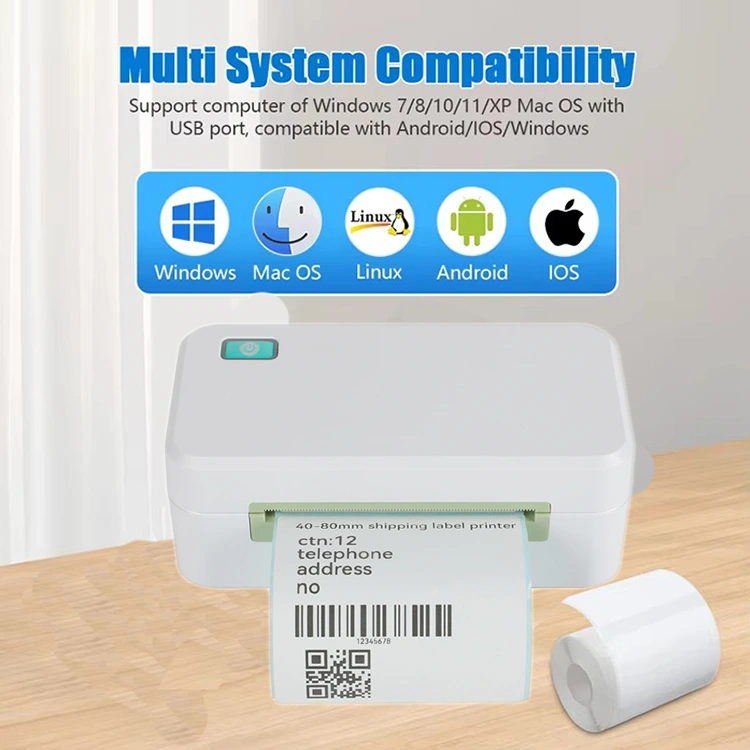
It is compatible with various printing devices and supports multiple operating systems including Android, Windows, iOS, and Mac. Whether customers use a mobile phone or a computer, this 80DL printer offers great convenience.


Item NO.:BT-80DL

Order(MOQ):100pcs

Payment :Western Union, T/T,Alipay,Credit card

Product Origin :China

Color :Green

Shipping Port :Xiamen

Lead Time :2-10 day according to different quantity

Weight :0.75kg


Product Specifications


Model

BT-80DL

Printing Method

thermal line printing 

Printing Speed

250mm/s 

Print columns

384dots/lines 

Character Set

ANK character    

Font A:12*24dots; 

Font B:9*17dots; 

Jan/traditional form:24*24dots 

Barcode type

UPC-A/UPC-E/JAN13(EAN13)/JAN8(EAN8)/CODE39/ITF/

CODABAR/CODE93/CODE128

Auto-cutter

NO

Interface

USB+cashbox+Mullti-Bluetooth

Power

DC24V/2A

Cashbox control

DC 9V/12V -1A

Printing command

Compatible withTSC/CPCL command set

Paper Width

80mm  

Temperature:

0~45ºC

Dampness:

10~80%

Paper thickness

0.06~0.08mm

Max diameter of paper roll

50mm

Weight

500g

Dimension

155*85*63mm (W*D*H)

Drivers:

Win9X/WinME/Win2000/WinNT/WinXP/Vista,compatible with EPSON,SAMSUNG

Line space

3.75mm(Can adjust the command)

RIBUF

no

NV flash memory

no

(MCBF)

50KM


How to achieve wireless printing via Bluetooth


Bluetooth is a popular choice for wireless printing, offering a more direct and short-range connection. Here's how to set it up and connect to a printer for printing.

Step 1: Check compatibility

Since thermal printers are equipped with different interfaces, it is necessary to first ensure that your thermal printer supports Bluetooth connection.

Step 2: Turn on the Bluetooth on the device

After confirming that the printer has a Bluetooth interface, you can open the Bluetooth Settings on your mobile device and enable the Bluetooth function.

Step 3: Bluetooth pairing Settings

The test page of the desktop barcode printer will display the Bluetooth name and password. Search for nearby Bluetooth names on the device, find the corresponding Bluetooth on the test page, click on it to pair and enter the password, and the connection will be successful.

Step 4: Print

Generally, you need to download a printing APP on your mobile phone. You can search for local printer apps in your phone's APP store, add a printer, edit the content or file you want to print, adjust the Settings, and then click Print. Here recommended APP Dlabel, MOKA, MyPrinter, ExpressPrint, Loyver POS, etc.


Product Design


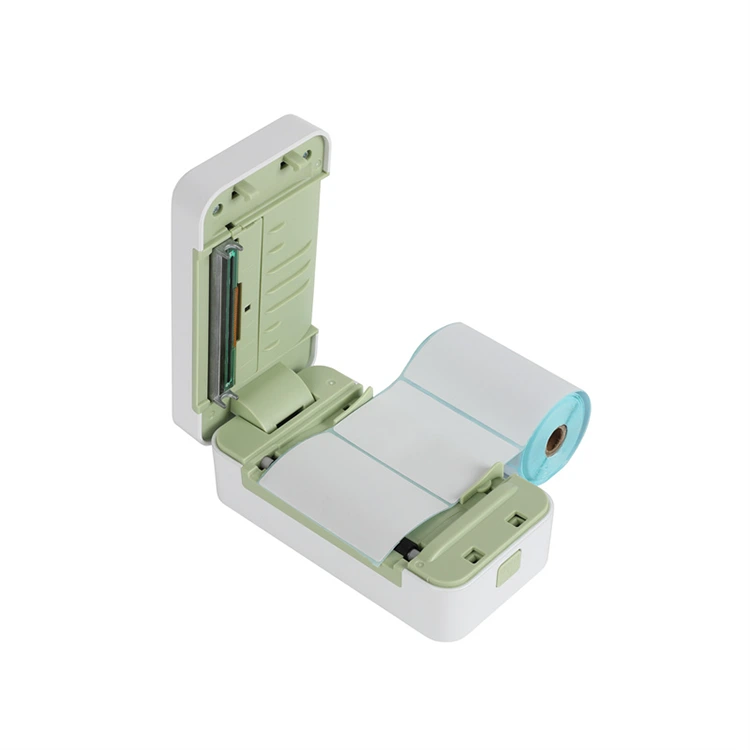
The wide-format design of the terminal label printer enables it to print more content than the common 58mm printers. It can accommodate logistics information, complex barcodes or QR codes, large-sized fonts, and promotional advertisement graphics on the printing paper.

This not only makes the documents look more professional and clear, but also allows all key information to be displayed at once, reducing the cost of manual verification.

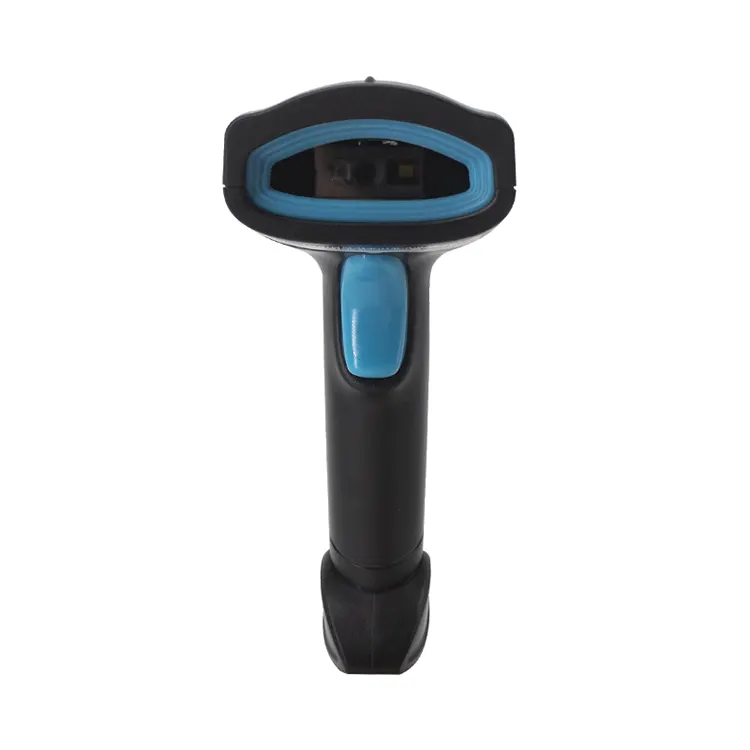
The printer for shipping labels uses thermal printing technology. The edges of the printed text and the resolution of the barcodes are extremely high, ensuring that barcode scanners and PDAs can read them quickly at one time.

It is suitable for sorting and distribution in logistics and warehousing as well as settlement at the retail end, and will not lead to any rework.


FAQ


1.Are you Manufacturer or Trading Company?    

Xiamen Better are a professional manufacturer specialized in thermal printer OEM /ODM, we have focused on the printers and printing solutions for 11years.


2.What is the Minimum Order Quantity of thermal printer?    

We have no limit for MOQ, so you can even buy only 1 piece, Of course we can offer you a better price for large quantity.


4.What language do the printers support?

Our bluetooth waybill printer can support multiple language, e.g. English, Spanish, Arabic, Persian, Italian, Portuguese, French, Danish, Polish, Swedish, Vietnamese, German, Chinese, etc.


5.Does the printer need ink?

They don't need ink. They generate the printed content through thermal transfer, and only thermal paper is needed for printing.


6.How to use it? Have you used any videos?

Yes, our pos sticker printer is easy to use. Just connect the printer to the printing app via Bluetooth and it can be used.


Hot Tags: 80mm Thermal Inkless Label Maker, China, Manufacturer, Supplier, Factory
Send Inquiry
Contact Info
  • Address

    No. 90, Siming Garden, Huandong Haiyu, Xike Town, Tong'an District, Xiamen City, Fujian Province, China

Your Custom Printer Project Starts Here – OEM/ODM Experts Since 2014

Why Global Buyers Choose Peite:

✅ Zero-Risk Customization

MOQ 100 units | Free logo printing | 3D prototypes in 72hrs

✅ Factory-Direct Advantages

20% cost savings vs. traders | ISO-certified 1,800㎡ facility

✅ Plug-and-Play Integration

Drivers/SDK for 70+ languages & OS (Android/iOS/Windows/Linux)

✅ Accelerated Delivery

15-day bulk production | Global shipping (DDP/DAP/FOB)

Project Success Blueprint:

1. [Share Requirements] → 2. [Get Technical Proposal] → 3. [Receive Test Unit] → 4. [Mass Production]

X
We use cookies to offer you a better browsing experience, analyze site traffic and personalize content. By using this site, you agree to our use of cookies. Privacy Policy
Reject Accept