News

News

58 Thermal Receipt Printer: Still the Backbone of Modern Point-of-Sale?

2026-03-03 0 Leave me a message
The 58 Thermal Receipt Printer: Is It the Smart Choice for Your Business in 2026?


The 58 thermal receipt printer remains the unsung hero of checkout counters, food trucks, and pop-up retail in 2026. But is this compact device right for your business? This comprehensive guide dissects the 58mm thermal printer’s technical DNA, weighs its advantages (low noise, no ink) against drawbacks (paper fading, narrow width), and explores connectivity evolutions—from traditional USB to Bluetooth and Wi-Fi. Whether you run a boutique or a bustling café, you’ll discover how Xiamen Peite Electronic Technology Co., Ltd. engineers reliability into every unit. We’ll also answer pressing questions about driver installation, paper longevity, and SDK support, helping you decide if the 58mm format fits your operations like a glove.

58 thermal receipt printer


✦ ✦ ✦

❓ What Exactly Is a 58 Thermal Receipt Printer and How Does It Work?

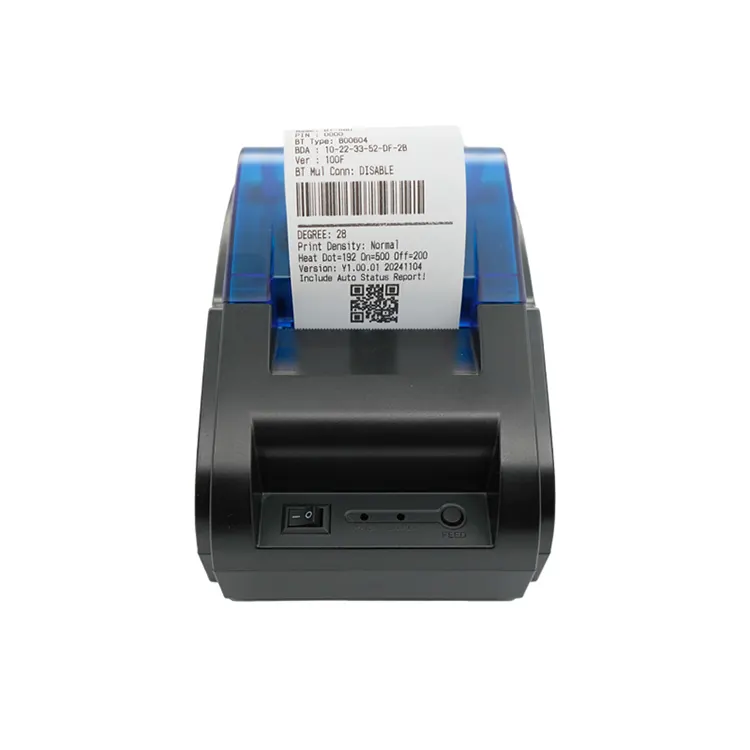
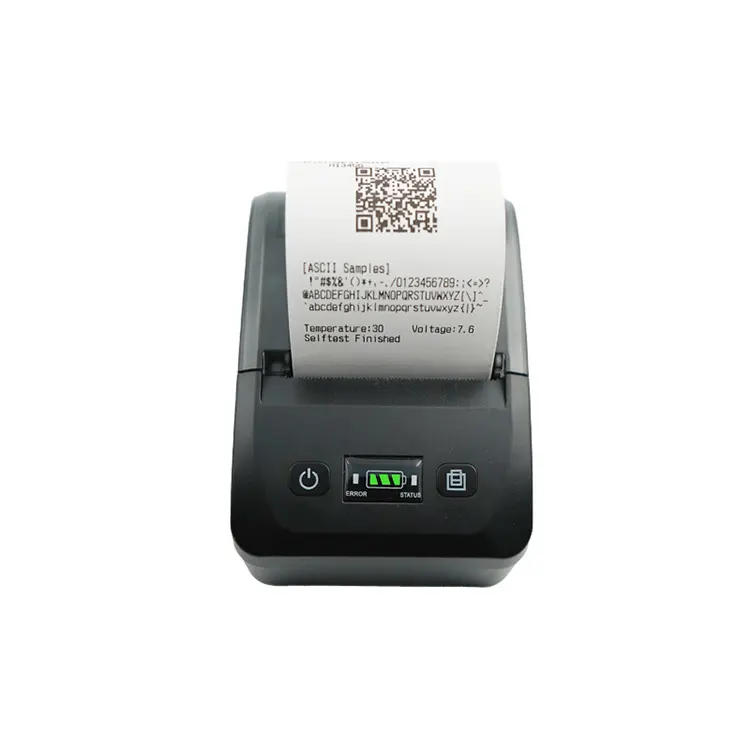
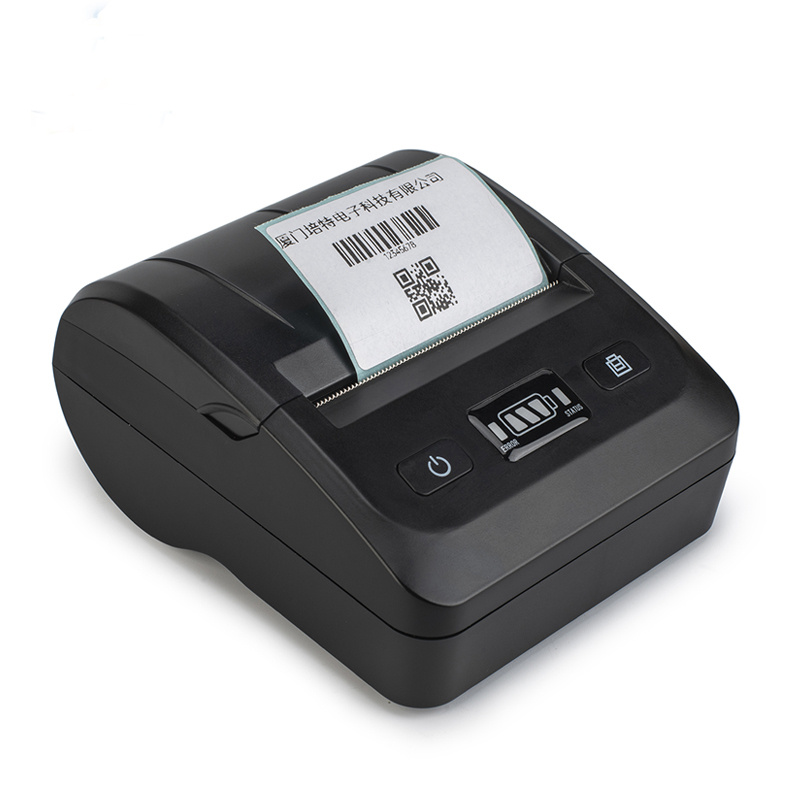
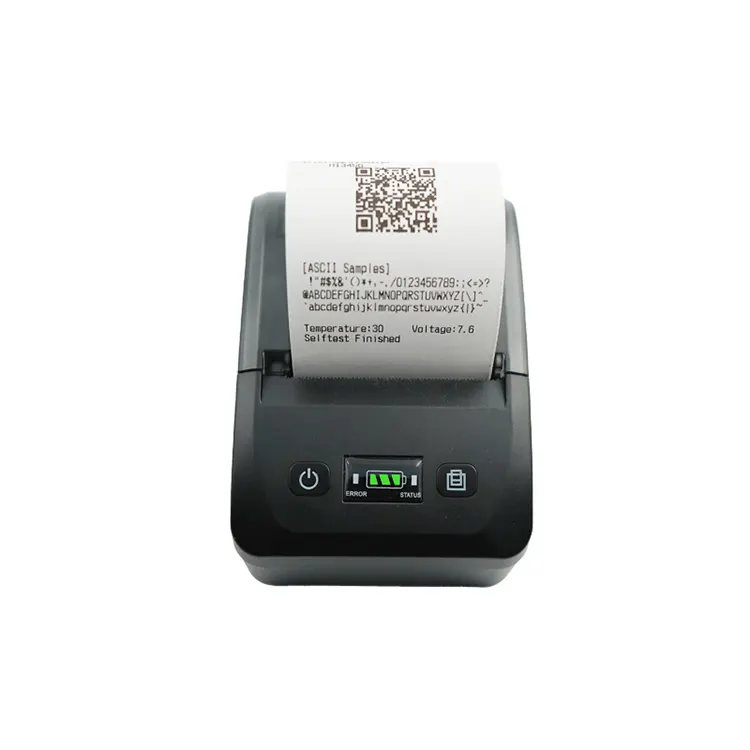
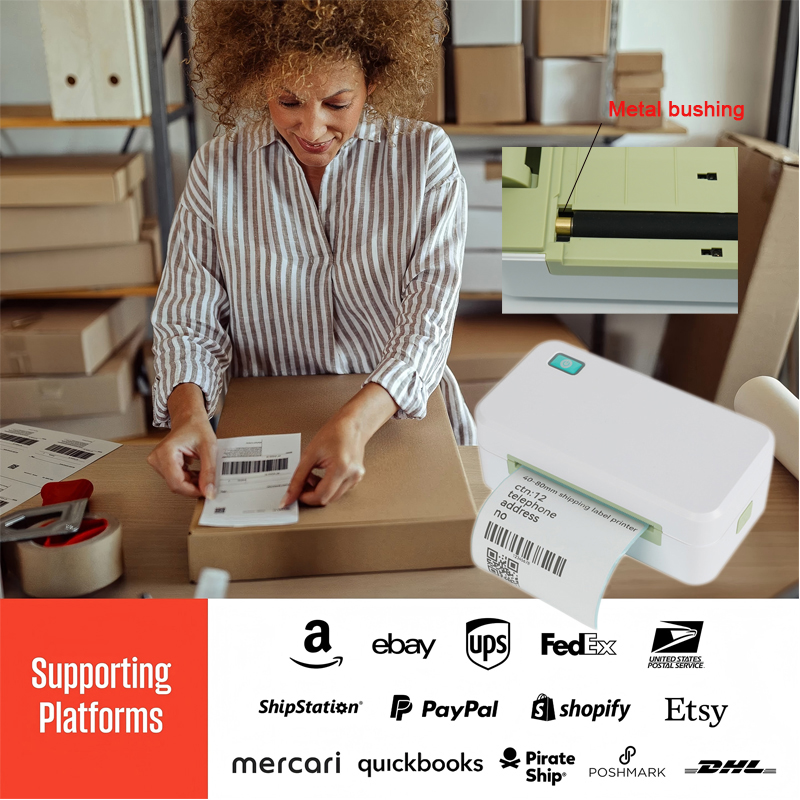
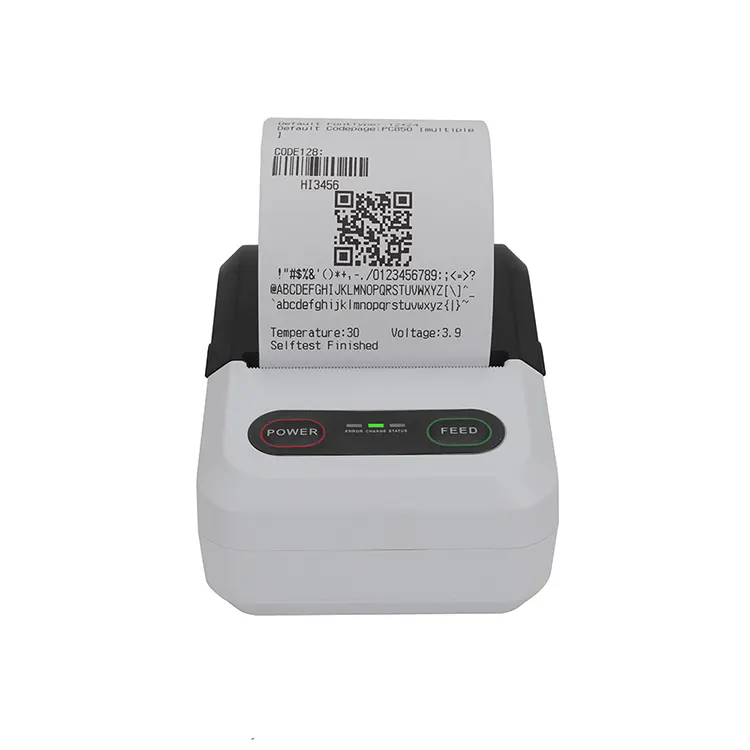
A 58 thermal receipt printer is a direct thermal printing device that uses 58mm-wide heat-sensitive paper to produce receipts, tickets, or labels. Unlike traditional inkjet or dot matrix printers, it requires no ribbons, toner, or ink cartridges. The print head applies heat to the paper, turning specific areas black to form text, barcodes, or logos. Most models support resolutions of 203 dpi, delivering crisp, professional output.

These printers communicate via USB, serial (RS-232), Ethernet, or wirelessly through Bluetooth and Wi-Fi. Modern units—especially those from Xiamen Peite Electronic Technology Co., Ltd.—integrate seamlessly with Android, iOS, and Windows, and often include SDKs for custom app development.

⚙️ Core specs at a glance

Specification Typical Value
Print width 48 mm (on 58 mm paper)
Print speed 90 mm/s – 165 mm/s (up to 300 mm/s on high-end models)
Resolution 203 dpi (8 dots/mm)
Connectivity USB, Bluetooth, Wi-Fi, Ethernet, COM
Paper roll diameter Max 50–60 mm
Life (print head) 50 km +

Source: Industry standards & Xiamen Peite lab data

✦ ✦ ✦

❓ 58mm vs 80mm Receipt Printer — Which One Fits Your Counter?

One of the most frequent dilemmas is choosing between 58mm and 80mm receipt printers. Both use thermal technology, but the differences go beyond size.

Feature 58mm Thermal Printer 80mm Thermal Printer
Paper width 58 mm (≈2.25 inches) 80 mm (≈3.125 inches)
Ideal content Short receipts, order numbers, basic items Detailed invoices, promotions, return policies, large logos
Counter space Ultra-compact, fits anywhere Larger footprint, requires dedicated area
Paper roll changes More frequent (smaller rolls) Less frequent (larger capacity)
Best for Food trucks, kiosks, boutiques, delivery Supermarkets, department stores, restaurants

According to ZYWELL, 58mm models are ideal for “light–moderate volume” environments where space is scarce and receipts are simple. If you often print multiple items with long descriptions, the 80mm width prevents text wrapping and looks cleaner.

✦ ✦ ✦

❓ What Are the Concrete Advantages of 58mm Thermal Printers?

✅ Advantages

  • No ink/toner: Direct thermal = zero consumable costs except paper. Great for lean operations.
  • Compact & lightweight: Many models (like the POS58) weigh under 0.6 kg, ideal for mobile POS.
  • Quiet operation: No impact noise; suitable for quiet retail spaces.
  • Fast printing: Speeds of 90–165 mm/s keep queues moving.
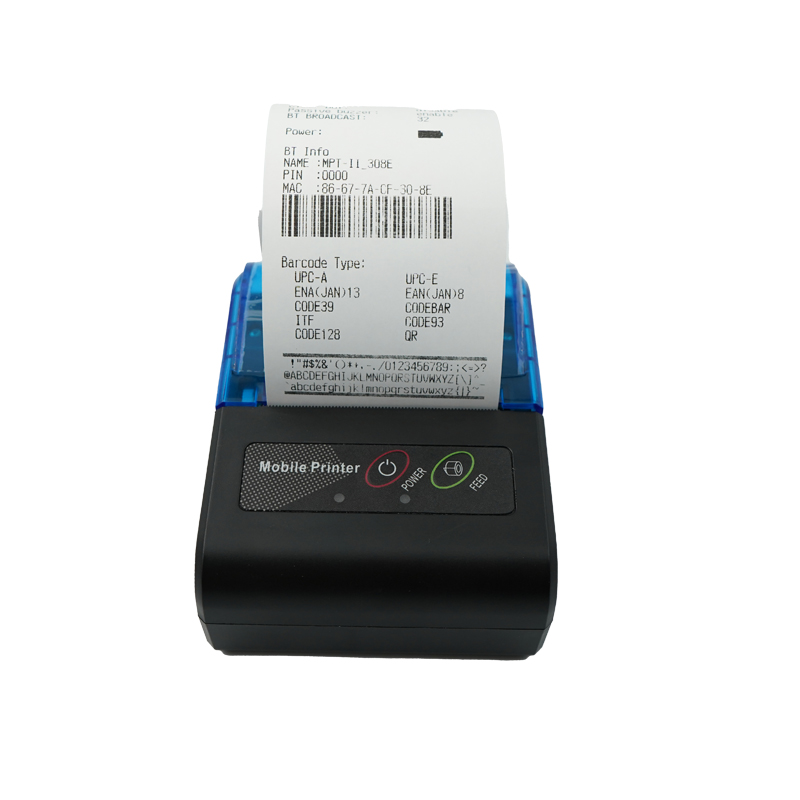
  • Multi-connectivity: Bluetooth/Wi-Fi models connect to tablets and phones effortlessly.
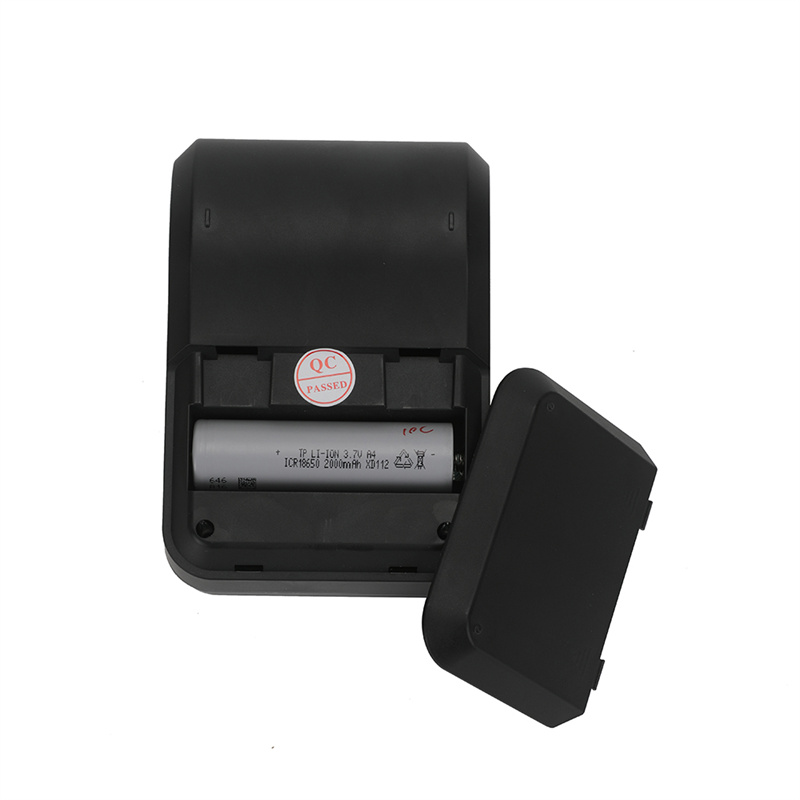
  • Energy efficient: Low power consumption, some run on battery.
  • Durable: Few moving parts; print head life typically 50+ km.

❌ Disadvantages

  • Fading prints: Thermal paper can fade under heat, sunlight, or time; not archival.
  • Narrow print width: Cramped for detailed receipts; long lines wrap, reducing.
  • Special paper required: You must buy thermal paper (often costlier than standard bond).
  • No carbon copies: Not suitable for multi-part forms (use dot matrix for that).
  • Fragile prints: Scratches or alcohol can darken/erase the image.
  • Limited branding area: Small space for logos or promotional messages.

Xiamen Peite Electronic Technology Co., Ltd. mitigates fading by sourcing premium coated thermal papers and offering printers with optimized heat control, ensuring receipts stay legible for the required retention period.

✦ ✦ ✦

❓ Any Downsides? — Limitations You Cannot Ignore

Beyond the cons listed above, users sometimes report compatibility headaches with older POS software. Always verify ESC/POS support (the industry standard command set). Another overlooked point: the paper roll outer diameter. Some compact 58mm printers only accept small rolls (50mm max), so in high-traffic venues, you might change paper multiple times a shift. Also, be cautious with cheap thermal paper; it can damage the print head due to rough coating. Xiamen Peite Electronic Technology Co., Ltd. recommends using BPA-free, high-sensitivity paper to prolong head life.

❓ Which Businesses Benefit Most from 58mm Printing?

The 58mm receipt printer is the star in these scenarios:

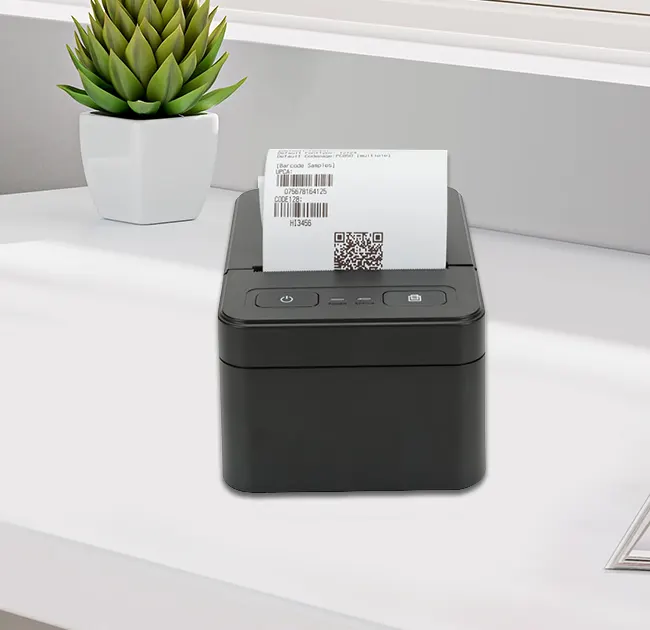
  • Food trucks & pop-ups: Portability and Bluetooth connectivity allow printing from any tablet.
  • Small retail (boutiques, gift shops): Space-saving, simple receipts.
  • Delivery & field services: Portable battery-powered 58mm printers (like the HPRT HM-E200) print invoices on the spot [citation:8].
  • Queue ticketing: Banks, clinics, or delis—narrow tickets are perfect.
  • Kitchen order printers: Compact, fast, and can be placed near cooking stations.
  • Gas stations & convenience stores: High speed and reliability for quick transactions.

Customer reviews on Amazon India praise a 58mm Bluetooth printer for its “2600 mAh battery lasting a full day” and easy connection to Android. However, some users complain about “barcode label apps not working” — a reminder to check app compatibility before purchase.

✦ ✦ ✦

❓ How to Choose the Perfect 58 Thermal Printer (USB, Bluetooth, Cloud)?

Here’s a practical checklist inspired by Alibaba’s insights and Xiamen Peite’s recommendation engine [citation:2][citation:9]:

Factor Questions to ask
Connectivity Do you need fixed USB or mobile Bluetooth/WiFi? If you use iPad POS, choose Bluetooth with iOS compatibility.
Power source Countertop? Choose DC adapter. Mobile? Choose built-in rechargeable battery (2600mAh+).
Auto-cutter For high volume, an auto-cutter saves time. For low volume, manual tear bar is fine.
Driver & SDK Check if the manufacturer (like Xiamen Peite) provides Windows, Linux, and Android drivers and sample code.
Paper width (actual) Some 58mm printers actually use 57.5±0.5mm paper, always verify.
Print speed If you serve >100 customers/hour, aim for 150mm/s+.
Brand reputation Look for OEM/ODM manufacturers with proven track records—Xiamen Peite Electronic Technology Co., Ltd. offers white-label solutions used globally.

❓ How to Install and Troubleshoot Your 58mm Printer?

Installation is usually straightforward, but here are typical steps (based on a common 58 series manual):

  1. Connect the printer to power and your device (USB/Serial).
  2. Install the driver (download from the official support page).
  3. For Windows, go to “Devices and Printers” → “Add a printer”. Select the correct port (USB001 or COM port).
  4. Print a test page from the driver properties.
  5. If using Bluetooth, pair using passkey “1234” (default).

Troubleshooting quick tips:

  • Printer powers on but doesn’t print: Check paper installation and print head cable.
  • Light print or gaps: Clean the thermal head with alcohol and a swab.
  • Garbled text: Incorrect baud rate or driver mismatch — set serial parameters to 9600,N,8,1.
  • Paper jam: Remove jammed paper, clean the platen roller.
✦ ✦ ✦

❓ Frequently Asked Questions (Real Buyer Queries)

Q: Can I use any 58mm thermal paper in my printer?
A: While most 58mm printers accept standard 58mm x 50mm rolls, the paper quality varies. High-quality paper from Xiamen Peite Electronic Technology Co., Ltd. reduces print head wear and resists fading. Avoid paper with rough surfaces or unknown coating. Always check roll diameter (max 50-60mm) to avoid jams.
Q: Do 58 thermal receipt printers support QR codes and graphics?
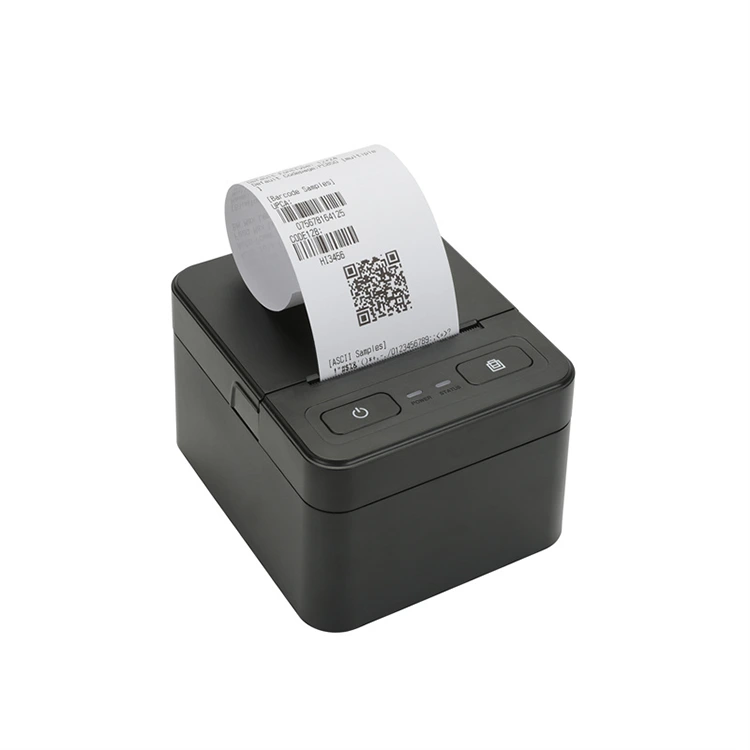
A: Yes, virtually all modern 58mm thermal printers support 1D barcodes (Code39, EAN13, etc.) and 2D QR codes. They can print logos and graphics if your POS software sends the correct ESC/POS commands. Resolution is typically 203dpi, enough for crisp small graphics.
Q: How long does a thermal receipt last before fading?
A: Standard thermal paper receipts can fade within 6 months to 2 years if exposed to heat, sunlight, or certain plastics. For longer archival (e.g., for warranties), consider using “top-coated” thermal paper or scanning receipts digitally. Some 58mm printers allow darkening adjustment to improve longevity. 
Q: What’s the difference between a 58 thermal printer and a 58 mobile terminal (like Sunmi)?
A: The Sunmi 58 model mentioned in Bangladesh is actually a mobile terminal (handheld computer) with a built-in 58mm printer, running Android. That’s different from a desktop 58mm printer, which only prints and connects to an external POS. Both serve specific niches. 
Q: Can I connect a 58mm printer to my iPad or iPhone?
A: Yes, if the printer supports Bluetooth or Wi-Fi and is MFi certified or works with compatible apps (like Loyverse, iREAP). Many printers from Xiamen Peite Electronic Technology Co., Ltd. come with iOS-compatible drivers or use generic ESC/POS printing apps.


⚙️ Proudly sourced from innovation: Xiamen Peite Electronic Technology Co., Ltd. has been designing durable, energy-efficient 58 thermal receipt printers for global markets since 2008. Our units feature reinforced auto-cutters and multi-OS compatibility. Contact us.

📚 Sources & further reading

  • Moglix Reviews – HOIN H58 durability feedback
  • Alibaba Insights – POS Printer 58 specs & types
  • Amazon Canada – POS-5890A product description
  • Star Tech BD – Sunmi 58 printer terminal
  • Manualzz – 58mm thermal printer operating guide
  • Amazon India – Helett H58i user reviews
  • ZYWELL – 58mm vs 80mm comparison
  • HPRT – POS58 printer guide 2025
  • Alibaba – High-speed 58mm wireless thermal transfer
  • Printer Forum – Troubleshooting 58xx printers


Related News
Leave me a message
X
We use cookies to offer you a better browsing experience, analyze site traffic and personalize content. By using this site, you agree to our use of cookies. Privacy Policy
Reject Accept