News

News

How do I install a thermal printer driver in Windows 10?

2025-10-17 0 Leave me a message

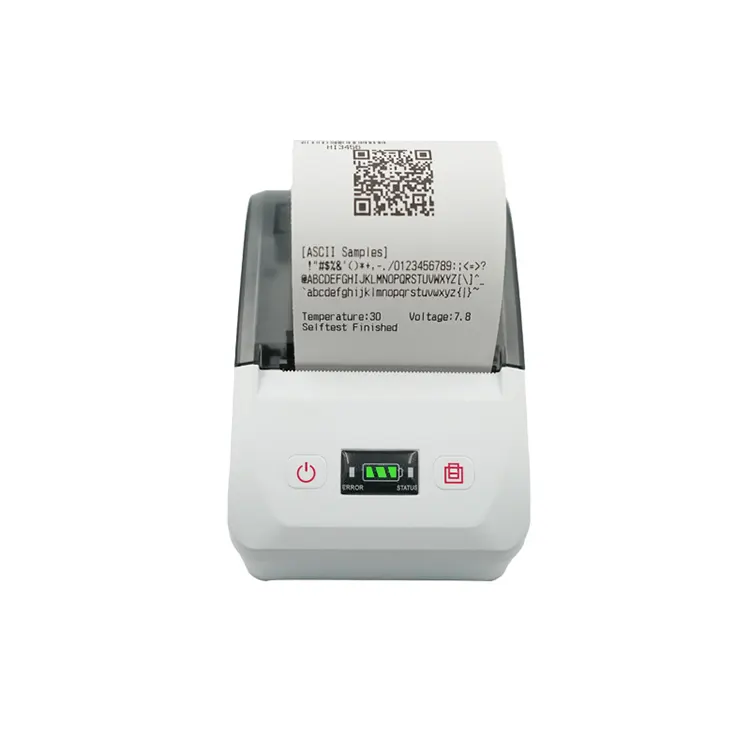
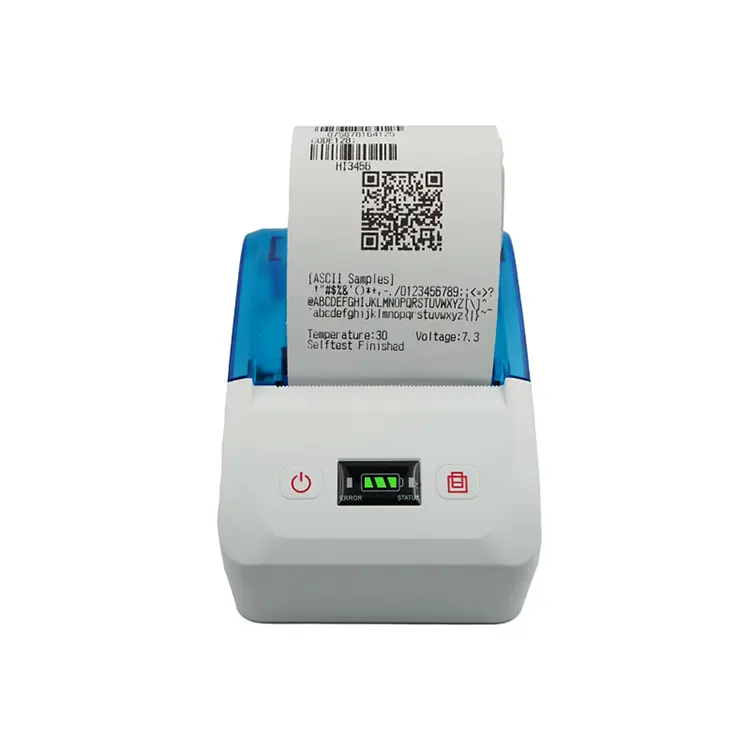
Thermal printers generally have Bluetooth, usb or WiFi, Ethernet interfaces. If you want to install the thermal printer driver in Windows 10, you need to connect through the USB interface.

1. Connect the mobile bill printer to a Windows 10 computer via USB or other appropriate interface.

2. Download the driver. Go to the official website of Peite and search for the latest driver suitable for your model printer and Windows 10 in its Support or download section. Downloading the correct driver version is crucial for the normal operation of the printer.


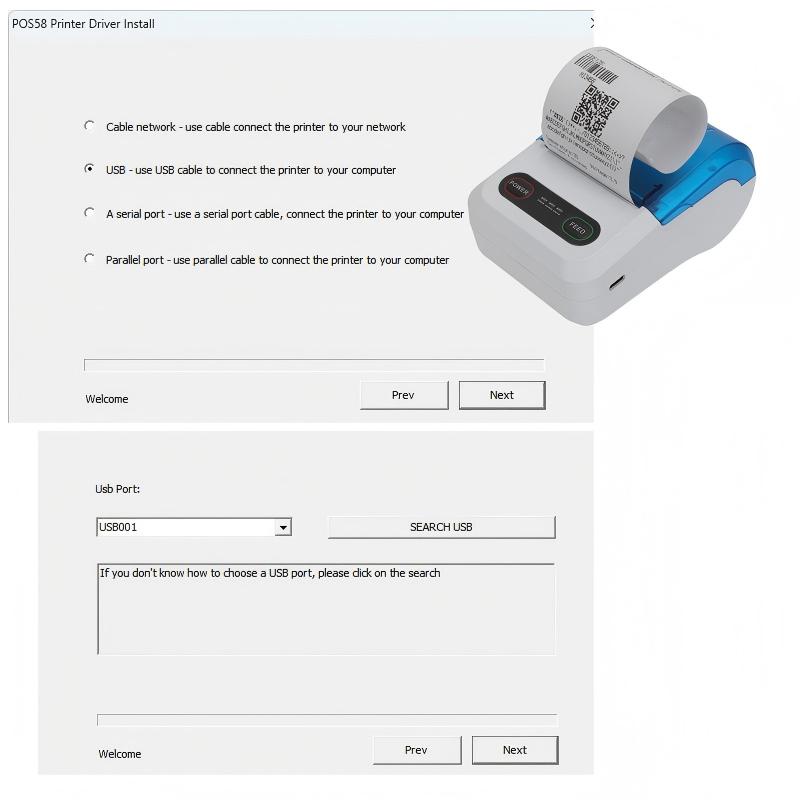
Thermal Printer Install


3. Steps for installing the driver:

Double-click the downloaded driver installation file and follow the instructions on the screen.

During the installation process, you may need to select the connection method (such as USB, Wi-Fi, etc.) and printer model, etc. Click "Next" until the installation is completed.

4. Open the application or document you have selected, choose the Print option, select the printer model where you just installed the driver, and print to test if it can print normally.

Xiamen Peite is a supplier that supports the shipment of finished products or loose parts and offers cost-effective thermal printer products. Choosing Peite means choosing quality and trust, and we look forward to developing together.

Related News
Leave me a message
X
We use cookies to offer you a better browsing experience, analyze site traffic and personalize content. By using this site, you agree to our use of cookies. Privacy Policy
Reject Accept