News

News

Why Is a Bluetooth Thermal Receipt Printer Essential for Modern Business?

2026-05-09 0 Leave me a message

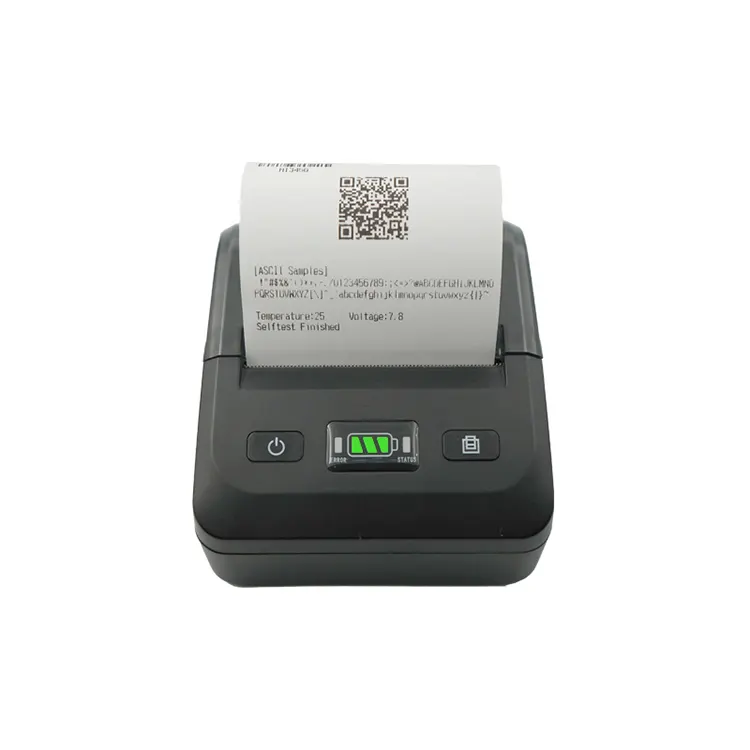
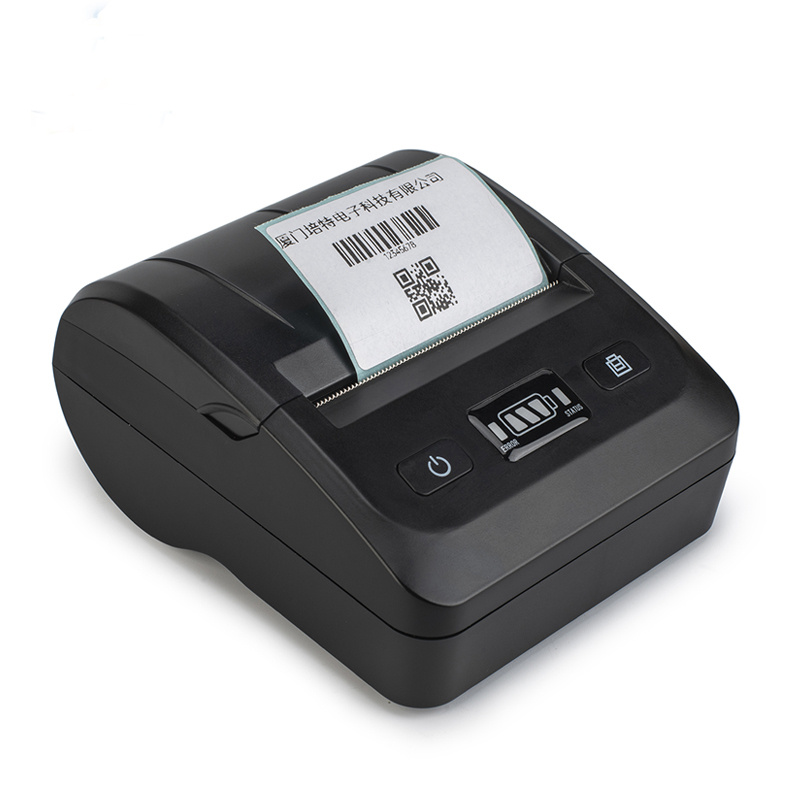
From retail stores and restaurants to warehouses and delivery services, businesses today demand faster, smarter, and more reliable printing solutions. A Bluetooth Thermal Receipt Printer offers wireless convenience, high-speed performance, and cost-effective operation without the limitations of traditional ink-based systems. This comprehensive guide explores everything you need to know about Bluetooth thermal receipt printers, including their benefits, applications, buying considerations, maintenance tips, and future trends.

Bluetooth Thermal Receipt Printer


Table of Contents


1. What Is a Bluetooth Thermal Receipt Printer?

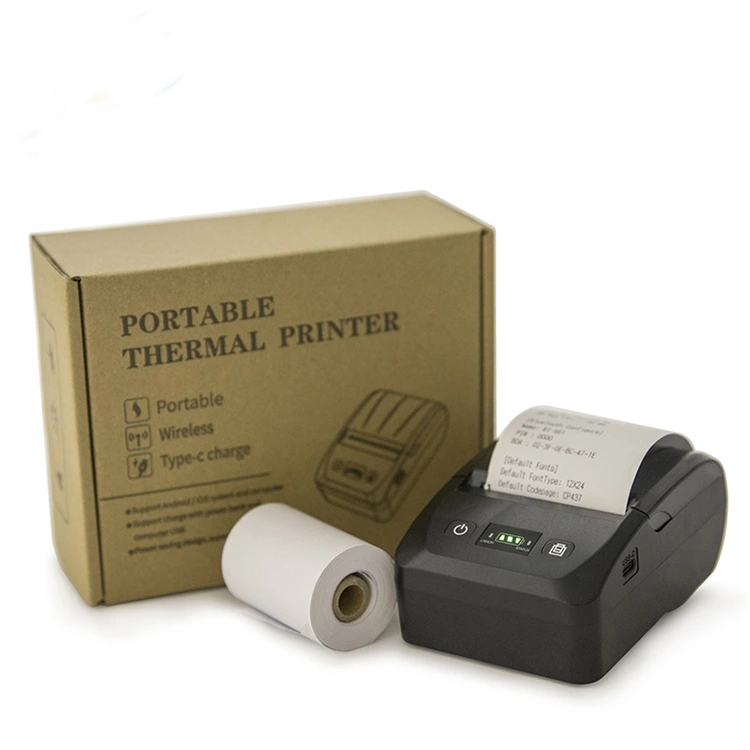
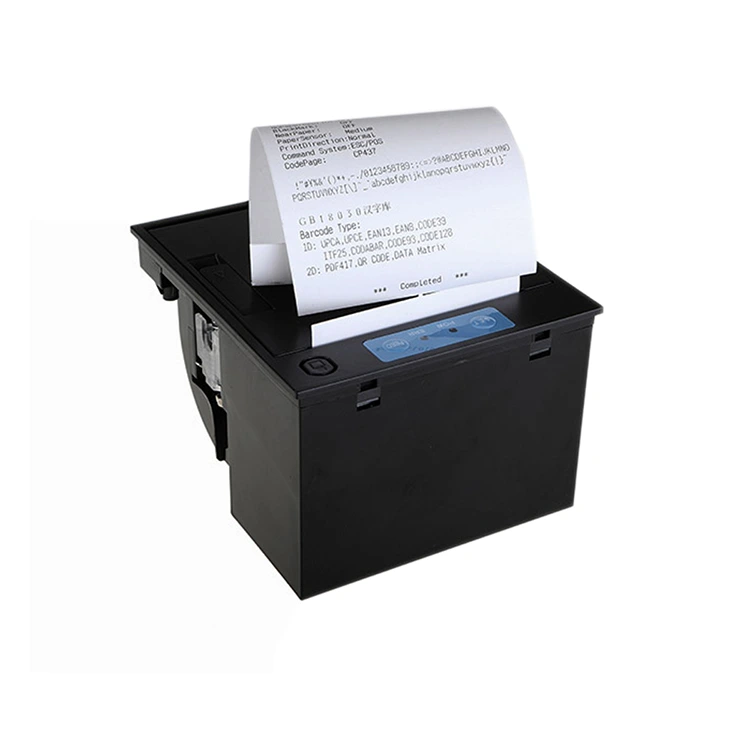
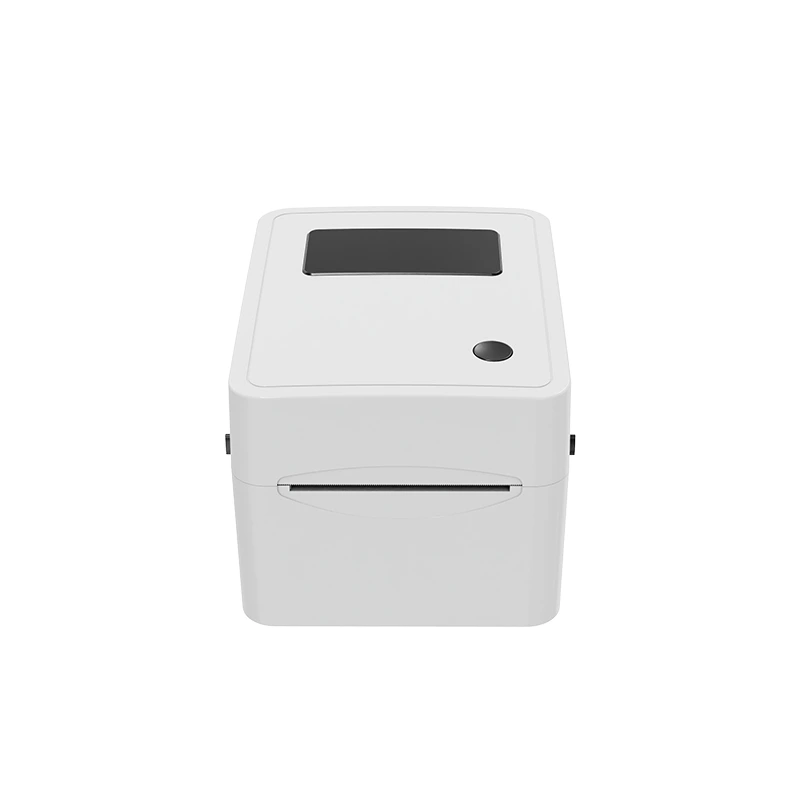
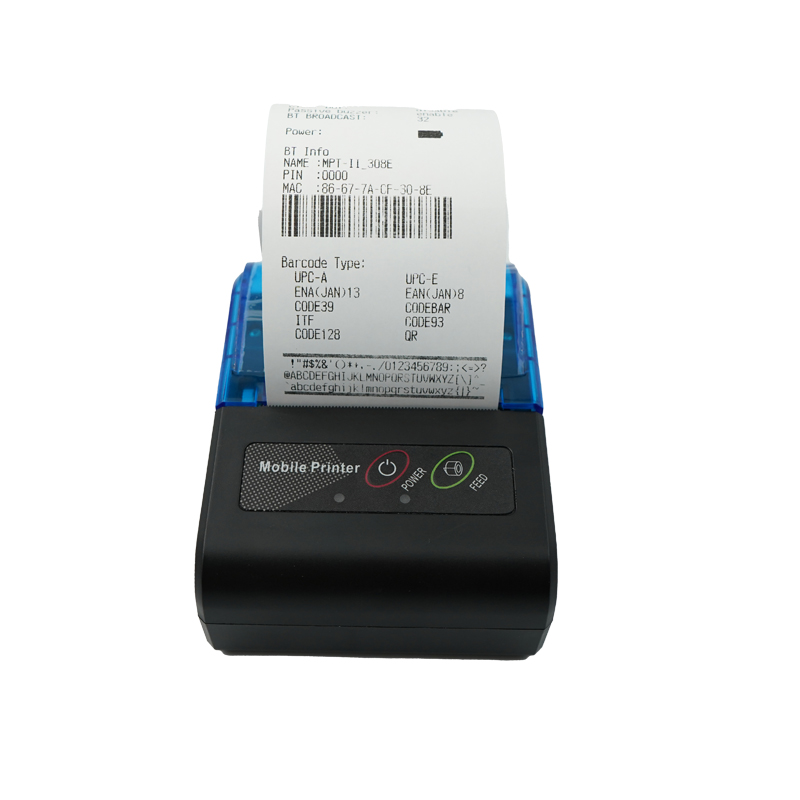
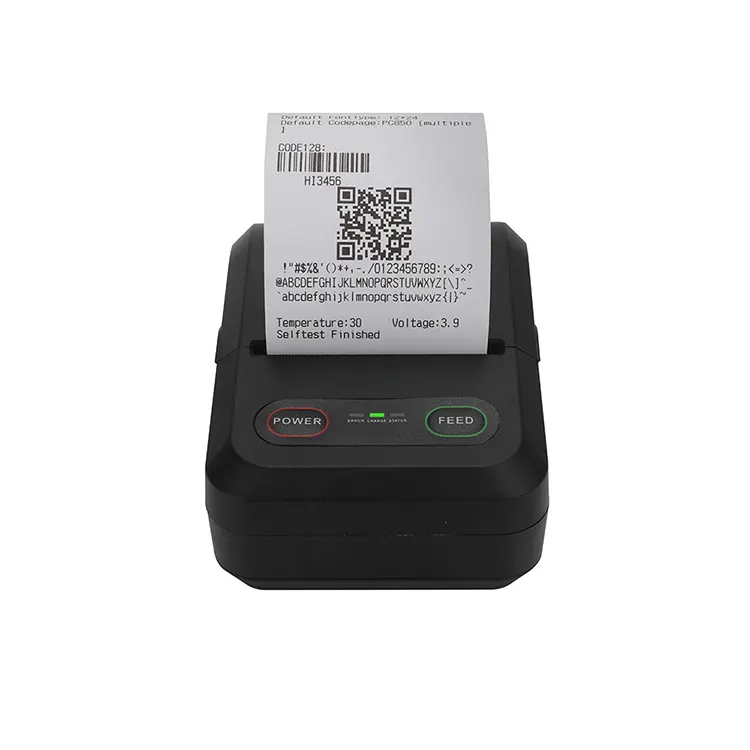
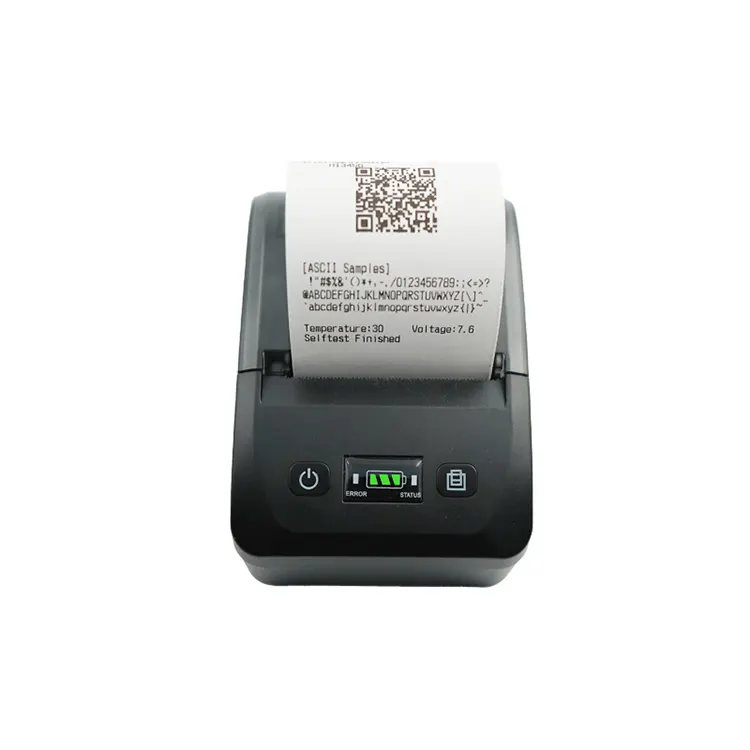
A Bluetooth Thermal Receipt Printer is a wireless printing device designed to produce receipts, labels, invoices, tickets, and transaction records using thermal printing technology. Unlike traditional printers that rely on ink or toner cartridges, thermal printers use heat-sensitive paper and thermal print heads to create sharp, clear text and graphics.

Bluetooth connectivity allows the printer to communicate wirelessly with smartphones, tablets, POS systems, laptops, and other smart devices. This eliminates cable clutter and improves flexibility in busy work environments.

Feature Description
Printing Technology Direct thermal printing
Connection Bluetooth wireless communication
Consumables Thermal paper only
Typical Use Receipts, labels, invoices, tickets

2. How Does a Bluetooth Thermal Printer Work?

The printing process is remarkably simple yet highly efficient. Thermal printers use a thermal print head that selectively heats areas on specially coated thermal paper. When heated, the paper darkens, forming text or images instantly.

Bluetooth technology allows data transmission between the printer and a connected device without physical cables.

Basic Workflow:
  1. User sends print data from a smartphone or POS system.
  2. Bluetooth transfers the data wirelessly.
  3. The thermal print head heats the thermal paper.
  4. The receipt or label prints instantly.

This process significantly reduces printing delays and improves customer service efficiency in high-traffic environments.


3. What Are the Major Advantages?

Businesses increasingly choose Bluetooth thermal receipt printers because they combine speed, reliability, mobility, and affordability.

Wireless Convenience

Bluetooth technology eliminates complicated cable installations. Staff can print receipts directly from mobile devices while moving freely around the workspace.

Fast Printing Speed

Thermal printers are engineered for high-speed output, making them ideal for busy checkout counters and delivery operations.

Lower Operating Costs

No ink cartridges or toner replacements are needed. Businesses only need thermal paper, reducing maintenance and consumable expenses.

Compact Design

Most Bluetooth thermal receipt printers are lightweight and portable, allowing easy deployment in limited spaces.

Quiet Operation

Unlike impact printers, thermal printers produce minimal noise, improving workplace comfort.

Benefit Business Impact
Wireless Setup Flexible workspace arrangement
Fast Printing Shorter customer waiting time
No Ink Needed Reduced operating expenses
Portable Design Suitable for mobile businesses

4. Which Industries Use Bluetooth Receipt Printers?

Bluetooth thermal receipt printers are widely adopted across many industries due to their adaptability and efficiency.

Retail

Retail stores use thermal printers for checkout receipts, discount coupons, and inventory labels.

Restaurants

Restaurants rely on wireless printers for kitchen orders, takeaway receipts, and mobile payment systems.

Logistics

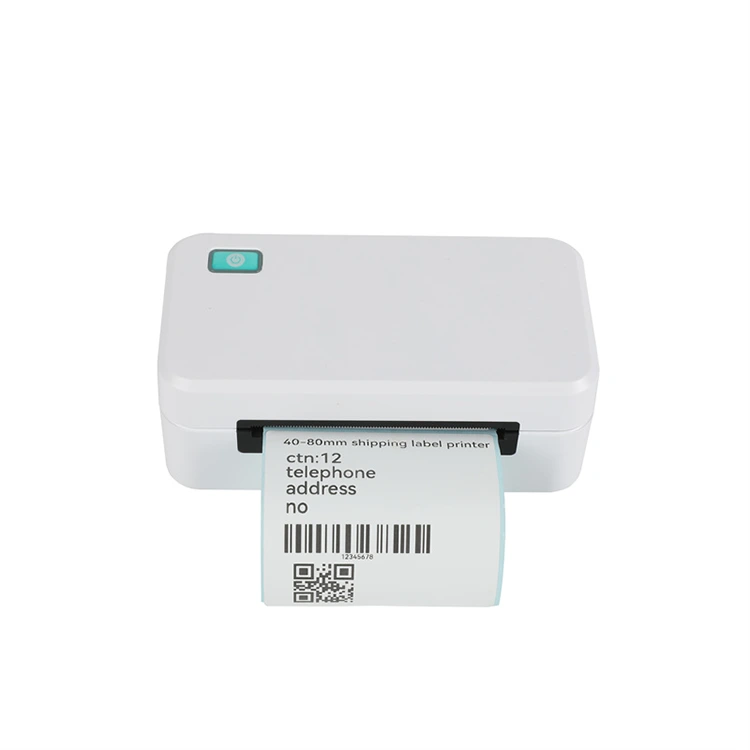
Shipping companies use thermal printers for package labels, tracking information, and delivery receipts.

Healthcare

Hospitals and clinics use portable printers for prescriptions, patient identification, and queue tickets.


5. Bluetooth Thermal Printer vs Traditional Printer

Factor Bluetooth Thermal Printer Traditional Ink Printer
Consumables Thermal paper only Ink/Toner required
Maintenance Low Moderate to high
Speed Very fast Slower
Noise Level Quiet Noisier
Portability Excellent Limited

For businesses focused on efficiency and mobility, Bluetooth thermal receipt printers provide a clear operational advantage.


6. What Features Should You Look For?

Choosing the right Bluetooth thermal receipt printer requires evaluating several critical features.

  • Print Speed: Faster speeds improve customer experience.
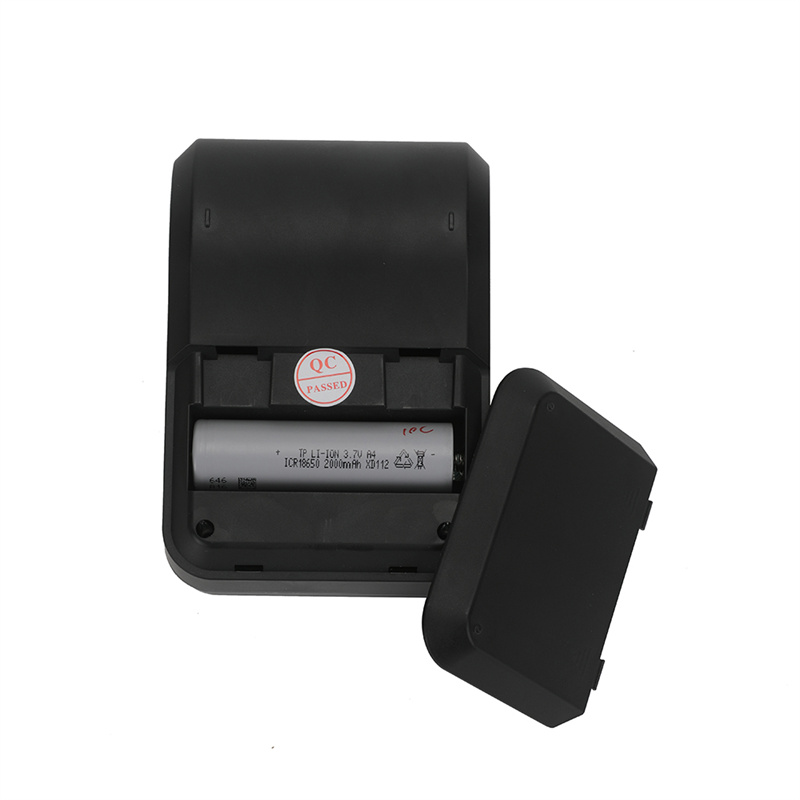
  • Battery Capacity: Essential for portable applications.
  • Print Width: Common widths include 58mm and 80mm.
  • Compatibility: Ensure support for Android, iOS, Windows, and POS software.
  • Durability: Important for warehouses and outdoor environments.
  • Paper Loading: Easy loading reduces downtime.
  • Resolution: Higher DPI improves text clarity and barcode quality.

Businesses should match printer specifications with their operational requirements to maximize long-term performance.


7. How to Choose the Right Printer

Selecting the ideal Bluetooth thermal receipt printer depends on your business size, usage frequency, and operating environment.

For Small Retail Shops

Compact desktop printers with stable Bluetooth connections and moderate printing speeds are often sufficient.

For Mobile Businesses

Portable battery-powered models are ideal for food trucks, pop-up shops, and delivery services.

For Warehouses

Industrial-grade thermal printers with rugged housing and high durability are recommended.

Buying Checklist:
  • Evaluate daily printing volume
  • Check operating system compatibility
  • Consider mobility requirements
  • Assess connectivity stability
  • Review warranty and technical support
  • Compare paper width options

8. Understanding Bluetooth Connectivity

Bluetooth technology has evolved significantly in recent years, providing faster data transmission, stronger security, and more stable wireless communication.

Modern Bluetooth thermal printers often support:

  • Bluetooth 4.0 or higher
  • Longer wireless range
  • Lower power consumption
  • Faster pairing
  • Multi-device compatibility

Reliable Bluetooth connectivity ensures uninterrupted transactions and minimizes printing failures during peak business hours.


9. Maintenance and Troubleshooting Tips

Although thermal printers require less maintenance than traditional printers, regular care can extend their lifespan and maintain print quality.

Cleaning the Print Head

Dust and paper residue can accumulate on the thermal print head. Use alcohol wipes designed for printer cleaning.

Using Quality Thermal Paper

Low-quality paper may damage the print head and reduce image clarity.

Avoiding Overheating

Continuous heavy-duty printing can generate excess heat. Allow cooling intervals when necessary.

Issue Possible Cause Solution
Faded Print Dirty print head Clean the print head
Bluetooth Disconnects Weak signal Reduce distance
Paper Jam Incorrect paper loading Reload properly

10. Are Thermal Printers Eco-Friendly?

Bluetooth thermal receipt printers contribute to environmental sustainability in several ways.

  • No ink cartridges reduce plastic waste.
  • Lower energy consumption compared to many laser printers.
  • Compact size reduces material usage.
  • Modern thermal paper options are increasingly BPA-free.

Many businesses now prioritize environmentally responsible printing solutions as part of their long-term operational strategy.


11. Future Trends in Thermal Printing

The future of Bluetooth thermal receipt printers is closely tied to smart retail systems, mobile commerce, and automation technologies.

Emerging Trends

  • Cloud-based printing integration
  • AI-powered printer diagnostics
  • Improved battery efficiency
  • Enhanced security protocols
  • Smaller and lighter portable models
  • IoT-enabled smart printer ecosystems

As businesses continue adopting digital workflows, demand for wireless thermal printing solutions is expected to grow rapidly.


12. Frequently Asked Questions

Can Bluetooth thermal printers work with smartphones?

Yes. Most modern Bluetooth thermal printers support Android and iOS devices through dedicated applications or POS software.

Do thermal printers require ink?

No. Thermal printers use heat-sensitive paper and do not require ink cartridges or toner.

How long do thermal prints last?

Depending on paper quality and storage conditions, thermal receipts can remain readable for several years.

Are Bluetooth printers secure?

Modern Bluetooth standards include encryption and secure pairing methods that help protect transmitted data.

Can one printer connect to multiple devices?

Many Bluetooth thermal printers support multiple paired devices, although active printing is usually handled one connection at a time.


13. Conclusion

A Bluetooth Thermal Receipt Printer is more than just a printing device — it is an essential business tool that improves efficiency, mobility, and customer experience. Whether used in retail, hospitality, healthcare, logistics, or mobile commerce, these printers provide reliable performance while lowering operating costs.

As wireless technology and smart business systems continue evolving, Bluetooth thermal printers will remain a key component of modern transaction and labeling solutions.

For businesses seeking dependable thermal printing technology, Xiamen Peite Electronic Technology Co., Ltd. offers innovative and high-performance solutions designed to meet diverse commercial needs worldwide.


Looking for reliable Bluetooth thermal receipt printer solutions for your business?

Xiamen Peite Electronic Technology Co., Ltd. is committed to delivering advanced thermal printing products with stable performance, excellent durability, and professional technical support.

Contact us today to discover customized printing solutions for your industry.


Related News
Leave me a message
X
We use cookies to offer you a better browsing experience, analyze site traffic and personalize content. By using this site, you agree to our use of cookies. Privacy Policy
Reject Accept