News

News

How Does Wireless Thermal Receipt Printer Transform Modern Business Operations?

2026-05-21 0 Leave me a message

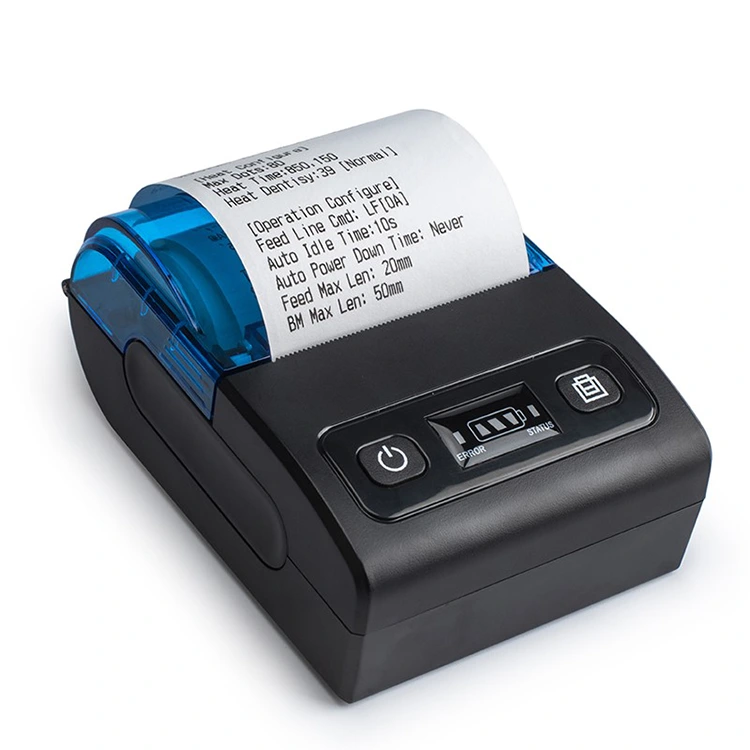
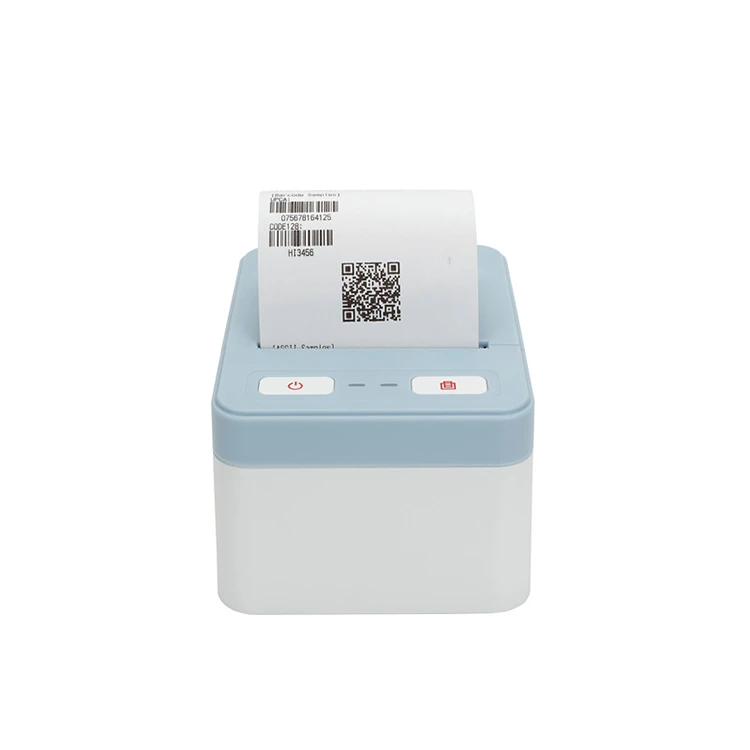
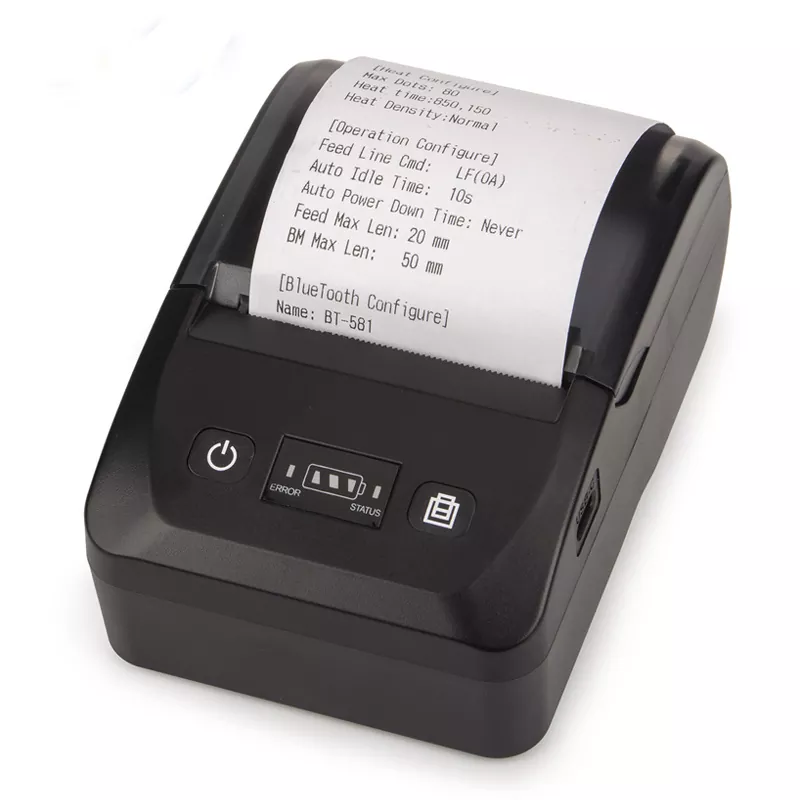
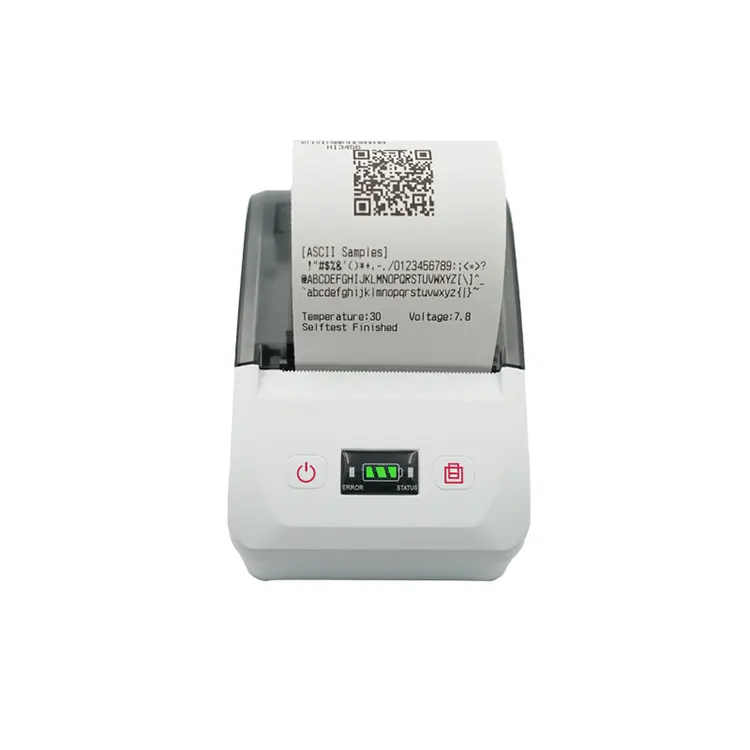
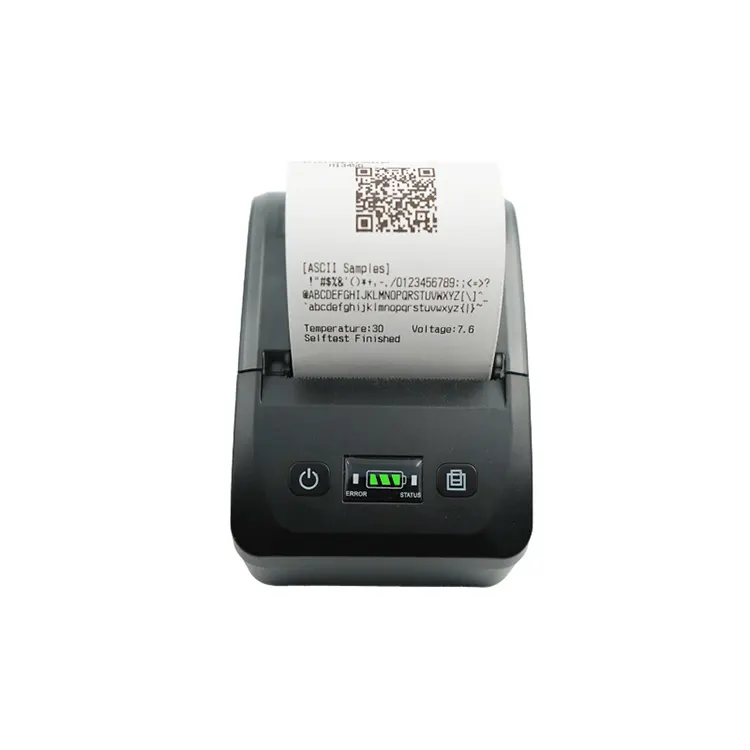
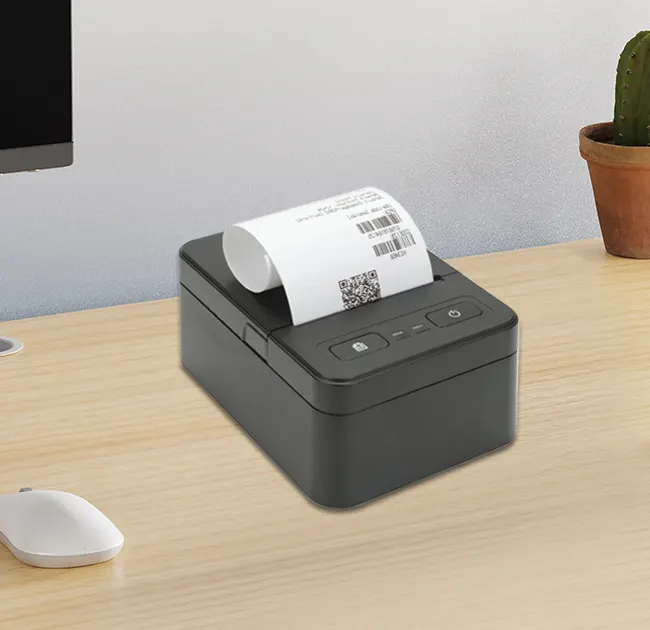
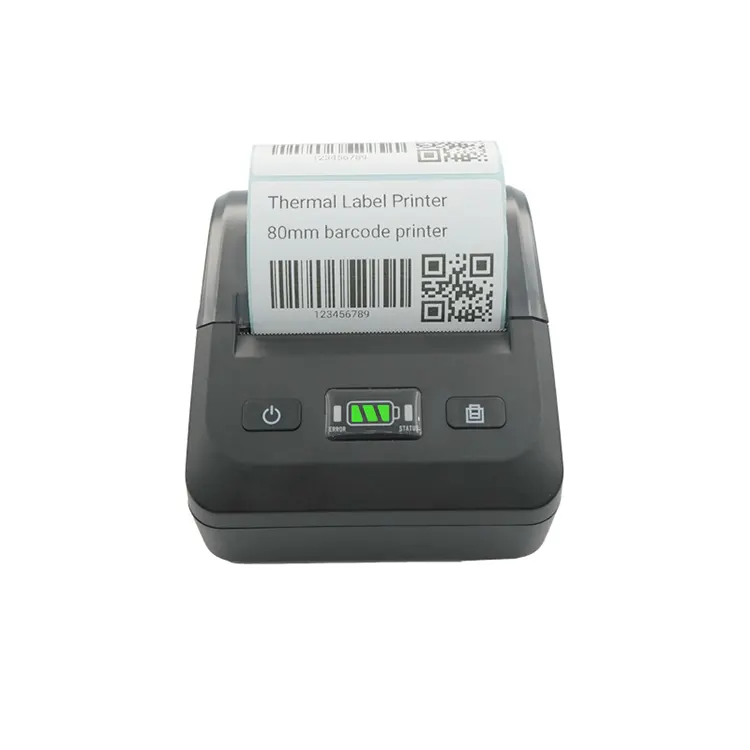
In today’s fast-paced commercial environment, efficiency, mobility, and seamless transaction processing are critical. A Wireless Thermal Receipt Printer has become an essential tool for retail stores, restaurants, logistics companies, and service-based businesses seeking faster checkout experiences and reduced operational friction. Unlike traditional wired printers, wireless models eliminate cable constraints and enable flexible printing from multiple devices such as smartphones, tablets, and POS systems. This article explores how wireless thermal receipt printers work, their benefits, real-world applications, technical considerations, and how businesses can choose the right model to improve productivity and customer satisfaction.

Wireless Thermal Receipt Printer


Table of Contents


1. Introduction

The modern business world demands speed and flexibility. Whether in retail checkout counters, food delivery systems, or mobile point-of-sale environments, printing receipts quickly and reliably is essential. Traditional printers often rely on wired connections that limit mobility and workspace organization. This is where the Wireless Thermal Receipt Printer changes the game.

By using wireless connectivity technologies such as Wi-Fi, Bluetooth, or cloud printing, businesses can streamline operations and improve customer service efficiency. This transformation is not just technological—it directly impacts revenue, customer satisfaction, and operational cost reduction.


2. What is a Wireless Thermal Receipt Printer?

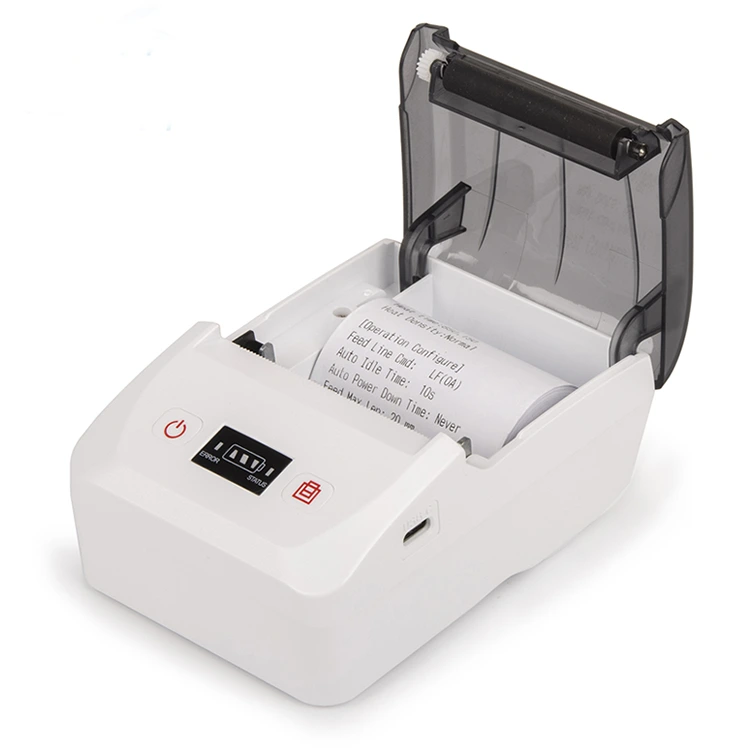
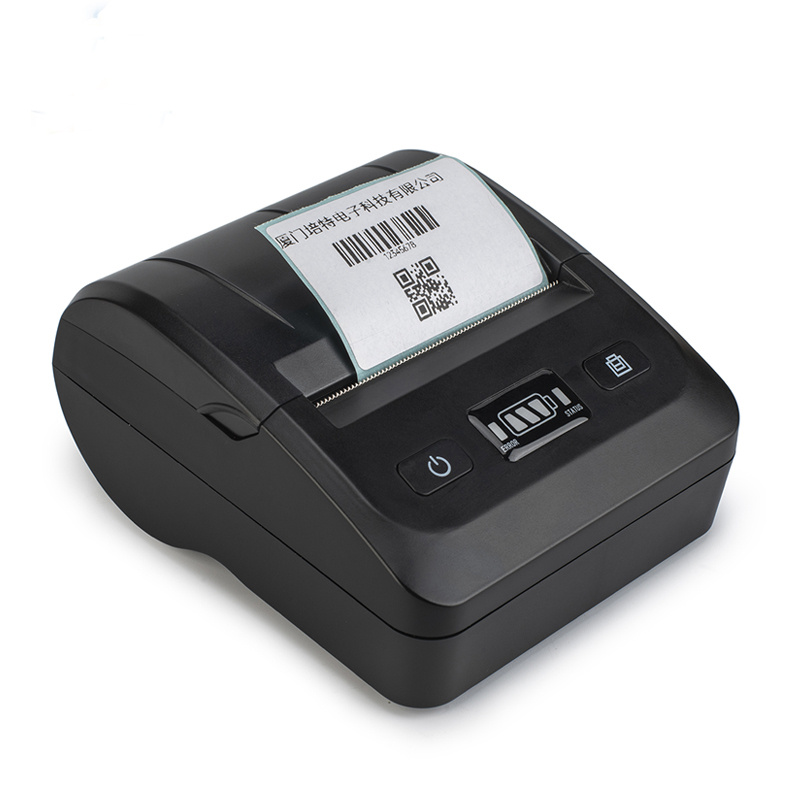
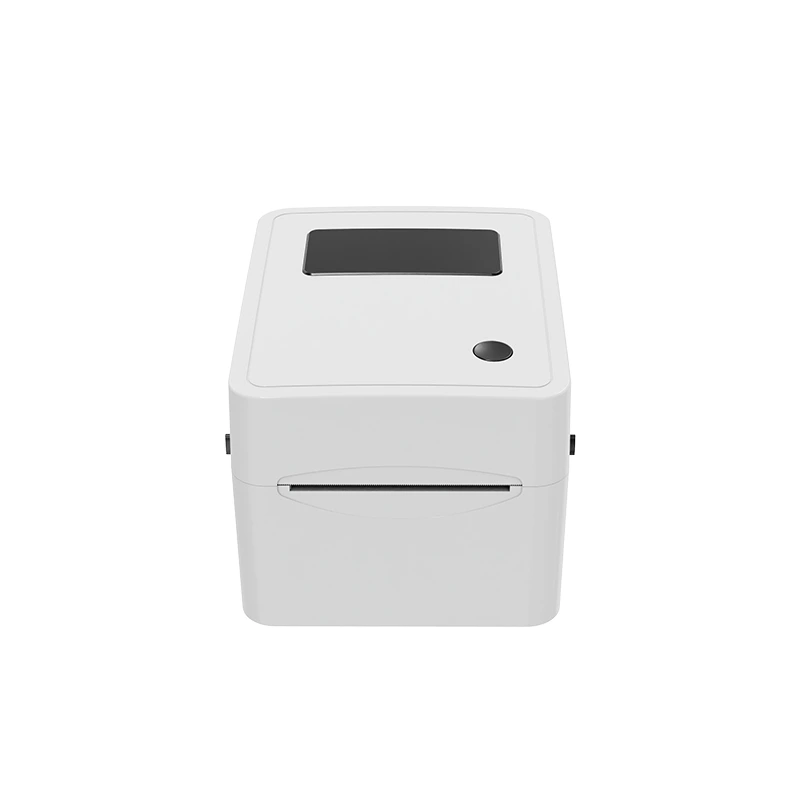
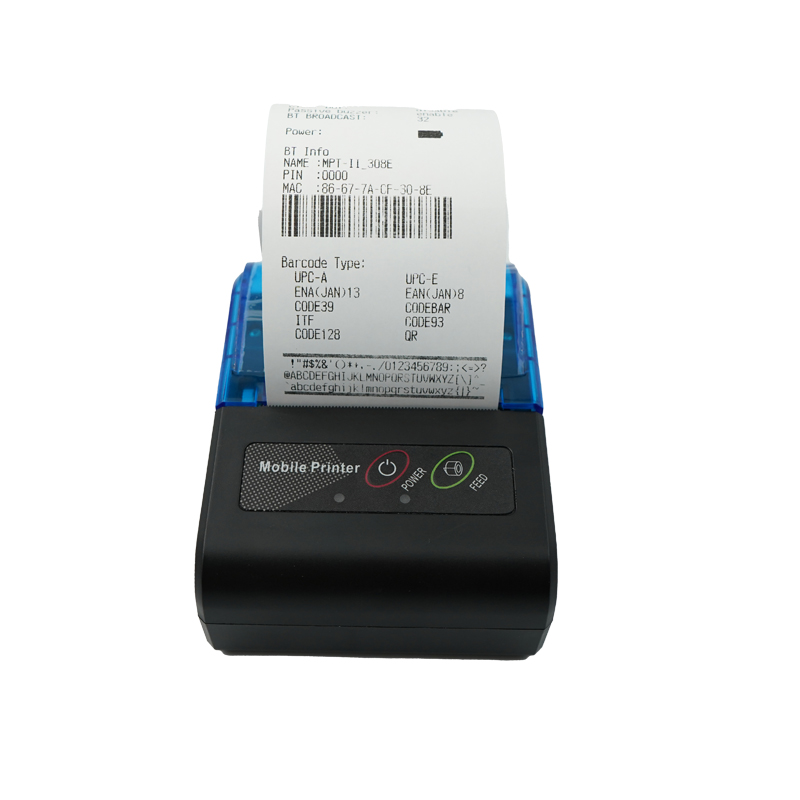
A wireless thermal receipt printer is a compact printing device that uses heat-sensitive paper to produce receipts without ink or toner. Instead of physical cables, it connects through wireless protocols, allowing multiple devices to send print commands remotely.

  • No ink or ribbon required
  • Uses thermal printing technology
  • Connects via Wi-Fi, Bluetooth, or cloud systems
  • Compatible with POS systems, mobile apps, and tablets

This makes it ideal for dynamic environments where mobility and speed are essential.


3. How Wireless Thermal Printing Technology Works

Wireless thermal printers operate using a combination of heat-sensitive paper and a thermal print head. When data is received wirelessly, the printer processes the information and selectively heats areas of the paper to produce text or images.

Process Overview:

  1. Device sends print command via wireless connection
  2. Printer receives and decodes data
  3. Thermal head heats specific areas
  4. Paper reacts and forms text/images
  5. Receipt is printed instantly

The absence of ink significantly reduces maintenance costs and increases printing speed.


4. Key Benefits for Modern Businesses

Wireless thermal receipt printers offer multiple advantages that directly improve business performance.

  • Mobility: Staff can print receipts anywhere within network range.
  • Faster Checkout: Reduces waiting time for customers.
  • Lower Maintenance: No ink or toner required.
  • Space Saving: Eliminates cable clutter.
  • Multi-device Support: Works with phones, tablets, and POS systems.
  • Energy Efficient: Consumes less power compared to traditional printers.

These advantages help businesses improve workflow efficiency and customer experience simultaneously.


5. Industry Applications

Wireless thermal receipt printers are widely used across multiple industries:

  • Retail Stores: Fast billing and receipt printing at checkout counters
  • Restaurants & Cafés: Kitchen orders and customer receipts
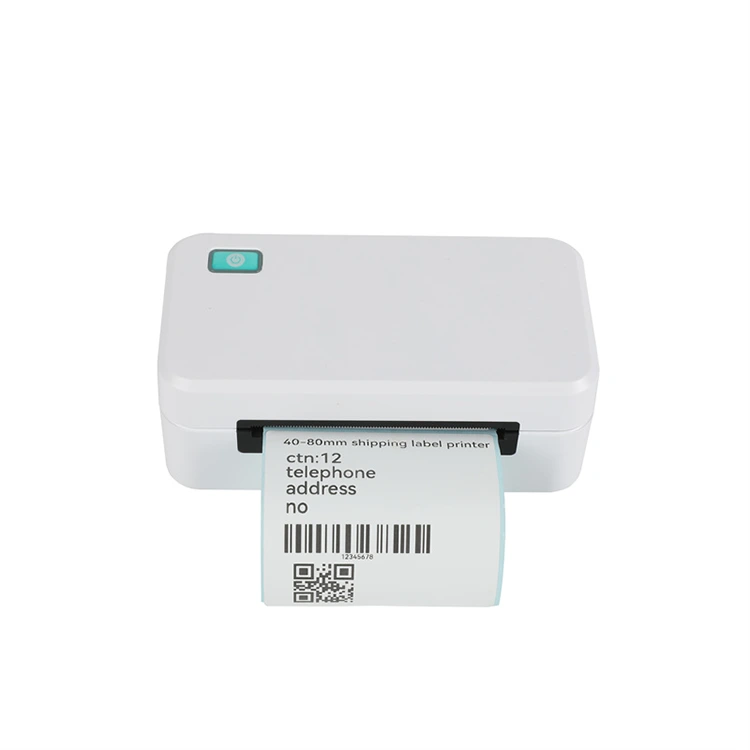
  • Logistics: Shipping labels and delivery receipts
  • Healthcare: Patient billing and appointment receipts
  • Transportation: Ticketing systems for buses and taxis

6. Important Features to Consider

Feature Description
Connectivity Wi-Fi, Bluetooth, or dual-mode support
Print Speed Measured in mm/s; higher speed improves efficiency
Resolution Ensures clarity of text and logos
Paper Width Common sizes: 58mm, 80mm
Battery Life Important for portable models
Durability Resistance to heat, dust, and drops

7. Wired vs Wireless Comparison

Feature Wired Printer Wireless Thermal Printer
Mobility Limited High
Installation Complex cabling Simple setup
Maintenance Moderate Low
Speed Fast Fast + flexible
Device Compatibility Limited Wide (mobile + POS)

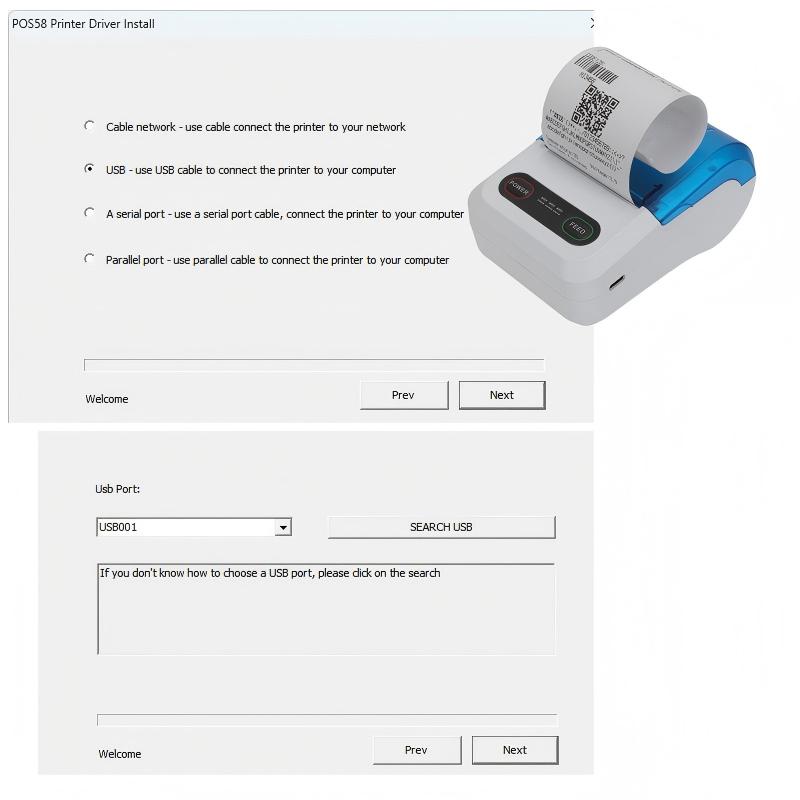
8. Setup and Installation Guide

Setting up a wireless thermal receipt printer is simple and typically involves the following steps:

  1. Unbox and load thermal paper
  2. Power on the printer
  3. Connect to Wi-Fi or Bluetooth
  4. Install driver or mobile app
  5. Test print receipt

Most modern printers support plug-and-play configuration, reducing setup time significantly.


9. Common Issues and Solutions

  • Connection failure: Restart router or re-pair device
  • Blank printing: Check thermal paper orientation
  • Slow printing: Reduce print density settings
  • Paper jams: Clean internal rollers regularly

10. Maintenance Tips

  • Clean print head regularly
  • Use high-quality thermal paper
  • Avoid overheating the device
  • Update firmware when available
  • Store in dry environments

11. Real-World Business Use Cases

In retail environments, wireless printers allow staff to move freely while serving customers. In restaurants, orders can be sent directly from tablets to kitchen printers. Logistics companies use them for instant label generation during delivery operations.

These real-world implementations demonstrate how wireless printing technology enhances workflow efficiency across industries.


12. Future Trends

The evolution of wireless thermal printing is moving toward cloud-based ecosystems and AI-integrated POS systems. Future devices may include:

  • Voice-controlled printing systems
  • Advanced cloud synchronization
  • Smart diagnostics for predictive maintenance
  • Eco-friendly low-energy printing systems

13. Buying Guide

When selecting a wireless thermal receipt printer, consider your business size, printing volume, and required mobility level. Small businesses may prioritize affordability and simplicity, while large enterprises focus on speed, durability, and integration capabilities.

A reliable supplier ensures long-term performance and technical support. One such manufacturer is Xiamen Peite Electronic Technology Co., Ltd., known for producing high-quality printing solutions tailored to modern business needs.


14. Frequently Asked Questions

Q1: Does a wireless thermal printer need ink?
No, it uses heat-sensitive paper instead of ink.

Q2: Can it connect to mobile phones?
Yes, most models support Bluetooth and mobile apps.

Q3: Is Wi-Fi printing stable?
Yes, when properly configured, it provides reliable performance.

Q4: How long does a thermal print last?
Typically 2–5 years depending on paper quality and storage conditions.

Q5: Is it suitable for small businesses?
Yes, it is widely used in small retail shops and cafés.


15. Conclusion

The Wireless Thermal Receipt Printer represents a significant advancement in business printing technology. By combining speed, mobility, and cost efficiency, it helps businesses streamline operations and improve customer satisfaction. Whether used in retail, hospitality, or logistics, this device plays a critical role in modern digital workflows.

As businesses continue to adopt smarter technologies, wireless printing solutions will remain essential in achieving operational excellence and scalability.

Xiamen Peite Electronic Technology Co., Ltd. continues to develop innovative printing solutions designed to meet the evolving needs of global industries.

If you are looking for reliable, high-performance wireless thermal receipt printers tailored to your business, contact us today to explore customized solutions and professional support.

Related News
Leave me a message
X
We use cookies to offer you a better browsing experience, analyze site traffic and personalize content. By using this site, you agree to our use of cookies. Privacy Policy
Reject Accept