News

News

How Do I Print from a Thermal Printer via Bluetooth?

2025-09-29 0 Leave me a message

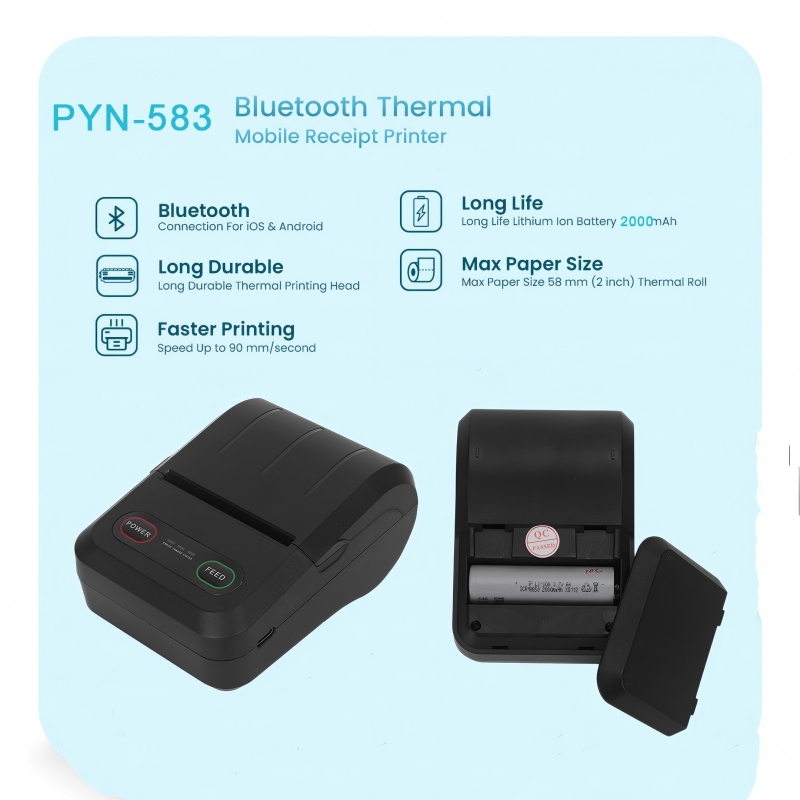
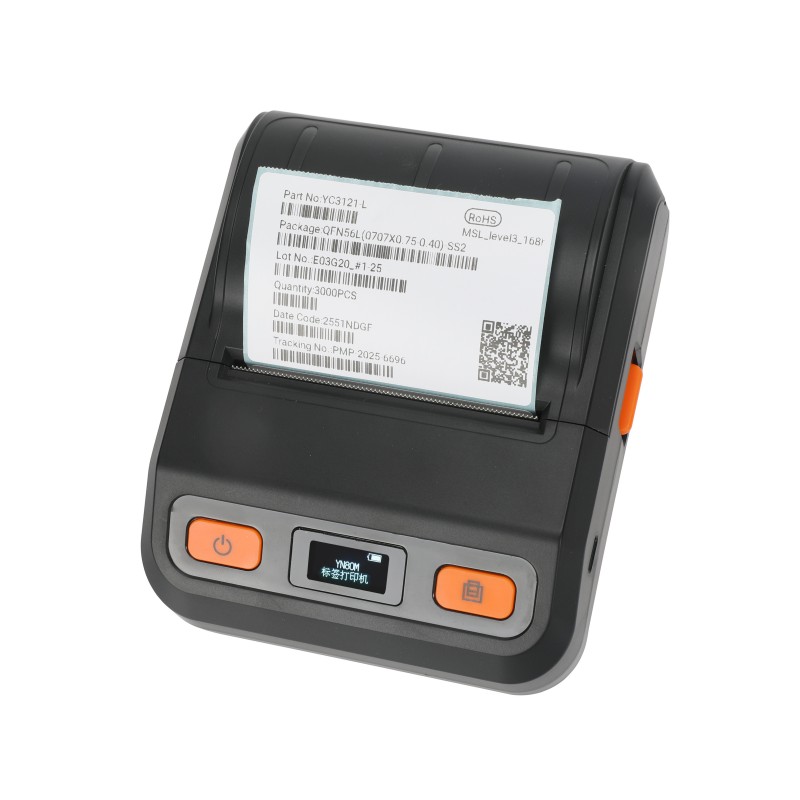
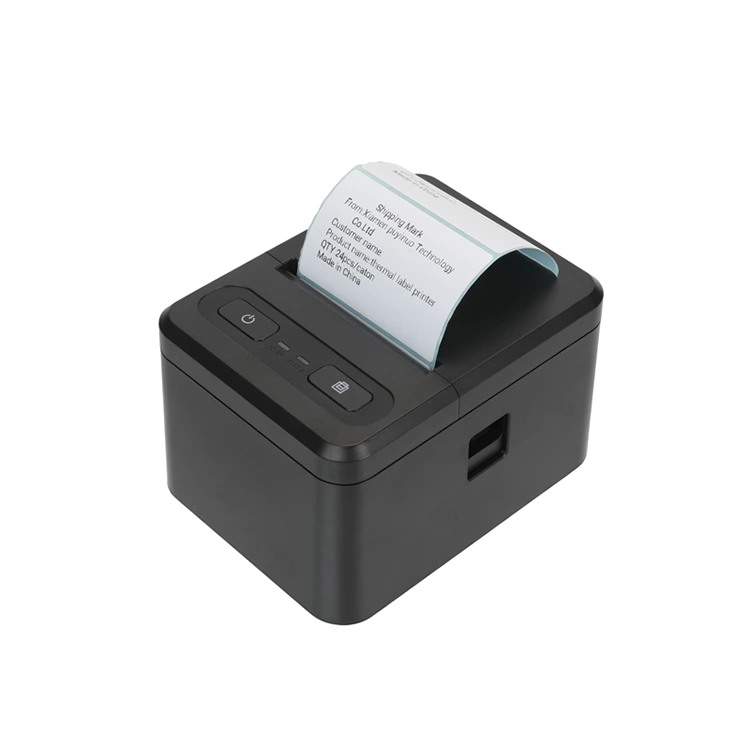
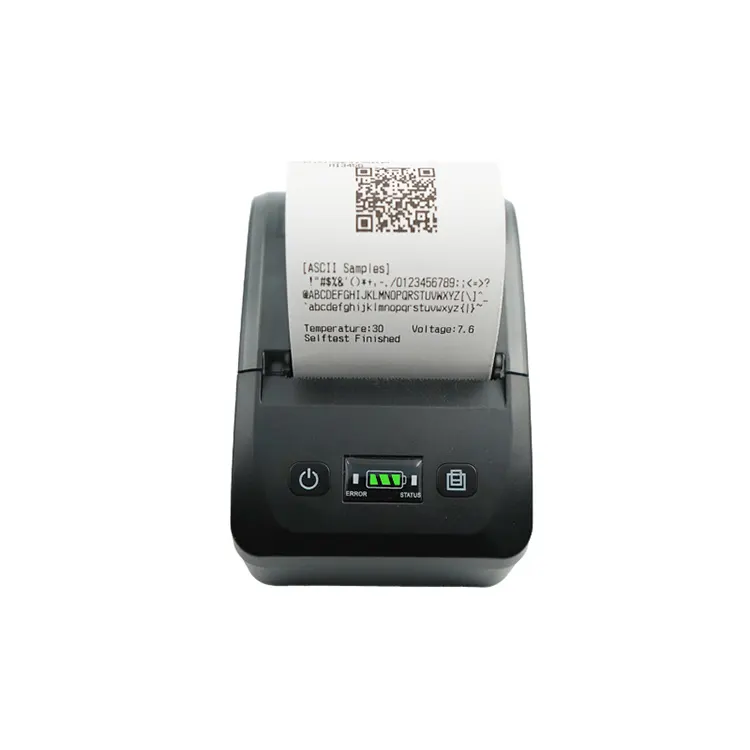
With the increasingly widespread application of thermal printers, many people are not very clear about how printers print. Generally speaking, portable thermal printers do not require ink, ribbons or other consumables. They only need to print thermal paper. Moreover, Mobile thermal printers usually have Bluetooth and USB functions, allowing them to print not only on computers but also directly via mobile phones. This time, we mainly talk about how printers print via Bluetooth? Generally, the following steps are required.


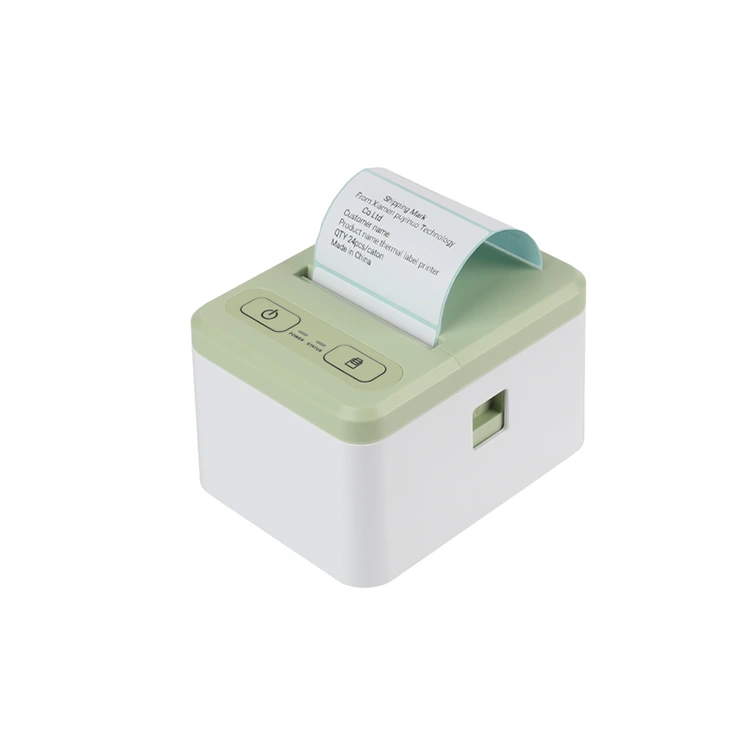
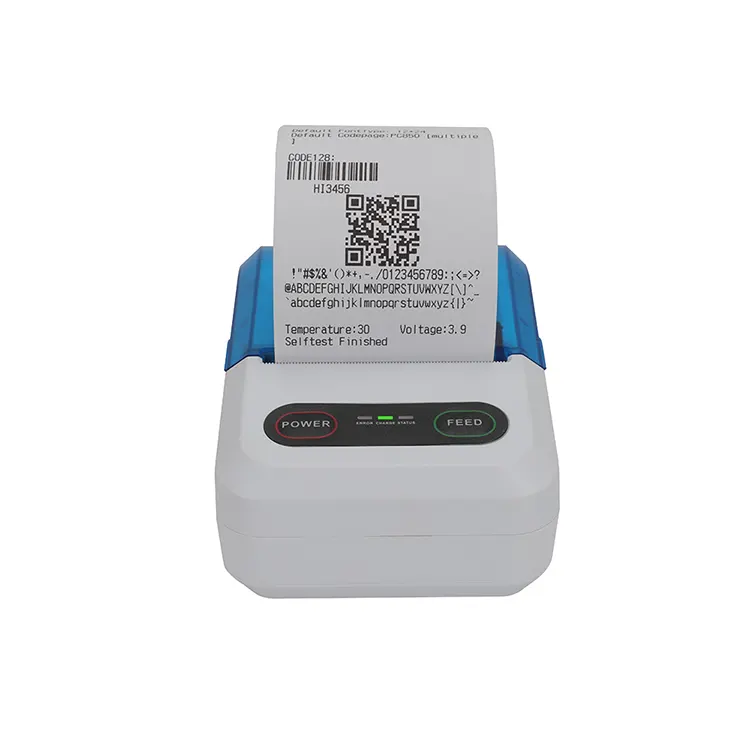
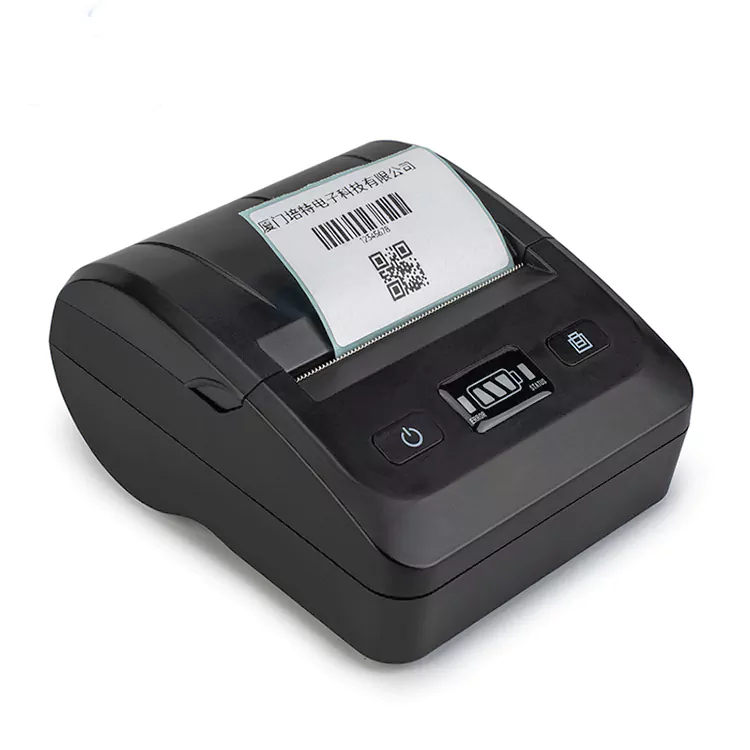
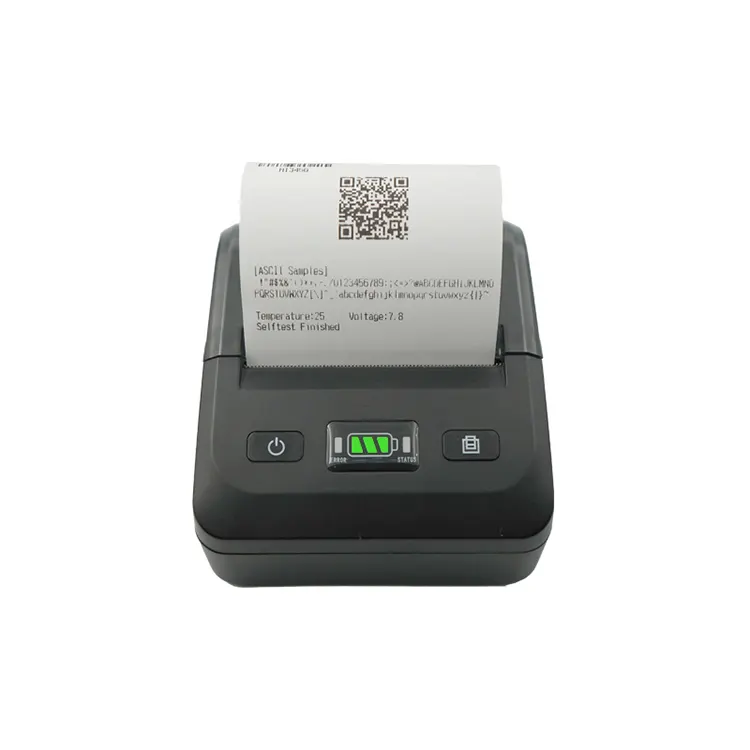
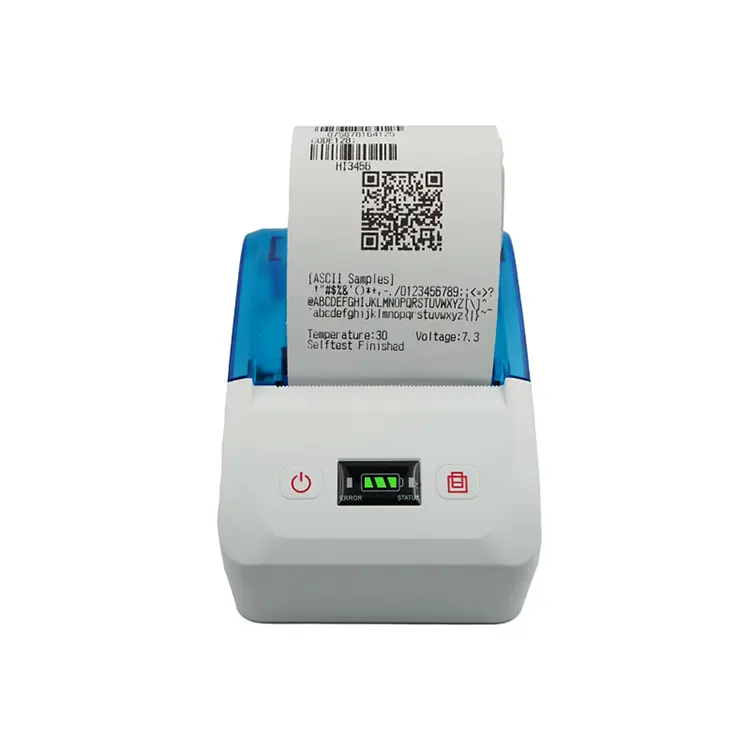
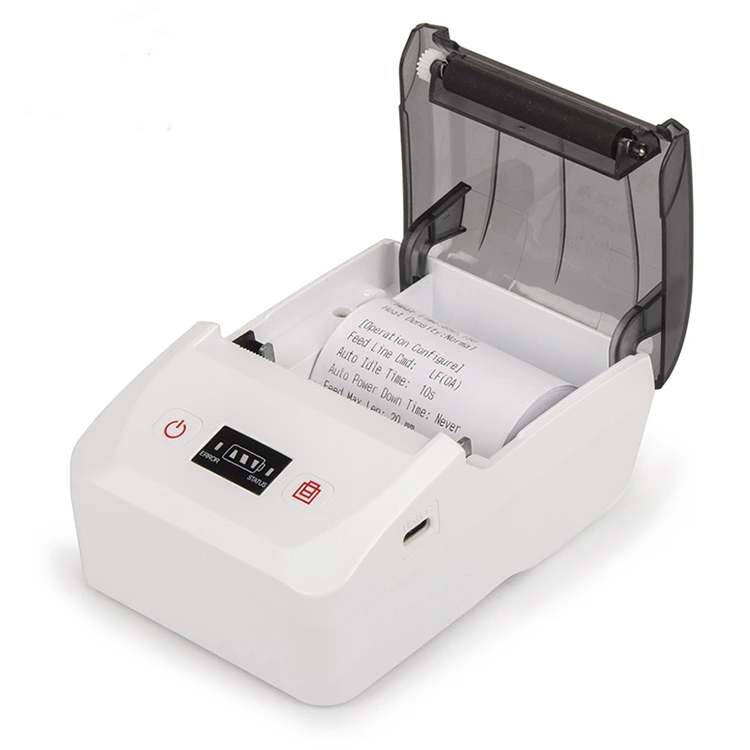
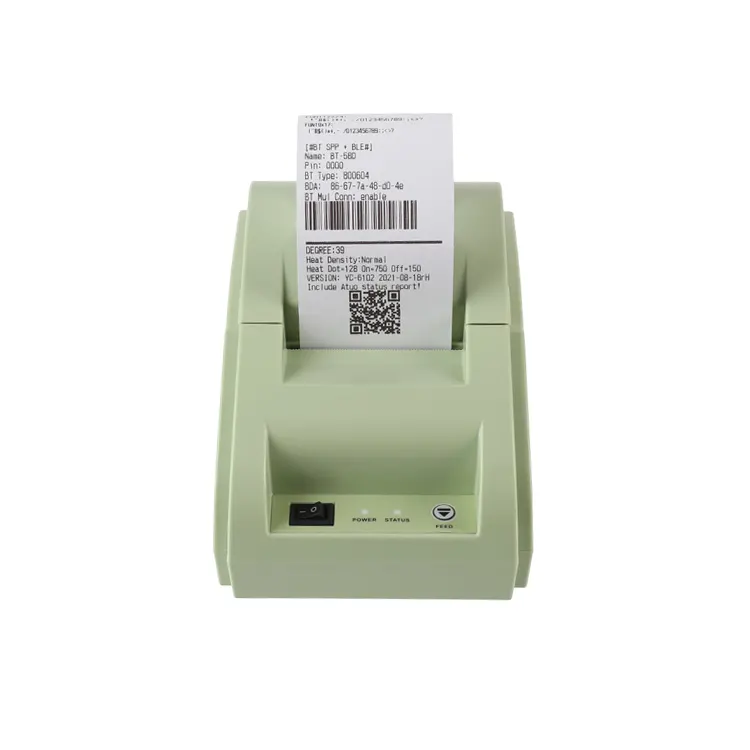
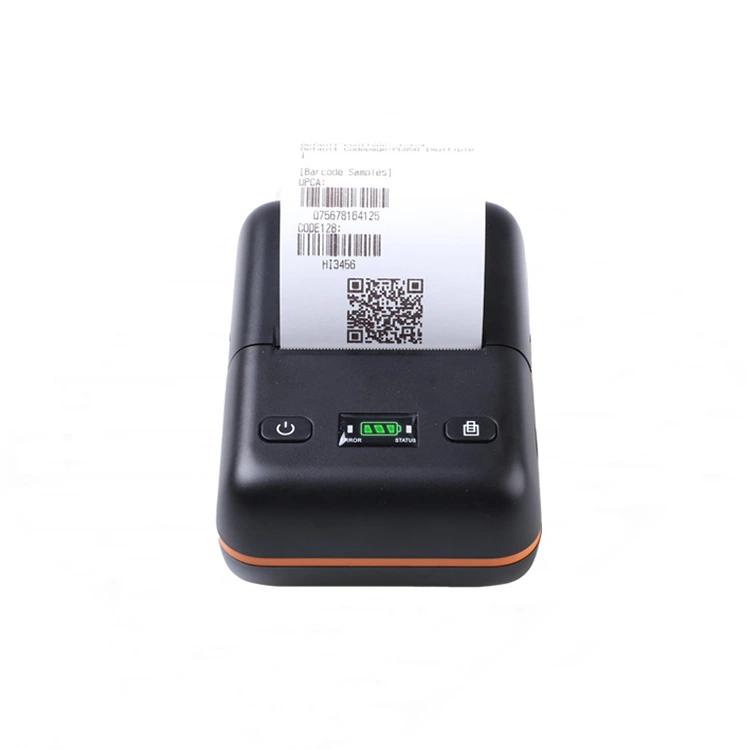
Bluetooth Thermal Receipt Printer


1. Turn on the Bluetooth function and make sure that both the Bluetooth on your device and the printer are turned on.


2. Bluetooth pairing is required. Search for available Bluetooth names on your device, select the corresponding printer Bluetooth name, enter the correct PIN code, which is usually a four-digit number, and then pair and connect.


3. Select a printer to print. After pairing, enter the print APP software on your device, edit the content, click Print and select the corresponding printer to print.


All 58mm thermal receipt printers, thermal label printers, 80mm desktop receipt printers and shipping label printers produced by Xiamen Peite have Bluetooth function. The usage is as simple as the above method. We have our own factory, warehouse and assembly line. Welcome printer sellers to contact me for cooperation.

Related News
Leave me a message
X
We use cookies to offer you a better browsing experience, analyze site traffic and personalize content. By using this site, you agree to our use of cookies. Privacy Policy
Reject Accept