News

News

How Often Should People Clean the Thermal Label Printer?

2025-09-25 0 Leave me a message

Maintaining a Thermal Label Printer is essential to ensure long-term performance and high-quality printing results. At Peite, our factory specializes in the design and production of Thermal Printers optimized for durability and efficiency. Regular cleaning prevents issues such as misaligned prints, streaks, and paper jams. Understanding the cleaning frequency and methods is crucial for businesses that rely on consistent label printing.


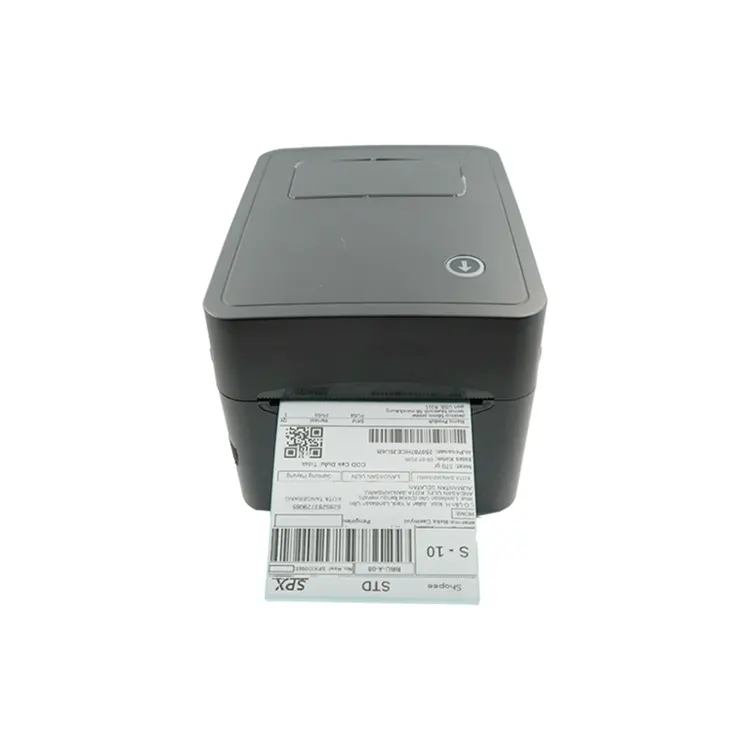
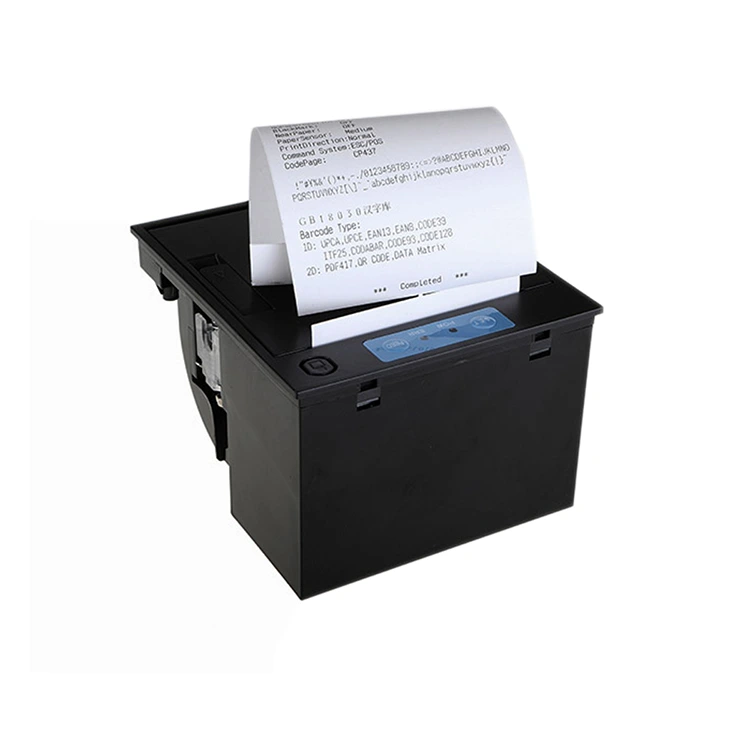
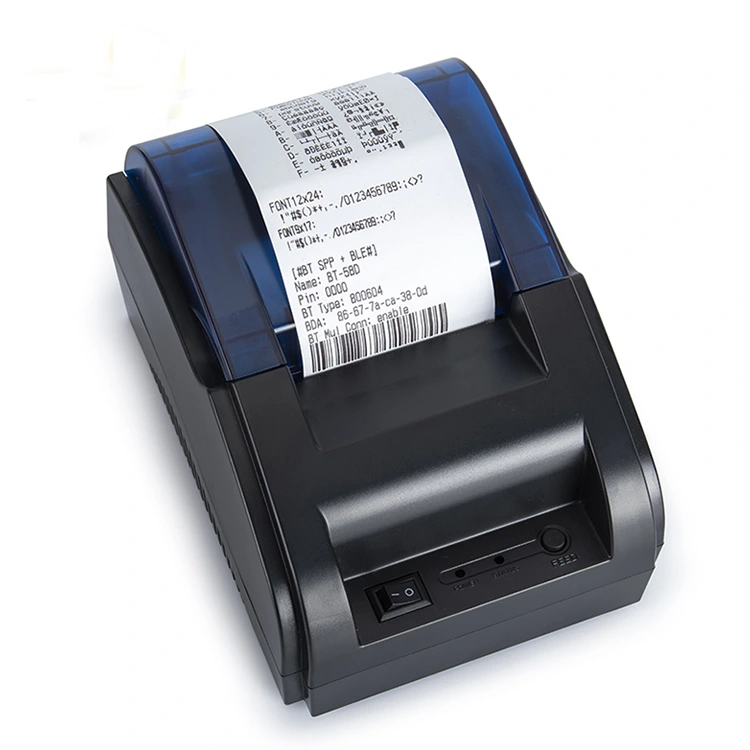
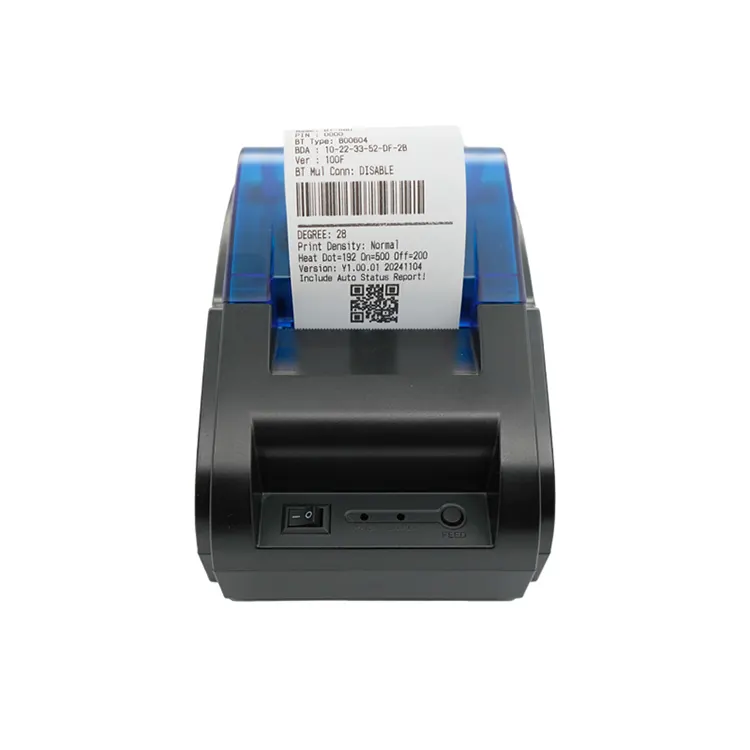
Thermal Label Printer 4x6


Importance of Cleaning Thermal Label Printers

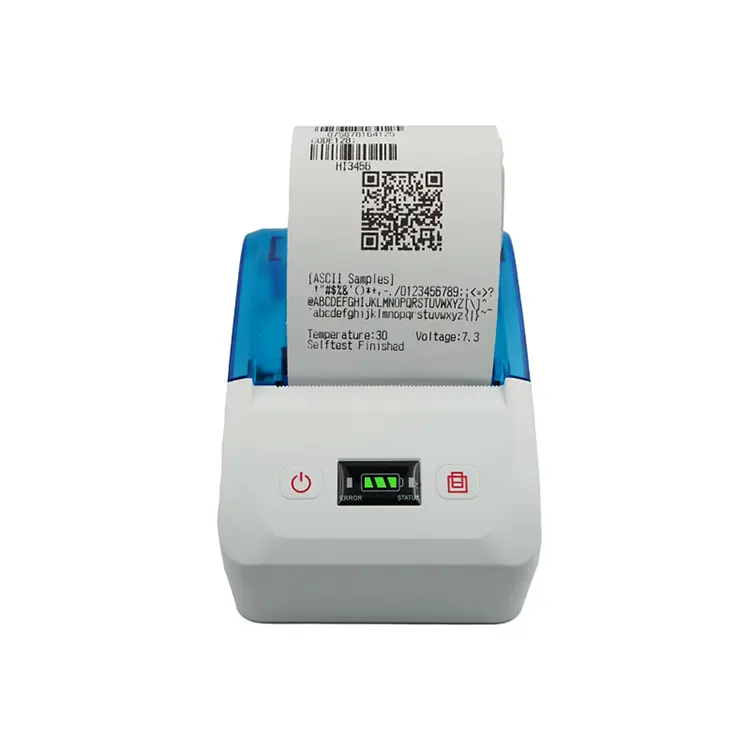
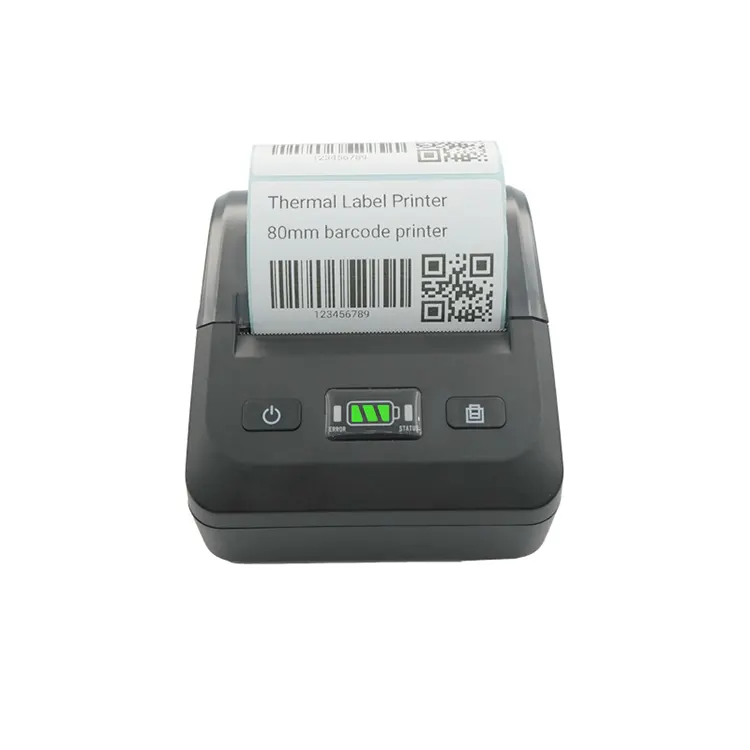
Our Thermal Label Printer works by using heat to transfer ink onto labels. Dust, adhesive residues, and paper fragments can accumulate on the print head and rollers. If not cleaned, these particles reduce print quality and may damage the printer over time. Our factory ensures that each Thermal Printer is built with easy access to critical components for routine maintenance. Peite brand products are designed to minimize downtime and extend the lifespan of the printer.


Recommended Cleaning Schedule

The frequency of cleaning a Thermal Label Printer depends on usage, label material, and environmental conditions. For moderate daily usage, we recommend cleaning the printer every week. For high-volume operations, cleaning should be done at least every three days. Our factory provides detailed guidelines for maintenance, ensuring that our Thermal Printers continue to deliver consistent and precise label output. Our factory also offers professional advice on optimal cleaning materials and procedures.


Cleaning Materials and Methods

Using the right cleaning materials is essential to avoid damaging the print head and other sensitive components. We recommend using isopropyl alcohol with lint-free cloths or specialized cleaning pens. Our factory ensures that our Thermal Label Printer is compatible with these methods. Cleaning should focus on the print head, platen roller, and sensors to maintain consistent print quality. Peite brand printers include user-friendly instructions for safe cleaning practices.


Product Specifications

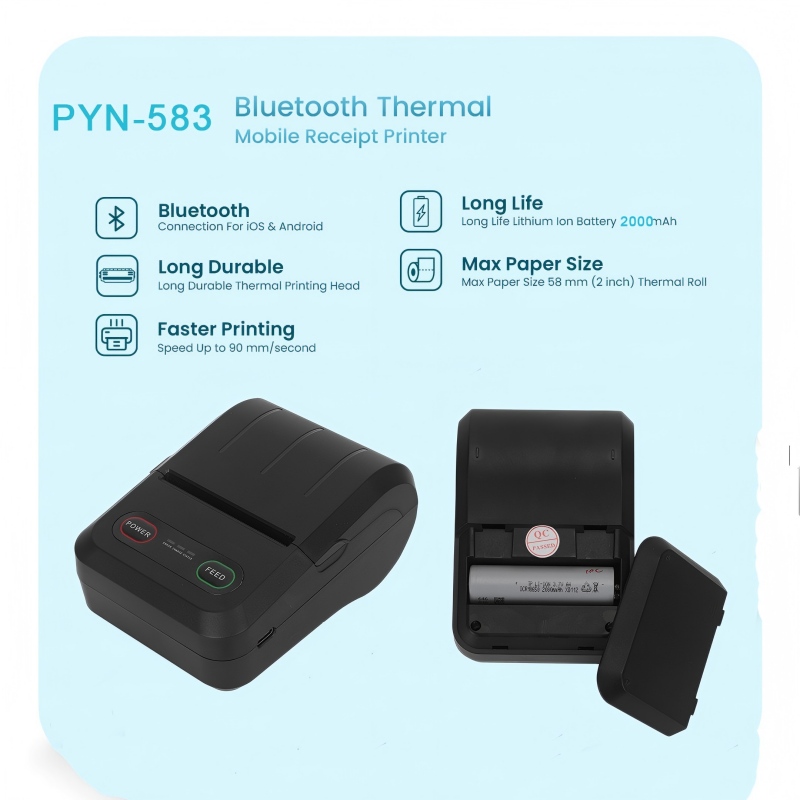
To provide a clear understanding of our Thermal Label Printer capabilities, here is a summary of key specifications. We focus on offering reliable and efficient solutions for various industries, ensuring that our printers meet professional standards.


Printing Method Direct Thermal / Thermal Transfer
Resolution 203 dpi / 300 dpi / 600 dpi options
Print Width Up to 108mm
Print Speed 50mm/s to 150mm/s
Connectivity USB, Serial, Ethernet, Bluetooth options
Label Types Supported Roll labels, continuous labels, tags
Maintenance Features Easy access print head, removable platen roller, built-in cleaning reminders
Warranty 12 months limited warranty


Signs That Indicate Cleaning Is Needed

Monitoring the printer's performance is important for timely maintenance. Common signs include faded prints, streaks, inconsistent alignment, and frequent paper jams. Our factory emphasizes proactive inspection. Peite brand Thermal Printers are designed with alerts and software indicators that notify users when cleaning is required. Our team always recommends addressing these issues immediately to prevent long-term damage.


How to Perform a Proper Cleaning

Start by turning off the Thermal Printer and unplugging it. Remove the label roll and open the printer cover. Clean the print head using an isopropyl alcohol-soaked lint-free cloth or cleaning pen. Wipe the platen roller and check the sensors for dust or adhesive residue. Our factory provides a step-by-step cleaning guide for all Peite Thermal Printers. After cleaning, run a test print to ensure proper alignment and print quality. Our factory emphasizes careful handling to maintain the printer’s precision.


FAQs on How Often Should People Clean the Thermal Label Printer?

Q1: How often should people clean the Thermal Label Printer for heavy-duty daily use?

A1: For heavy-duty operations, our factory recommends cleaning every 2 to 3 days. Frequent cleaning prevents buildup on the print head and platen roller, ensuring consistent print quality. Our Thermal Printers include easy-access components to make this process efficient and reduce downtime.

Q2: How often should people clean the Thermal Label Printer if used occasionally?

A2: If the printer is used lightly, cleaning once a week is sufficient. Our factory emphasizes checking the print head and rollers before printing batches to avoid streaks or faded labels. Our Thermal Label Printer is designed to maintain performance even with infrequent maintenance.

Q3: How often should people clean the Thermal Label Printer when printing on adhesive or specialty labels?

A3: Labels with adhesive or specialty coatings can leave residues that affect print quality. Our factory advises cleaning the printer after each roll or every two days for heavy use. The printers are designed to handle such materials, and our factory provides recommended cleaning routines to prevent buildup and maintain accurate printing.


Tips to Extend the Life of the Thermal Printer

Regular cleaning is only one aspect of printer maintenance. Our factory recommends using high-quality labels, storing the printer in a dust-free environment, and performing software updates provided by us. Peite Thermal Printers feature built-in diagnostic tools that alert users about maintenance needs. Following these practices extends the printer’s operational life and ensures that our Thermal Label Printer continues to deliver high-quality prints consistently.


Conclusion

Understanding how often to clean the Thermal Label Printer is critical for businesses relying on consistent label printing. With the support of Peite (Xiamen Peite Electronic Technology Co., Ltd.) and the reliable performance of the Thermal Printers, our factory ensures that clients receive durable and precise devices. Regular cleaning, proper handling, and using recommended materials help maintain optimal print quality and extend the service life of our Thermal Label Printer. Our factory continues to provide professional guidance, ensuring that every user achieves the best results with minimal downtime.

Related News
Leave me a message
X
We use cookies to offer you a better browsing experience, analyze site traffic and personalize content. By using this site, you agree to our use of cookies. Privacy Policy
Reject Accept